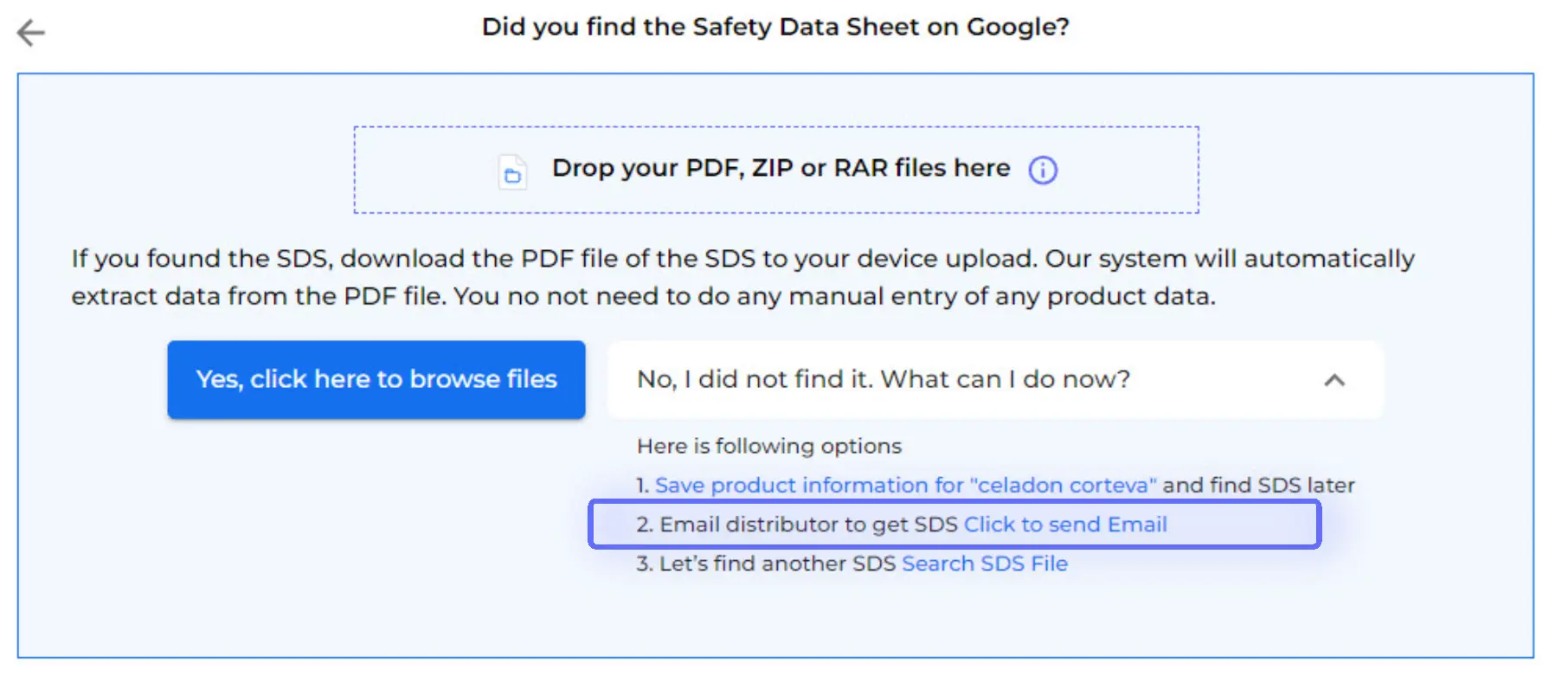
必要な安全データシートが当社のデータベースに存在しない場合、SDS ManagerのCRMのようなメールシステムを使用して、ベンダーに直接リクエストできます。

無料で試す
request SDS from vendor hero image

製品ベンダーにメールを送る

製品のSDSをリクエストするために製品ベンダーにメールを送る1クリックオプション。

ベンダーの応答

ベンダーがSDSリクエストに応答すると通知されます。

SDSファイルは自動的に追加されます

ベンダーから受け取ったSDSは自動的にライブラリへ追加されます。

How to request a 安全データシート from your product vendor

1.
Before you send an email request to your product vendor,
you should first search for the product in 安全データシート Manager database and use our integrated Google 安全データシート Search.
2.
After Google 安全データシート Search has been tried, the option to Email your vendor is available
3.
Just enter your vendor's email

The email template is pre-prepared for you, with the option to customize before sending. Emails are dispatched via 安全データシート Manager's mail system.

An 安全データシート Request will be stored in your library as a placeholder until you receive the 安全データシート from your vendor.

4.
You will be notified when your vendor has responded.
5.
Upon accessing your vendor's message,
you'll find data extracted from the attached 安全データシート, along with the option to incorporate the received 安全データシート into your library.
6.
Before integrating the received 安全データシート into your library,
you'll be able to compare the extracted information with the initially searched product details.
7.
If your vendor is not responding to your request for 安全データシート,
you can request assistance from our 安全データシート sourcing team.

ご質問がありますか?

安全データシートは継続的に発行されているため、データベースに追加されるまでに時間差が生じます。新しい製品を購入した場合、その安全データシートも当社にとって新しい可能性があります。その安全データシートをライブラリに追加することで、すべてのお客様が利用できるようになります。

はい、可能です。古い安全データシートを新しいものに置き換え、データベースにまだ存在しない更新についてベンダーへのメールを作成できます。

はい、可能ですが、その場合、返信はSDS Managerアカウントに自動的には取り込まれません。

準備はできましたか?

専門家の一人とデモをスケジュールし、安全データシートを比類のない方法で管理しましょう
無料トライアルを開始または
30日間無料トライアル。クレジットカードは必要ありません。