For multi-site Australian teams, SDS Manager is the best SDS management software in 2027. It flags newer supplier SDSs automatically, and workers open any sheet by scanning a QR code poster, with no app or password.
The best SDS management software for Australian workplaces keeps a current SDS for every chemical on your register and gets it to workers in seconds.
With many tools on the market, SDS management software is easiest to compare on one test: how a supplier's revised SDS reaches your library.
We've listed the top SDS platforms for Australian workplaces in 2027 based on features such as automation, SDS database size, ease of setup, mobile/offline access, regulatory tools and value for money.
Whether you're switching systems or scaling your safety processes, the shortlist of safety data sheet software includes ChemAlert, which is built in Western Australia.
In this article, you'll see how 10 platforms compare on automation, worker access and price. You'll also see what the model work health and safety (WHS) Regulations expect from your SDS records.
Key Takeaways
- SDS Manager is the best SDS management software for multi-site Australian teams, based on automatic supplier SDS alerts, QR access with no login and a free plan for up to 200 SDSs.
- ChemAlert, built in Western Australia, validates manufacturer SDSs with an in-house scientific team.
- Five of the 10 vendors publish no prices and quote on request. Of the four competitors that do publish prices, only MSDS Source names the currency (US dollars).
- Under the model WHS Regulations, a hazardous chemicals register must include the current SDS for each chemical listed.
- Manufacturers and importers of hazardous chemicals in Australia must check each SDS at least every 5 years.
- From 1 December 2026, workplace exposure limits (WELs) replace the workplace exposure standards, so Section 8 of many SDSs will change.
- Victoria has not adopted the model WHS laws, so Victorian workplaces follow their own, broadly similar, occupational health and safety (OHS) laws.
| Platform | Best for | Free plan or trial | Starting price (as published) |
|---|---|---|---|
| SDS Manager | Multi-site teams that want supplier SDS updates flagged automatically | Free plan (up to 200 SDSs) and 30-day free trial | $28 AUD a month, billed annually (Basic; $336 AUD a year for up to 100 SDSs) |
| Chemwatch | Teams that need a very large SDS and regulatory data set | Free trial (length not stated) | Not published; quote on request |
| ChemAlert | Teams that want manufacturer SDSs checked by scientists | None published; demo on request | Not published; quote on request |
| EcoOnline | SDS management inside a wider EHS suite | None published; demo on request | Not published; quote on request |
| MSDS Source | Self-managed libraries with every employee included | None published | $1,299 USD a year, billed annually (Red Level) |
| ChemicalSafety | Teams that want Globally Harmonized System (GHS) labels included in the plan | None published | $69 a month or $699 a year (SDS Basic, up to 1,000 SDSs); currency not stated |
| CloudSDS | Cloud-based libraries with drag-and-drop label design | None published; demo on request | Not published; quote on request |
| SDS BinderWorks | Teams that still want printed binders alongside a digital library | None published; demo on request | From $784 a year (SDSessential, up to 200 SDSs); currency not stated |
| Data Sheet Solutions | Libraries priced by the number of chemicals | None published; interactive demo | From $359.88 a year (SDS Toolbox, up to 500 chemicals); currency not stated |
| TotalSDS | Teams that also author SDSs in many languages | None published; demo on request | Not published; quote on request |
Prices are as published on each vendor's website, checked on 9 November 2026; SDS Manager's prices exclude GST. "Not published" means the vendor quotes on request. Where a pricing page shows "$" without naming a currency, the table says so instead of guessing.
1. SDS Manager
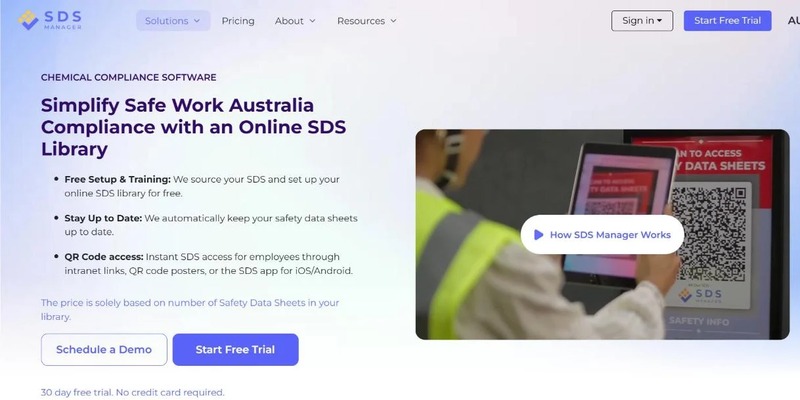
For teams that manage chemicals across several sites or states, SDS Manager is the strongest fit, because one library covers every site and newer supplier SDSs are flagged automatically. It suits organisations of every size, from one site on the free plan to enterprises with several business units.
SDS Manager automates building and maintaining your SDS library, which supports the register duties set out by Safe Work Australia.
When a supplier publishes a newer SDS, SDS Manager finds it and shows you what changed. You approve the update, and the old version is archived.
Teams that make or import chemicals can also author their own SDSs in ExactSDS, SDS Manager's SDS authoring software.
Key Features:
- Setup/onboarding process: Free SDS Sourcing and library setup
- Database size: 30 million+ safety data sheets
- Employee Access: Access via QR code poster (no app or password needed), Intranet link or SDS App
- SDS Revisions: Supplier monitoring alerts you when a newer SDS is found, with a side-by-side view of what changed
- Version control: Every replaced SDS is archived with its revision date, who replaced it and when
- Secondary Container Label: Automatically Generated
- Risk assessments: Chemical risk assessments and a chemical usage log built in
- Offline access: Available through electronic SDS binders
- Security: Single sign-on, two-factor authentication, API, and ISO 9001, 27001, 27017 and 27018 certification
- Training: Free Training (user-friendly interface requires no training)
- Price: Transparent pricing: free plan for up to 200 SDSs; Basic from AUD 28 a month, billed annually
Import your existing SDSs and start a 30-day free trial, no credit card needed
2. Chemwatch
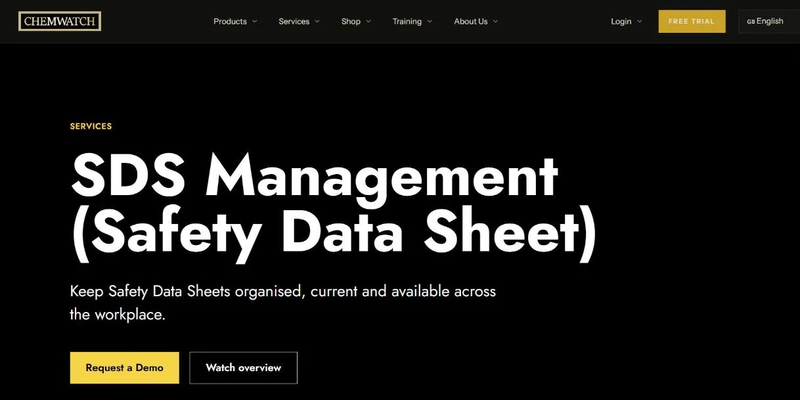
Chemwatch competes on data scale. It describes its database as holding over 150 million vendor SDSs, updated daily, and says its chemists author more than 4,000 new SDSs a month.
Key Features:
- Setup/onboarding process: Free chemicals management trial
- Database size: Over 150 million vendor SDSs, updated daily (Chemwatch's figure)
- Employee Access: Mobile applications, including rapid inventory auditing
- SDS Revisions: AI tools find SDSs and track changes; an SDS and registration team collects updates from manufacturers
- Label Generation Process: Secondary labels, risk assessments and standard operating procedures (SOPs) generated from up to 60 data points extracted from each SDS
- Regulatory tools: Chemicals regulatory database organised by market; GoSDS for authoring an SDS
- Price: Not published on the vendor website; request a quote
- Training: Chemical safety courses available
3. ChemAlert
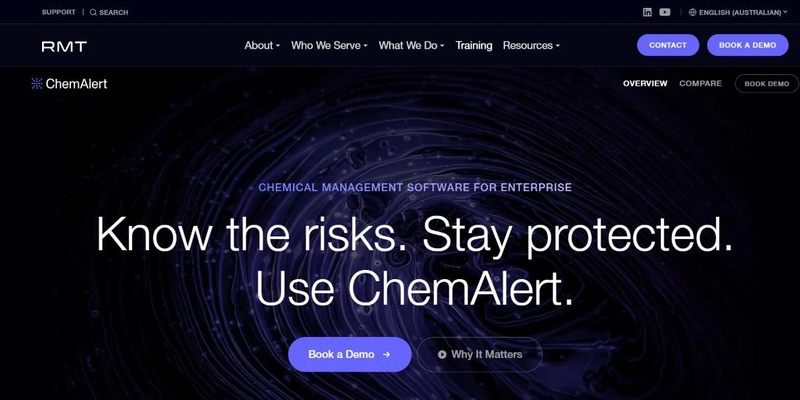
For teams that want each manufacturer SDS checked by scientists, ChemAlert is the closest fit. It is built in Australia by RMT, a company based in West Perth, Western Australia, and its in-house scientific team validates the SDSs in its library.
Key Features:
- Setup/onboarding process: Migration of existing data handled by RMT during setup
- Database size: Original manufacturer SDSs validated by in-house scientists, plus ChemAlert's own research reports
- Employee Access: iOS and Android app with barcode scanning
- Registers and reports: Automatic stock registers and reports on hazardous and dangerous goods
- Risk assessments: Chemical risk assessments built into the platform
- Price: Not published on the vendor website; request a quote
- Training: Unlimited scientific and technical support from RMT's team
4. EcoOnline
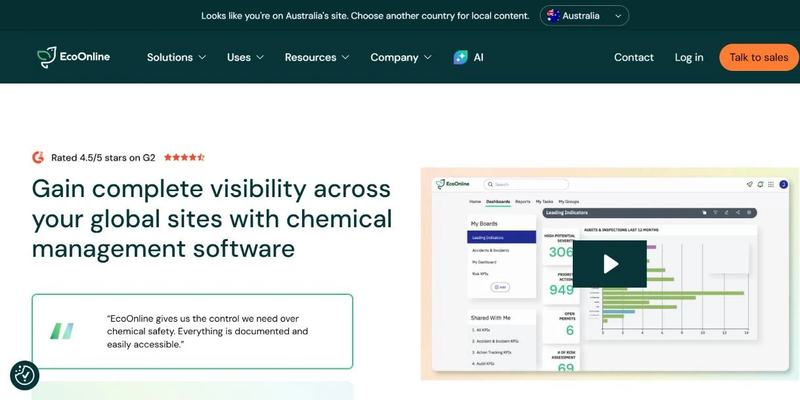
EcoOnline offers SDS management as part of its chemical safety platform. It provides a subscription-based service, with additional modules available across its broader environment, health and safety (EHS) suite. It has an Australian website with local content.
Key Features:
- Setup/onboarding process: Assisted library setup
- Database size: Customisable managed SDS library
- Employee Access: QR codes via Safety Protection Sheets for employee access
- SDS Revisions: Automatically updated; manufacturers contacted for revisions
- Secondary Container Label: GHS labelling tools available within the chemical management suite
- Offline access: Online access and downloadable PDF
- Price: Custom pricing
- Training: Onboarding and support provided
5. MSDS Source
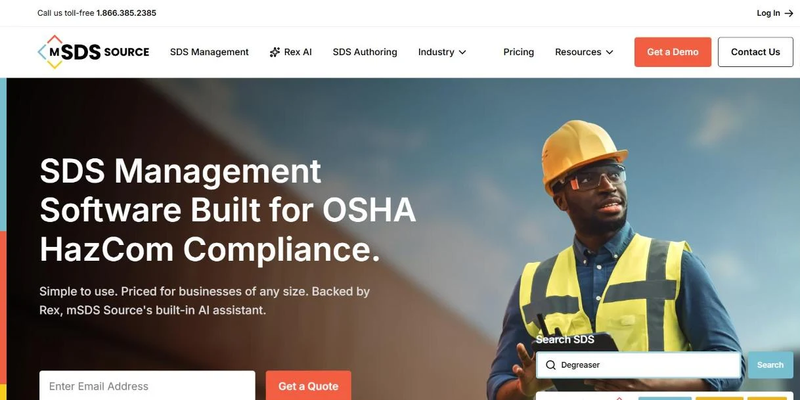
MSDS Source focuses on providing access to a vast database of SDS documents. Its self-managed plan includes every employee, with no per-seat pricing.
Key Features:
- Setup/onboarding process: Assisted SDS library setup (fee not published)
- Database size: Access to an industry-wide SDS database
- Employee Access: Scannable QR codes for employee access
- SDS Revisions: Automatic SDS updates on Gold Level (fully managed)
- Label Generation Process: Requires a paid subscription to access the GHS secondary container labelling tool
- Offline access: Available
- Price: Red Level (self-managed) $1,299 USD a year, billed annually; Gold Level (fully managed) custom pricing
- Training: Not stated by the vendor
6. ChemicalSafety
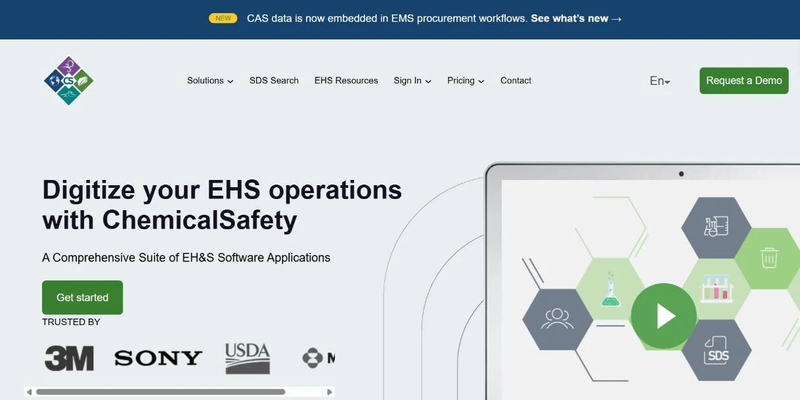
ChemicalSafety gives you a straightforward way to stay organised and meet safety rules. Their platform is easy to tailor, which makes it a good choice for companies that have unique safety requirements.
Key Features:
- Setup/onboarding process: Free assisted setup
- Database size: Not published on the vendor website
- Employee Access: Scannable QR codes for employee access
- SDS Revisions: Automatically updated
- Label Generation Process: GHS labels included from the Standard plan; not included in SDS Basic
- Offline access: Available
- Price: SDS Basic $699 a year (up to 1,000 SDSs); Standard $999 a year (2,500 SDSs, labels included); Plus $1,499 a year (5,000 SDSs); currency not stated
- Training: Not stated by the vendor
7. CloudSDS
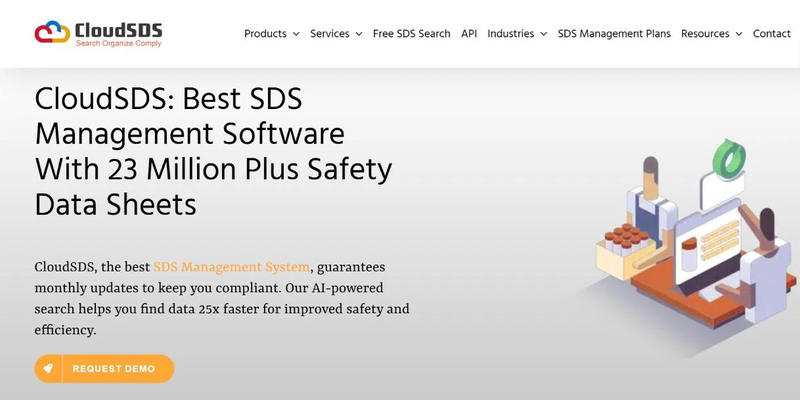
CloudSDS is a cloud-based solution for SDS management, prioritising flexibility and ease of access. It is sold as a subscription.
Key Features:
- Setup/onboarding process: Free assisted setup
- Database size: Not published on the vendor website
- Employee Access: Scannable QR codes for employee access
- SDS Revisions: Automatically updates new SDS revisions upon approval
- Label Generation Process: Typing is required; drag and drop elements to design your label
- Offline access: Available
- Price: Not published on the vendor's pricing page; request a quote
- Training: Not stated by the vendor
8. SDS BinderWorks
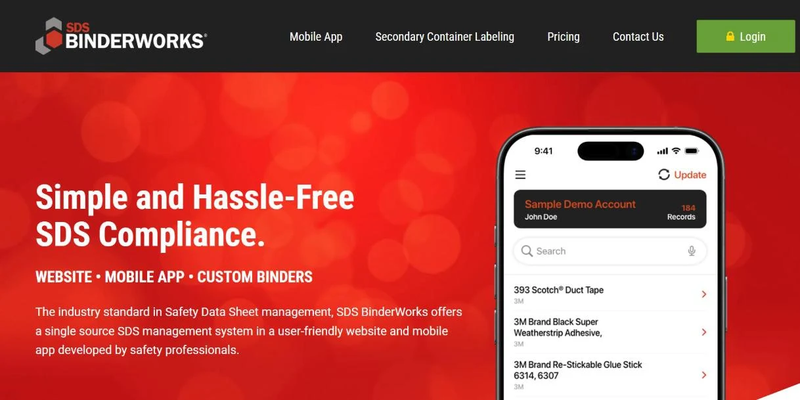
SDS BinderWorks focuses on providing an efficient and centralised repository for SDS documents. Employees reach SDSs on its website, in its mobile app or in custom printed binders, and the company is based in Iowa in the US. Their pricing model is based on the total SDS count, which could be appealing to companies with a fixed volume of documents.
Key Features:
- Setup/onboarding process: Free assisted setup
- Database size: Not published on the vendor website
- Employee Access: Scannable QR codes for employee access
- SDS Revisions: Automatically updates new SDS revisions upon approval
- Label Generation Process: Typing is required; drag and drop elements to design your container label (included from SDSprime, not in SDSessential); no US National Fire Protection Association (NFPA) label generation tool
- Offline access: Available.
- Price: SDSessential from $784 a year (up to 200 SDSs); SDSprime from $2,117 a year (500 SDSs); SDSprime plus from $3,834 a year (1,000 SDSs); currency not stated
- Training: Not stated by the vendor
9. Data Sheet Solutions
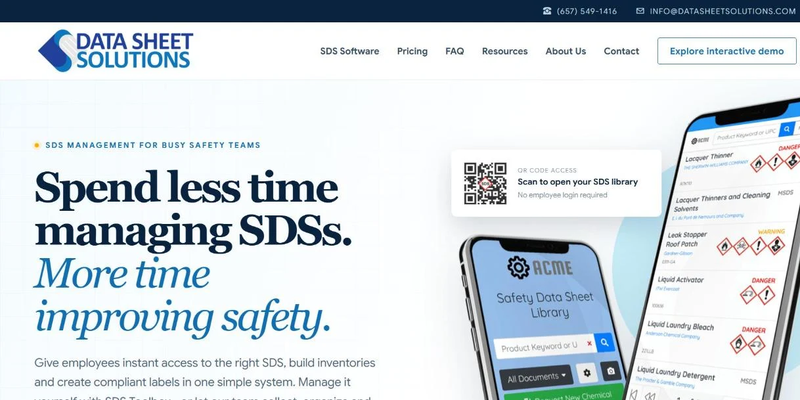
Data Sheet Solutions offers SDS library management priced by the number of chemicals in your library.
Key Features:
- Setup/onboarding process: Build the library yourself on SDS Toolbox, or choose SDS Autopilot, where the vendor's team locates and indexes every SDS
- Database size: Not published on the vendor website
- Employee Access: Scannable QR codes for employee access
- SDS Revisions: Automatically updated
- Label Generation Process: One-click secondary container labels included
- Offline access: Available on paid subscription
- Price: SDS Toolbox (self-managed) from $359.88 a year (up to 500 chemicals) to $2,399.88 a year (over 2,500 chemicals); SDS Autopilot (fully managed) $4.00 to $6.50 per SDS a year; currency not stated
- Training: Not stated by the vendor
10. TotalSDS
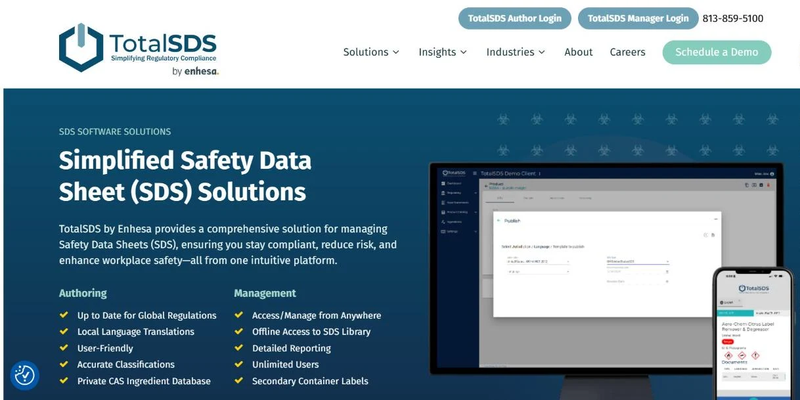
TotalSDS offers subscription-based SDS library services with a focus on data accuracy and centralised access. Their system supports import/export features and SDS auto-updates. TotalSDS reports more than 3,000 customers and support for over 75 languages.
Key Features:
- Setup/onboarding process: Free assisted setup
- Database size: Not published on the vendor website
- Employee Access: Scannable QR codes for employee access
- SDS Revisions: Automatically updated
- Label Generation Process: Paid subscription needed to access the label generator tool.
- Offline access: Available on paid subscription
- Price: Not published on the vendor website; request a quote
- Training: Not stated by the vendor
What Do Australian WHS Rules Require From Your SDS Records?
Australian WHS rules require you to keep the current SDS for every hazardous chemical where workers and emergency services can reach it. Five points from the model WHS Regulations shape what your SDS software has to support, and they form part of the wider SDS requirements in Australia.
- Keep a hazardous chemicals register with the current SDS for each chemical listed. Workers and emergency services must be able to use it at any time.
- Make each SDS easy to access for workers who use, handle or store the chemical, emergency service workers and anyone else who may be exposed.
- Get the new SDS the first time your supplier delivers the chemical after a change, because the supplier is responsible for providing it.
- Expect manufacturers and importers to check each SDS at least every 5 years, a cycle explained in how often SDSs should be updated in Australia.
- Plan for workplace exposure limits (WELs), which replace the workplace exposure standards on 1 December 2026, so Section 8 of many SDSs will change.
Victoria is the only jurisdiction that has not adopted the model WHS laws. Its occupational health and safety (OHS) laws are broadly similar, but check WorkSafe Victoria for local requirements.
Track Supplier SDS Updates on Your Register
No chemical goes on your register without its current SDS, and every worker can open that SDS without asking anyone.
Supplier revisions arrive with the next delivery or by email, so a paper binder or a folder of PDFs falls behind without anyone noticing. If you still use paper, compare binders and digital SDS systems before you choose a platform.
Pick five chemicals from your register today and compare each SDS revision date with the version on the supplier's website.
SDS Manager checks supplier websites for newer versions of the SDSs in your library and puts the current version behind a QR code poster your workers can scan.
Start tracking supplier SDS updates for free
Frequently Asked Questions
How Much Does SDS Management Software Cost in Australia?
SDS management software in Australia ranges from free to several thousand dollars a year, and the price depends mostly on how many SDSs you manage. SDS Manager has a free plan for up to 200 SDSs, and its Basic plan starts at AUD 28 a month, billed annually. Published competitor prices start at $359.88 a year and reach $3,834 a year for 1,000 SDSs, though only MSDS Source names its currency. Five of the 10 vendors only quote on request.
Is There Free SDS Management Software in Australia?
Yes, free SDS management software is available in Australia: SDS Manager has a free plan for up to 200 SDSs. Larger libraries move to paid plans, starting with Basic at AUD 28 a month, billed annually.
Who Must Keep SDSs in Australia?
In Australia, a person conducting a business or undertaking (PCBU) with hazardous chemicals at the workplace must keep a copy of the SDS for each hazardous chemical in its hazardous chemicals register. Exceptions include chemicals in transit and consumer products used in household quantities, according to Safe Work Australia.
What Should You Ask in an SDS Software Demo?
In an SDS software demo, ask the vendor to show how a supplier's revised SDS reaches your register and how a worker opens an SDS without a login. Ask for next year's price too, because several vendors only quote on request.

Samiha Fairooz Audrika

Samiha is a workplace safety expert and writer at SDS Manager. She translates complex safety standards into clear, practical guidance rooted in real-world challenges and industry insight. Her work helps businesses strengthen compliance, protect workers, and make safer decisions with confidence.