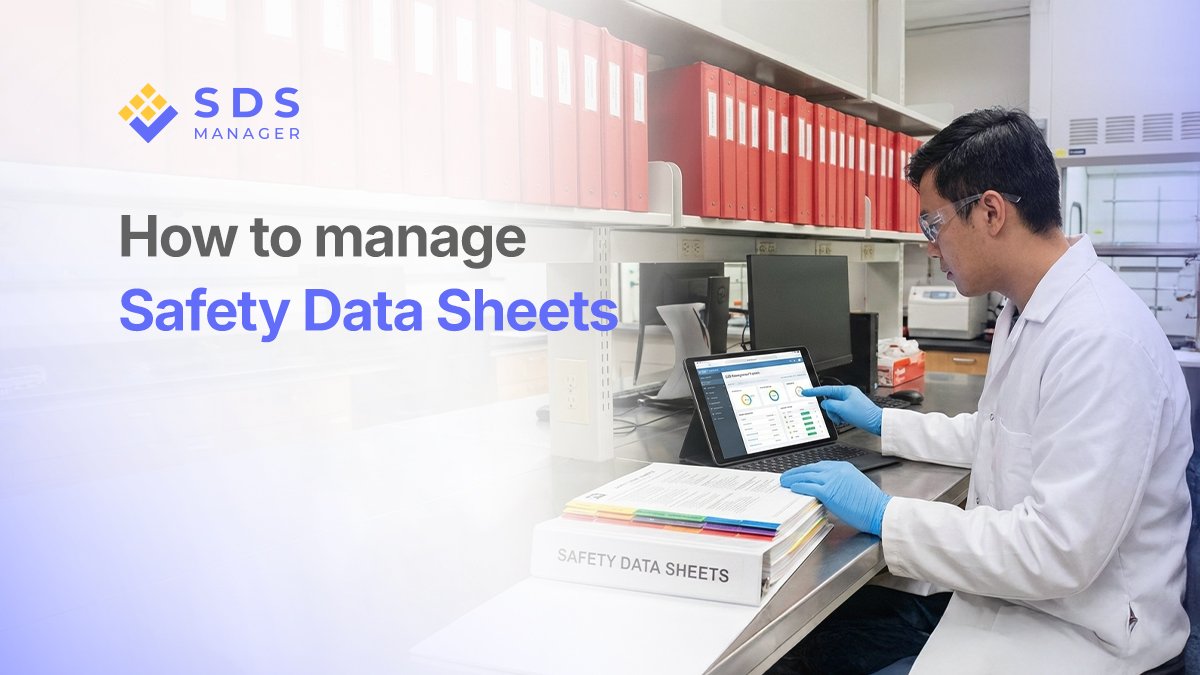
Managing chemicals safely is a huge responsibility. Whether you are running a cleaning business, a manufacturing plant, or a school lab, keeping track of your Safety Data Sheets (SDSs) is not just paperwork. It is about keeping people safe.
What is a Safety Data Sheet
An SDS is a document that lists the hazards, handling instructions, and emergency steps for specific chemicals. But simply having them is not enough; you need a system to organize, update, and share them.
Without a plan, you will face major issues:
- The "Seconds Count" Problem: In an emergency, like a chemical splash, you cannot afford to waste time digging through messy files.
- Outdated Info: Using old safety advice can be dangerous or illegal.
- Regulatory Fines: Inspectors can issue heavy fines if your sheets are missing or hard to find.
This guide breaks down how to manage your Safety Data Sheets effectively to keep your workplace compliant and your team informed.
Step 1: Inventory Walkthrough
Before you can organize your sheets, you must know exactly what is on your shelves. This is more than just a quick look; it is a systematic cleanup of your entire inventory.
Remove the "Clutter": Research shows that about 5% of most collections are actually duplicates. Identify these and merge them into one single, correct file to make your library easier to navigate.
The 7-Year Rule: Check the dates on every document. If a sheet is older than 7 years, it is likely outdated and needs to be replaced with a fresh version from the supplier.
Archive, Don't Delete: When you find an old or replaced sheet, do not just throw it away. You must archive it. This ensures you have a permanent record of what was used in the past for safety and legal reasons.
Step 2: Keep Your Sheets Updated
Chemical information changes as suppliers learn new things. Suppliers must update their SDSs within 90 days of finding significant new info, but they are not forced to tell you.
- Be Proactive: Do not wait for them; ask your suppliers for updates at least once a year.
- Prioritize: Start with the chemicals you use most often. Research shows that only about 17% of sheets usually need replacing during a review, so focusing on your main products saves time.
- Check the Date: Ensure preparation dates are post-June 2015 to meet modern GHS standards.
Step 3: Pick the Best Way to Store Them
Workers must be able to find an SDS in seconds during an emergency. Choosing the right storage method is key to making that happen. Depending on the size of your team and the chemicals you use, you generally have three main ways to store your sheets:
Traditional Paper Binders
These are printed sheets kept in a bright yellow or red binder, usually placed in a central area like a breakroom or near an eyewash station.
- Pros: They are reliable. They work even if the power goes out, the internet is down, or a computer crashes. They provide a physical backup that anyone can grab without needing a device.
- Cons: They are difficult to maintain. Every time a sheet is updated, you have to print it and swap it out manually. Over time, binders can get dirty, pages can go missing, and the collection can become so thick that it is impossible to find a specific sheet quickly during a crisis.
E-Binders (Digital Folders)
This is a collection of PDF files saved on a company computer, a tablet, or a shared drive like Google Drive or a company intranet.
- Pros: They do not take up any physical shelf space. They are also much faster to search through using the "Ctrl+F" function to find specific keywords, chemical names, or hazard symbols.
- Cons: They rely entirely on technology. If your Wi-Fi is spotty, your server goes down, or a device runs out of battery, your team loses access to life-saving information. Furthermore, simply saving a PDF does not tell you if that document has been replaced by a newer version.
Digital Management Systems
Digital management systems have revolutionized workplace safety by transforming a static pile of papers into a dynamic, life-saving tool. Most modern companies are moving away from manual binders because the old way simply cannot keep up with the fast-paced nature of chemical regulations and supply chain changes.
Pros:
- Always Accessible and Searchable: Access SDS from any device, anywhere: lab, site, or home office. No more hunting through files in emergencies; instant search finds info fast.
- Automatic Updates for Compliance: Changes to regulations or supplier data updates everywhere at once. Everyone sees the latest version, cutting errors from outdated sheets.
- Cuts Risks and Boosts Safety: Quick access in spills or exposures prevents accidents. Track inventory and plan responses proactively for fewer incidents.
- Easier Audits and Reporting: Pull reports or run audits in seconds. Prove compliance to regulators with clean, traceable data trails
Cons:
- Subscription Cost: Unlike a physical binder, there is an ongoing cost for the software. However, this is usually offset by the hours of labor saved on manual updates.
- Technology Dependence: Access requires a device and a connection, though top-tier systems offer offline caching to ensure data is available even without Wi-Fi.
The Shift to Digital Management
For businesses that want the most reliable cloud-based solution, SDS Manager is the top choice. It removes the stress of compliance by doing the heavy lifting for you.
Digital systems bridge that gap instantly. This shift allows safety managers to move away from being "paperwork filers" and instead focus on actual employee training and hazard prevention.
Step 4: Make Them Easy to Find
If an accident happens, nobody has time to search. You need a system that makes sense to everyone.
To keep things organized, group your SDSs logically by chemical family or by the specific area where they are used, such as the kitchen or warehouse. It is vital to use consistent names so that the label on the bottle matches both your inventory list and the SDS itself.
By labeling your collection clearly, employees can quickly find the information they need by searching by product name, hazard type, or storage location.
Step 5: Ensure Everyone Can Access Them
The most important rule is that every employee must be able to see these sheets at any time without asking a manager for a password or a key.
- Everywhere, All the Time: Keep copies in all work locations.
- Digital and Physical: It is smart to use electronic folders for fast searching, but always keep physical binders as a backup for power outages or emergencies.
Step 6: Train and Document
Having the sheets is only half the battle; your team needs to know how to read them.
To keep your workplace safe and ready for inspection, keep a detailed log of all training dates and document every document update or workplace incident. Running quick refresher courses whenever a new chemical is introduced ensures that safety stays top of mind and your team is prepared for the chemicals they are currently using.
Conclusion
At the end of the day, managing Safety Data Sheets is not just about passing an inspection or avoiding a fine. It is about the person working with those chemicals every day. When you keep your SDSs organized, updated, and accessible, you are giving your team the tools they need to work confidently and safely.
A good system works quietly in the background, but it is ready the moment someone needs it. That makes all the difference.
Frequently Asked Questions
How often do I need to update my SDSs?
Suppliers must update sheets within 90 days of new significant information. You should review your own collection annually to catch these updates.
Can I just keep electronic copies?
You can, but OSHA requires that there are no barriers (like passwords) to access them. It is highly recommended to have physical binders as a backup for emergencies.
Do I need to keep old SDSs?
Yes. Archive them instead of deleting them. Many regulations require you to keep records of chemical exposure for at least 30 years.

Jawad Monzur

As an EHS specialist, Jawad believes that safety happens in the field, not just on paper. With a background in chemical handling, Jawad focuses on hazard mitigation, incident investigation, and hands-on safety training. He is committed to ensuring every team member returns home safe, every single day.