Якщо SDS немає, використовуйте CRM для запиту.

Спробувати безкоштовно
request SDS from vendor hero image

Надішліть листа постачальнику продукту

Можливість одним кліком надіслати лист постачальнику продукту з проханням надати SDS.

Відповідь постачальника

Отримуйте сповіщення, коли постачальник відповідає на ваш SDS запит.

Файл SDS додається автоматично

SDS від постачальника автоматично додається до вашої бібліотеки після отримання.

How to request a Паспорт безпеки from your product vendor

1.
Before you send an email request to your product vendor,
you should first search for the product in Паспорт безпеки Manager database and use our integrated Google Паспорт безпеки Search.
2.
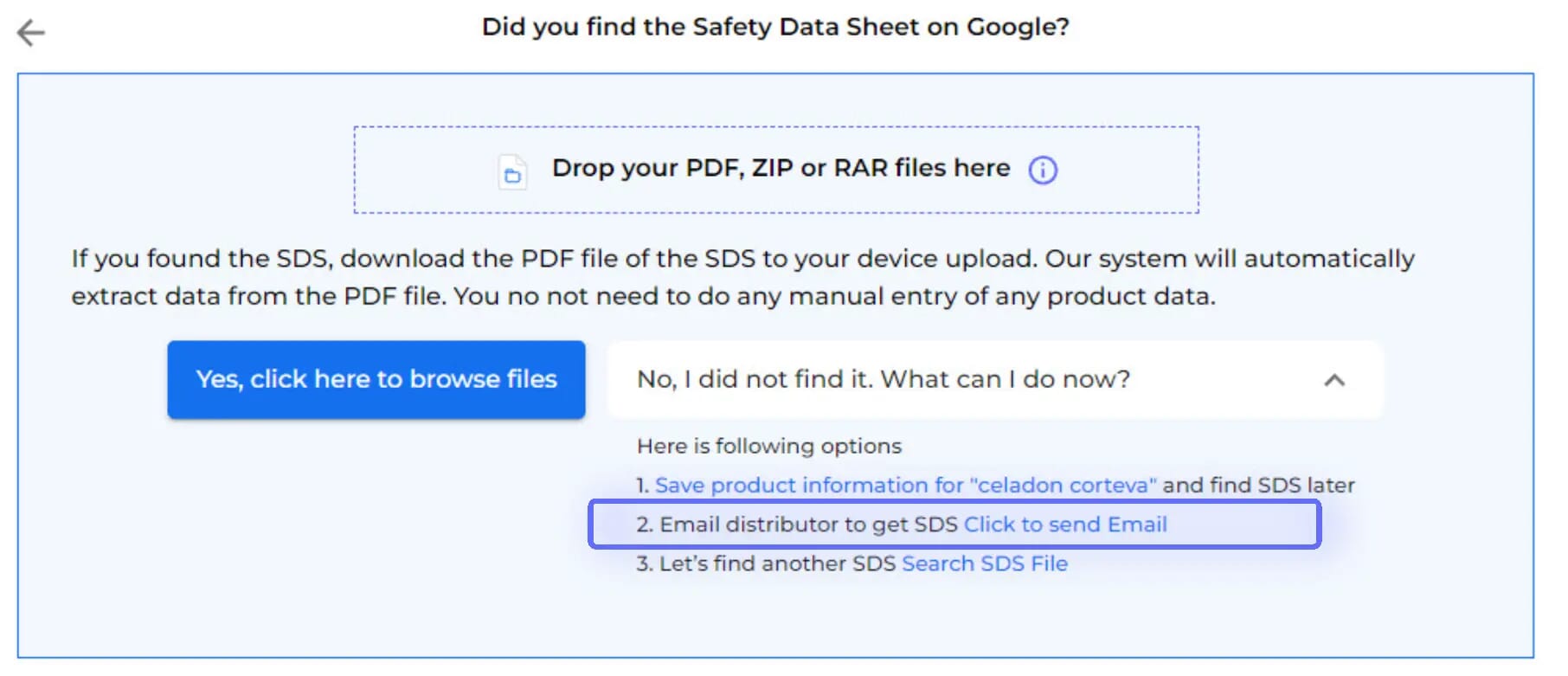
After Google Паспорт безпеки Search has been tried, the option to Email your vendor is available
3.
Just enter your vendor's email

The email template is pre-prepared for you, with the option to customize before sending. Emails are dispatched via Паспорт безпеки Manager's mail system.

An Паспорт безпеки Request will be stored in your library as a placeholder until you receive the Паспорт безпеки from your vendor.

4.
You will be notified when your vendor has responded.
5.
Upon accessing your vendor's message,
you'll find data extracted from the attached Паспорт безпеки, along with the option to incorporate the received Паспорт безпеки into your library.
6.
Before integrating the received Паспорт безпеки into your library,
you'll be able to compare the extracted information with the initially searched product details.
7.
If your vendor is not responding to your request for Паспорт безпеки,
you can request assistance from our Паспорт безпеки sourcing team.

Є запитання?

Готові розпочати?

Забронюйте демонстрацію з одним із наших фахівців та отримайте повний контроль над вашими паспортами безпеки
Почати безкоштовний пробний періодабо
30-денний безкоштовний пробний період. Кредитна картка не потрібна.