Jika Lembar Data Keselamatan tidak tersedia, gunakan sistem email seperti CRM di SDS Manager untuk memintanya langsung dari pemasok.

Coba gratis
request SDS from vendor hero image

Email vendor produk Anda

Opsi satu klik untuk mengirim email ke vendor produk Anda untuk meminta SDS untuk produk Anda.

Respons vendor

Dapatkan notifikasi saat vendor merespons Permintaan SDS Anda.

File SDS otomatis ditambahkan

SDS dari vendor akan otomatis ditambahkan ke pustaka Anda saat diterima.

How to request a Lembar Data Keselamatan from your product vendor

1.
Before you send an email request to your product vendor,
you should first search for the product in Lembar Data Keselamatan Manager database and use our integrated Google Lembar Data Keselamatan Search.
2.
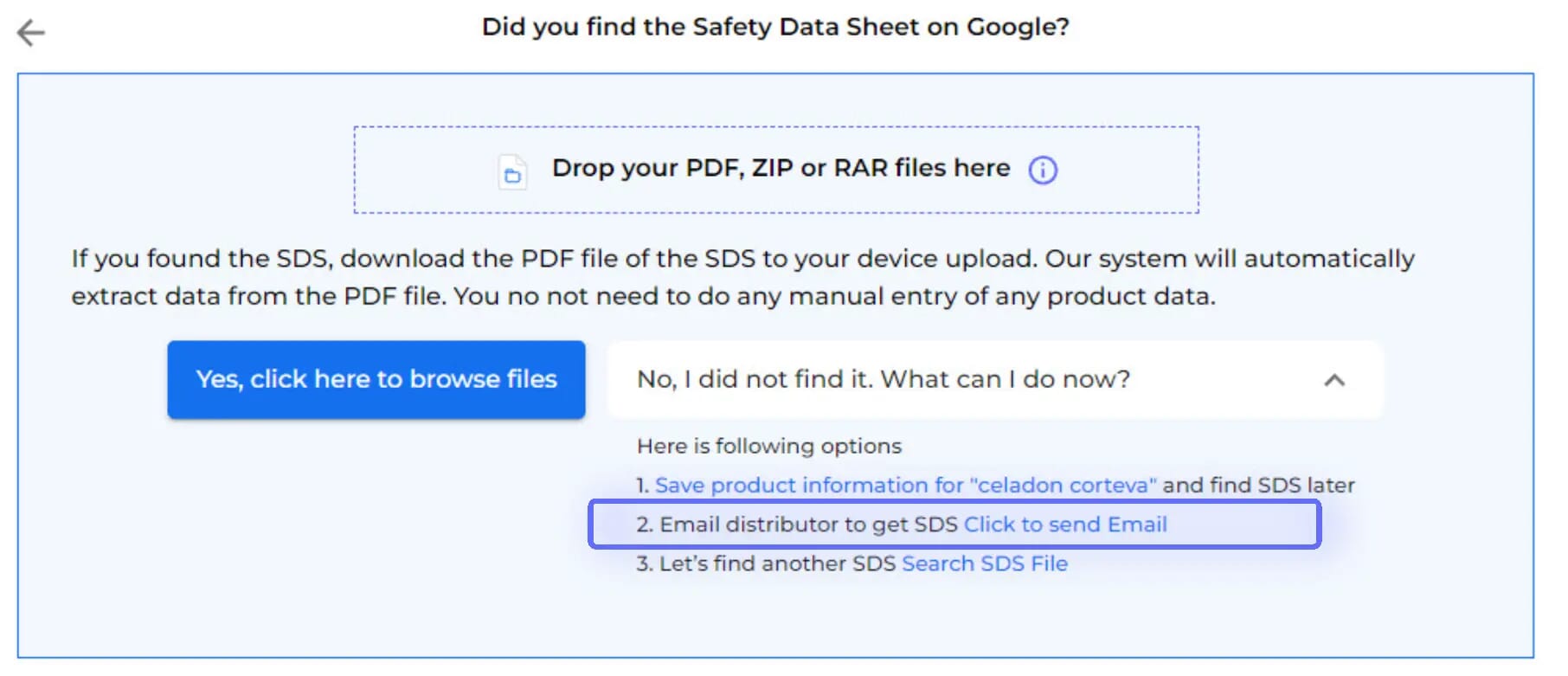
After Google Lembar Data Keselamatan Search has been tried, the option to Email your vendor is available
3.
Just enter your vendor's email

The email template is pre-prepared for you, with the option to customize before sending. Emails are dispatched via Lembar Data Keselamatan Manager's mail system.

An Lembar Data Keselamatan Request will be stored in your library as a placeholder until you receive the Lembar Data Keselamatan from your vendor.

4.
You will be notified when your vendor has responded.
5.
Upon accessing your vendor's message,
you'll find data extracted from the attached Lembar Data Keselamatan, along with the option to incorporate the received Lembar Data Keselamatan into your library.
6.
Before integrating the received Lembar Data Keselamatan into your library,
you'll be able to compare the extracted information with the initially searched product details.
7.
If your vendor is not responding to your request for Lembar Data Keselamatan,
you can request assistance from our Lembar Data Keselamatan sourcing team.

Punya pertanyaan?

Siap untuk memulai?

Jadwalkan demo dengan salah satu spesialis kami dan dapatkan kontrol tak tertandingi atas lembar data keselamatan Anda
Mulai uji coba gratisAtau
Uji coba gratis 30 hari. Tidak memerlukan kartu kredit.