When you no longer use a chemical on a location, archive its Safety Data Sheet (SDS). The SDS is then removed from the location, but you keep a copy in the archive.
- Find the SDS in Manage SDS Library or All my SDSs.
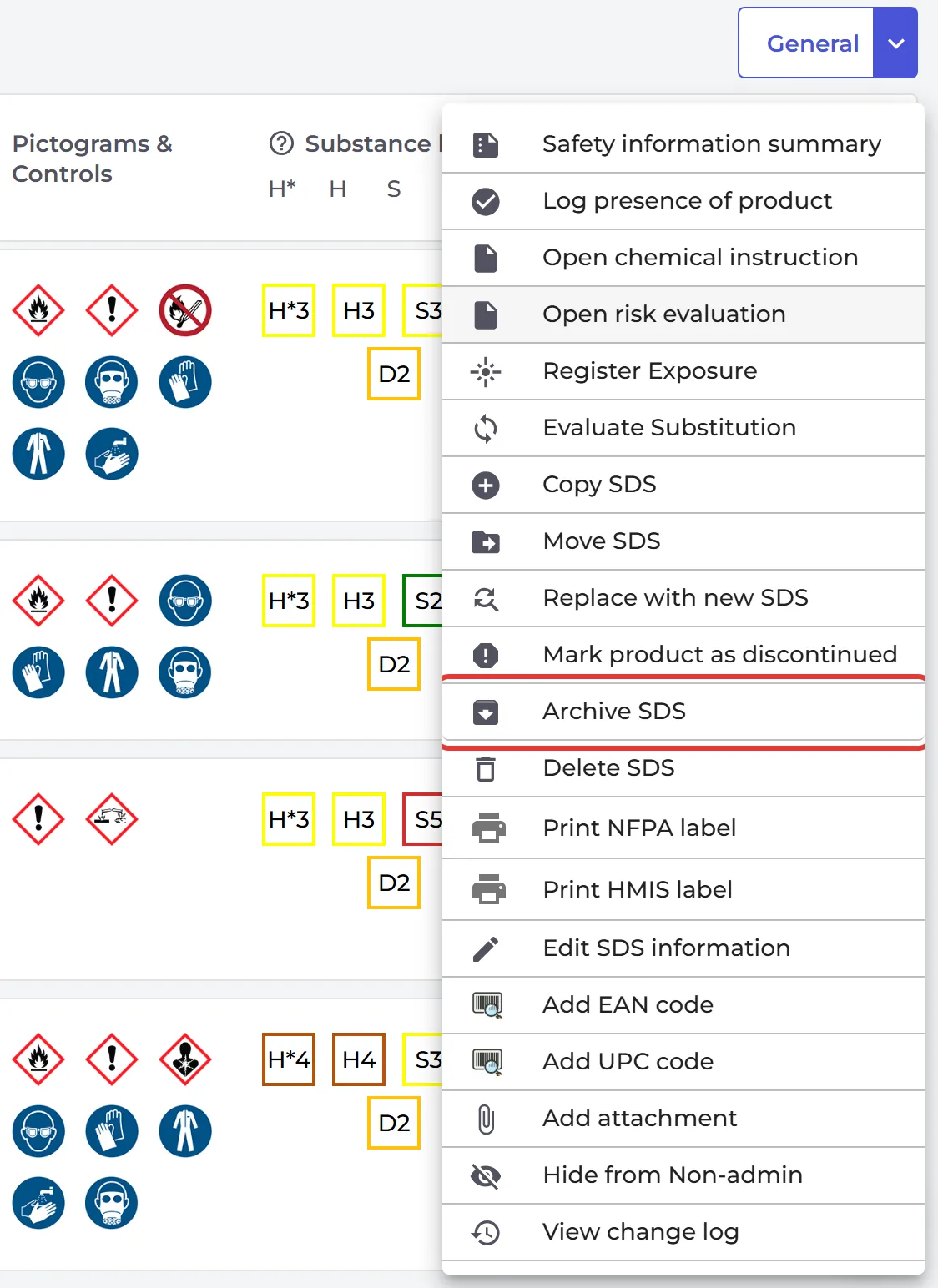
- Click ⋮ on the SDS and choose Archive SDS. If the SDS is on more than one location, choose the location.
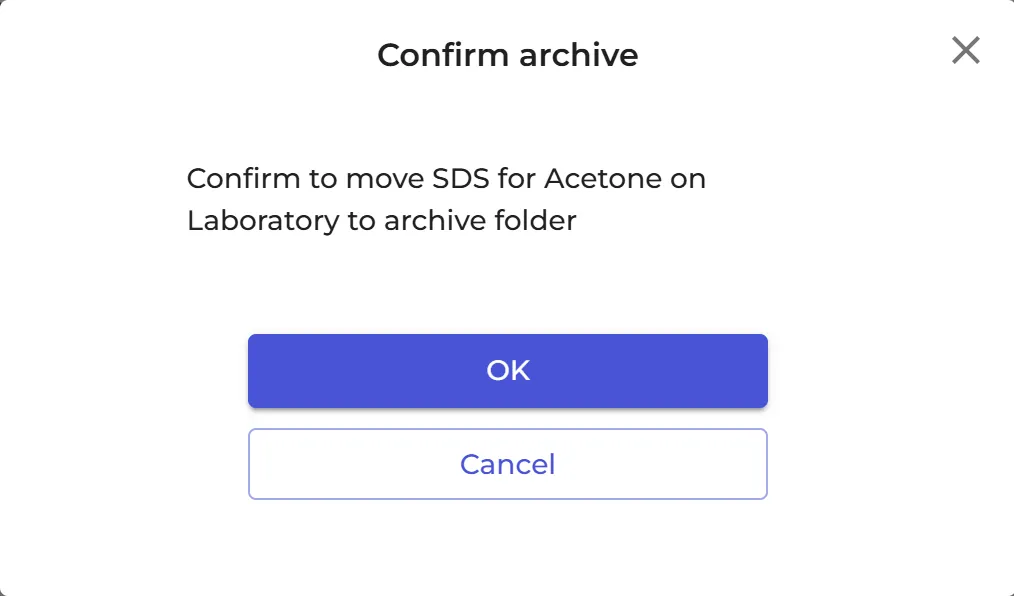
- Click OK.
To archive many SDSs at once, tick them on SDS Filter and choose Move to archive under Bulk Action.
The archive
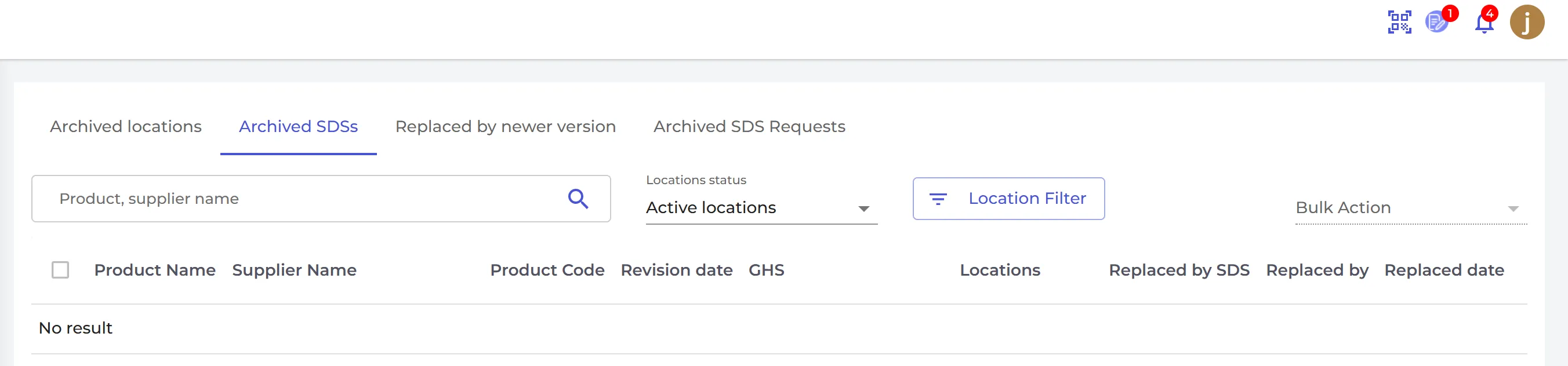
Click Archive under Manage SDS Library in the left menu (it is shown once you have archived something) and open the Archived SDSs tab. There you can:
- click Undo Archive to put an SDS back on its location;
- click Delete permanently to remove it for good. Only owners and admins can do this.
The archive also lists archived locations, SDSs that were replaced by a newer version, and archived SDS requests.
Archived SDSs do not count towards the number of SDSs in your plan. To delete an SDS, you always archive it first.