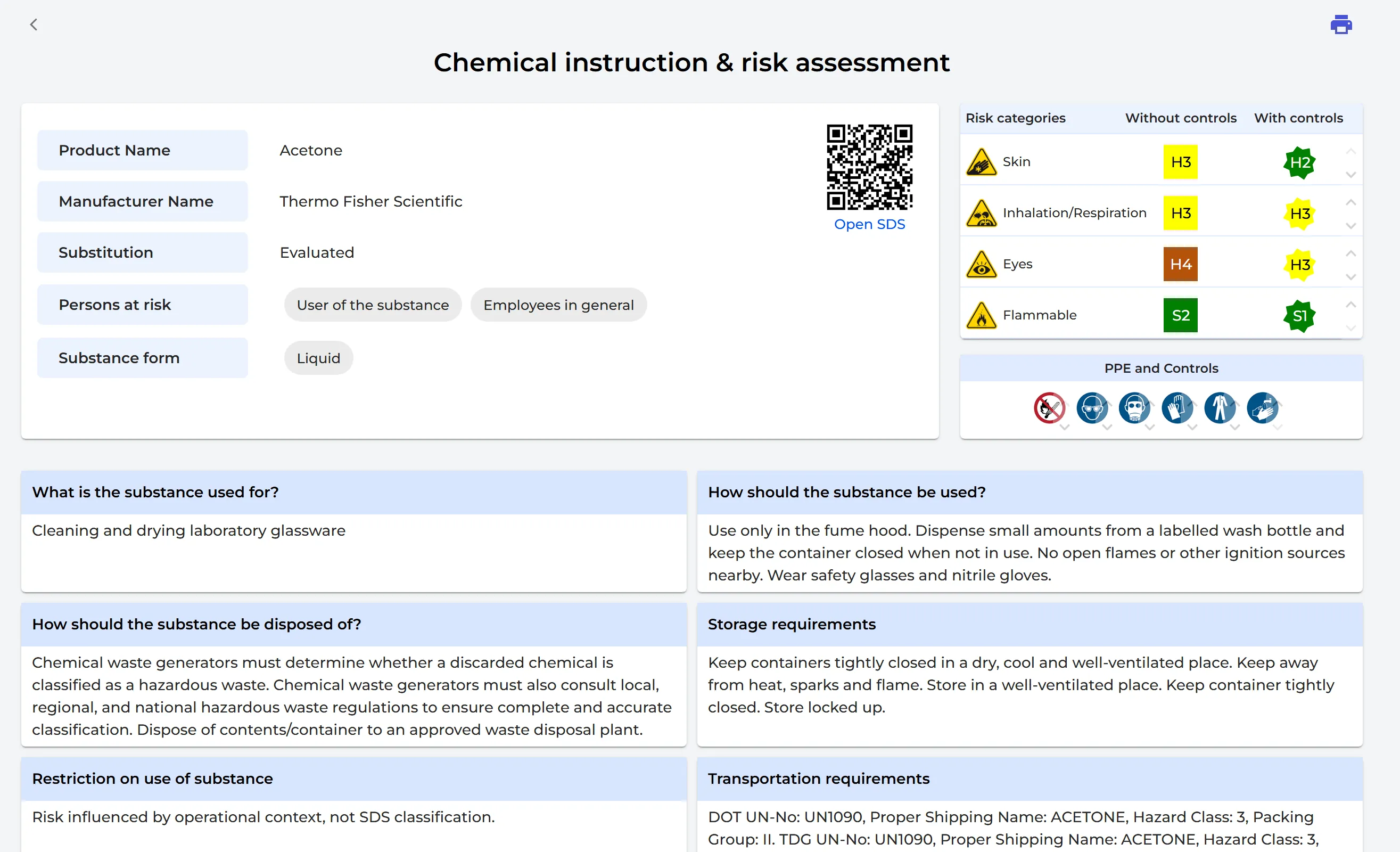
When a Safety Data Sheet (SDS) has an approved risk assessment, SDS Manager makes a chemical instruction for it: how to use, store and dispose of the chemical safely, and which PPE to wear. Read how to make one: How to create a risk assessment of a chemical?
The secondary container labels you print for this SDS then have an Instruction QR code next to the SDS QR code. Read how to print labels: How to create Secondary container labels for hazardous chemicals
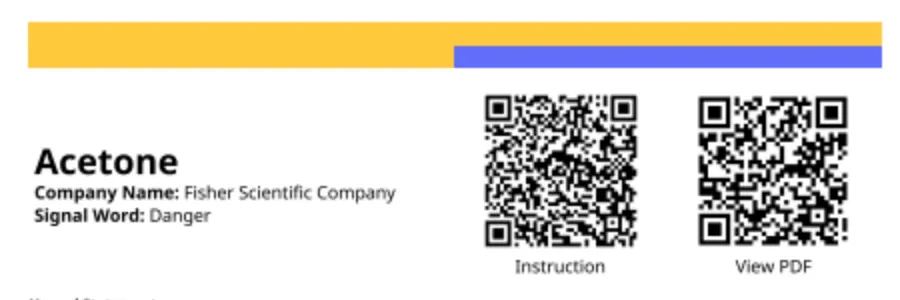
Employees scan the QR code with their phone and see the chemical instruction. They do not need to log in.