A job procedure describes a task and how to do it safely, for example "Degreasing brake parts". You can make job procedures according to REACH, OSHA and COSHH. Most job procedures involve chemicals, but you can also make one with other hazards only, such as electrical hazards.
Create a job procedure
Click Job procedures in the left menu and click Add Job hazard Analysis. Enter the name, the frequency and a description. (In the UK, the page is called COSHH assessments.)
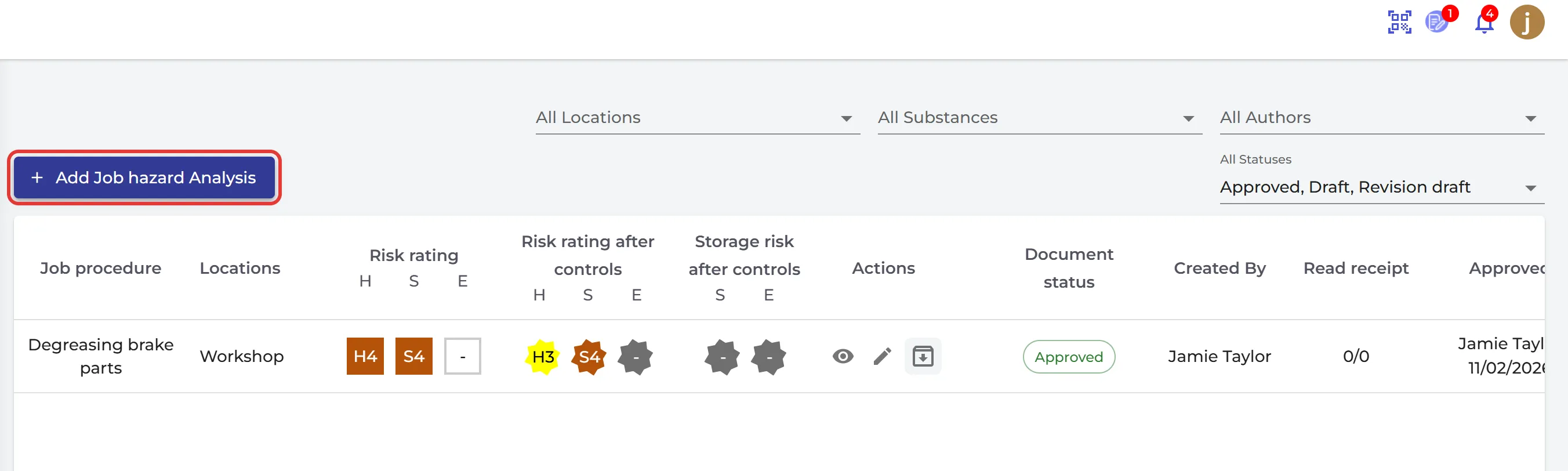
The job procedure has these tabs:
- General: the frequency, how long the task takes, and descriptions of the job, the job steps, the hazards and the controls.
- Locations & Users: where the task is done, with the storage risk on each location, and the users who do it.
- SDS: the chemicals used. Make a risk assessment of each chemical first: How to create a risk assessment of a chemical? You can add an SDS without a risk assessment, but SDS Manager asks you to confirm.
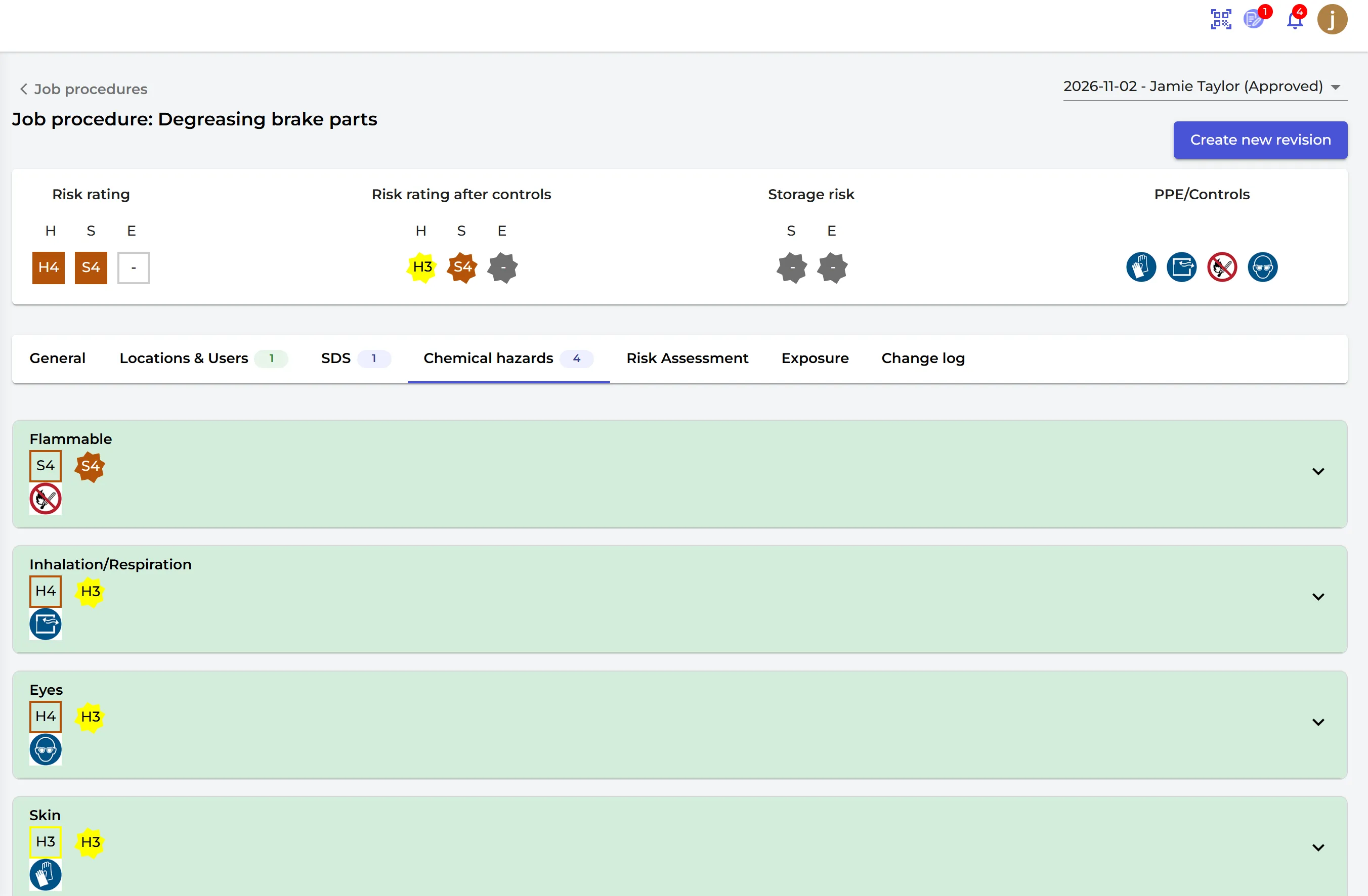
- Chemical hazards: the hazards of the chemicals in this task. You can also add hazards that are not about chemicals: unsafe tools or equipment, falls, entrapment, mechanical hazards, slips and trips, obstructions, animal droppings, lighting, electrical hazards, mold, sharp objects, asbestos, extreme heat or cold, awkward postures or lifting, working alone and confined spaces.
- Risk Assessment, Exposure and Change log.
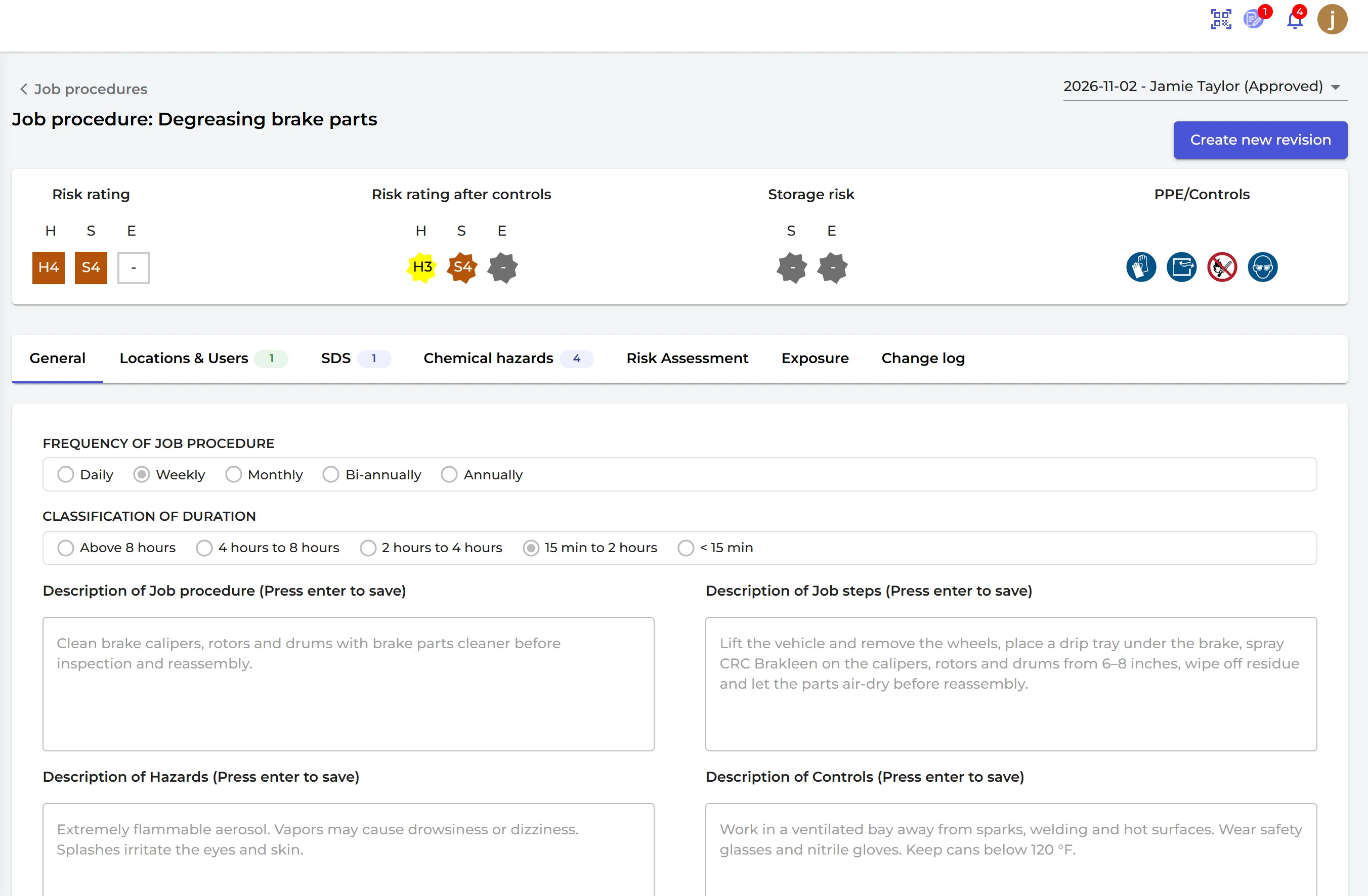
The risk rating
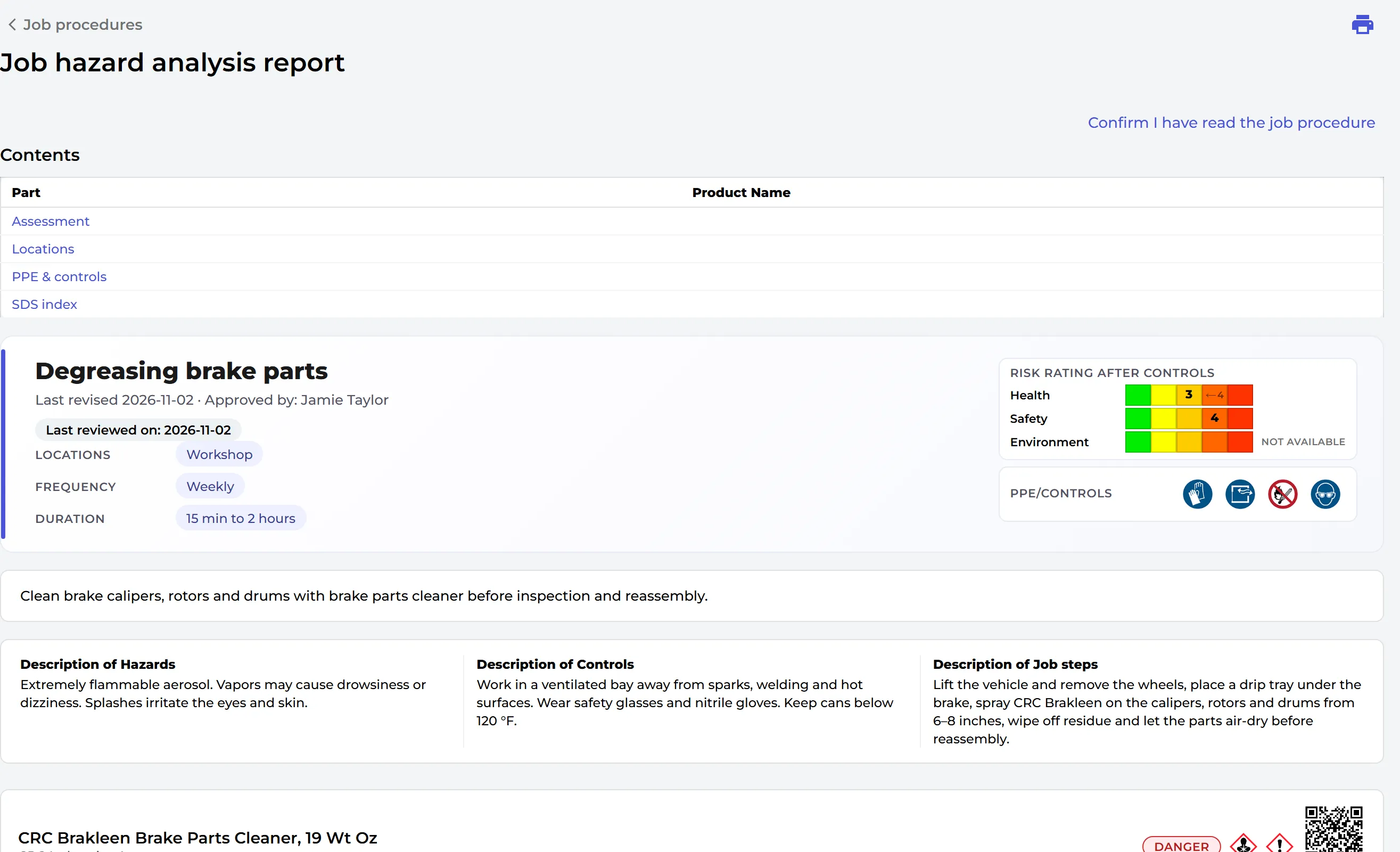
SDS Manager rates health (H), safety (S) and environment (E) risks from 1 to 5, without controls and after controls. When all chemicals in the job procedure have a risk assessment, the job procedure gets the highest ratings of those risk assessments. Otherwise the ratings of its own hazards are used.
Approve it and tell your employees
Click Approve. Describe the main changes and tick Send notifications to users linked to this Job Procedure. The users get an e-mail and click Confirm I have read the job procedure. The Locations & Users tab shows when each user read it, so you can document that the procedure was read.
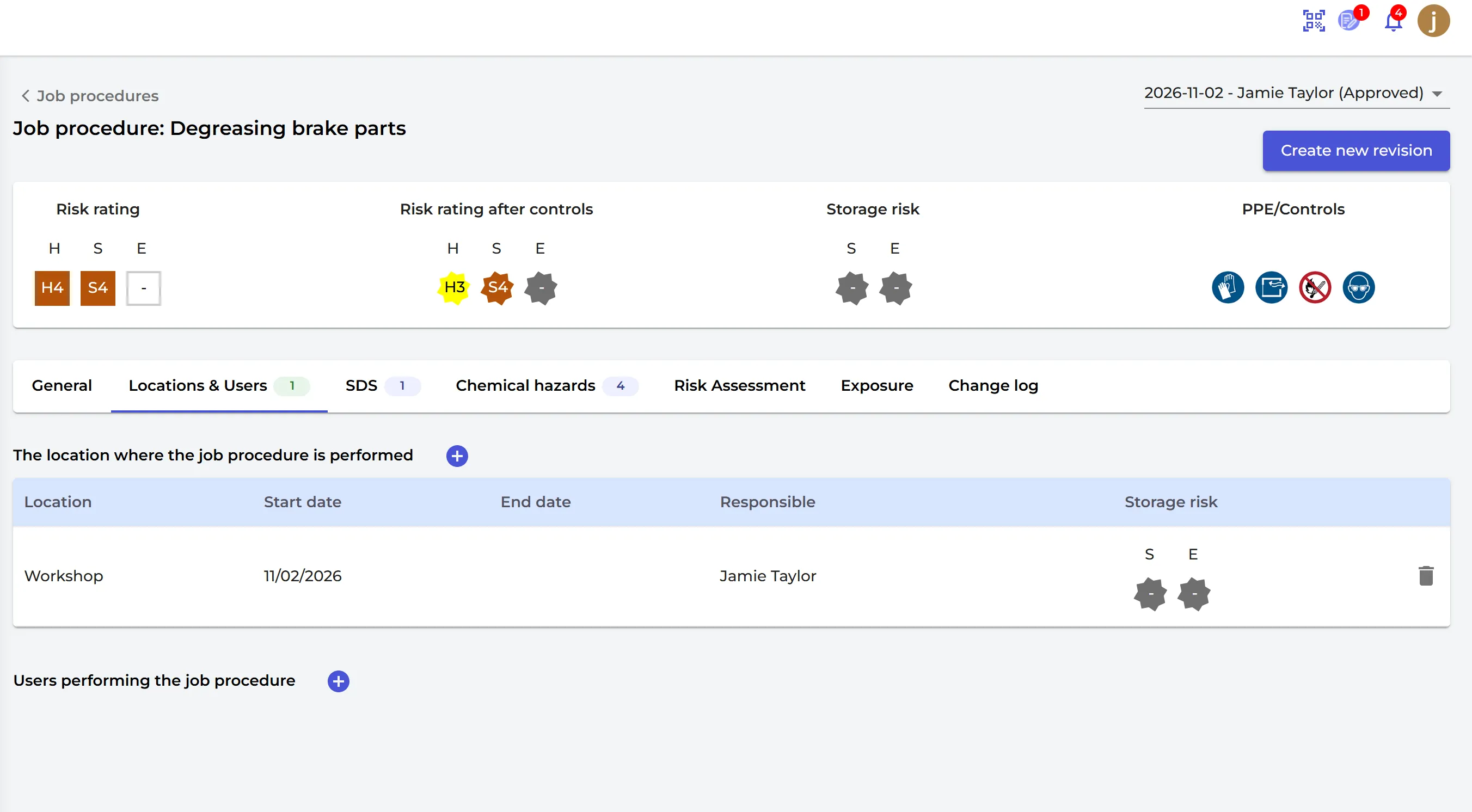
To change an approved job procedure, click Create new revision. The Job hazard analysis report shows the whole procedure:
On the Enterprise plan, you can also register exposures for a job procedure on the Exposure tab: Exposures — Frequently Asked Questions (FAQ)
Job procedures are part of the Pro and Enterprise plans.