-
Step 1: Go to "All my SDSs" or "Manage SDS Library".
-
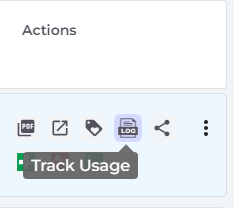
Step 2: Click the icon "Track Usage" in the Actions column.
-
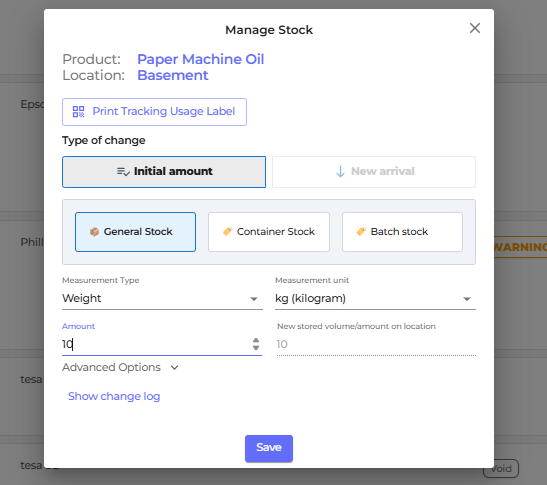
Step 3: Select stock type and input initial amount then click "Save" button.
-
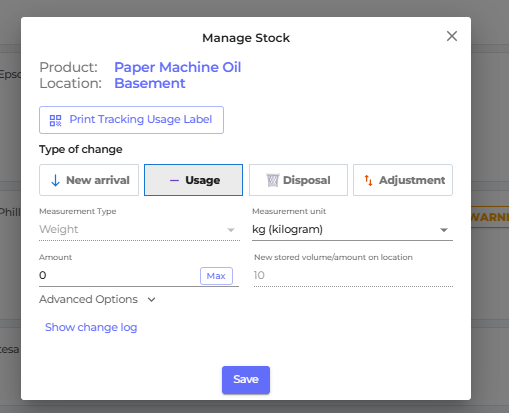
Step 4: Choose the type of change
- New Arrival — Receiving new stock
- Usage — Recording consumption
- Disposal — Recording chemical disposal
- Adjustment — Correcting an amount