SDS Manager can record new arrivals, usage and disposal of each chemical on each location, and make a report of the amounts for a period. You can use the report for regulatory reporting, for example to the EPA.
Record the amounts
Record each change in Manage Stock: click the Track Usage icon on the SDS and choose New arrival, Usage, Disposal or Adjustment. You can also move an amount to another location, for example when you split a large container. Read more: How can I edit the amount of a product on a location?
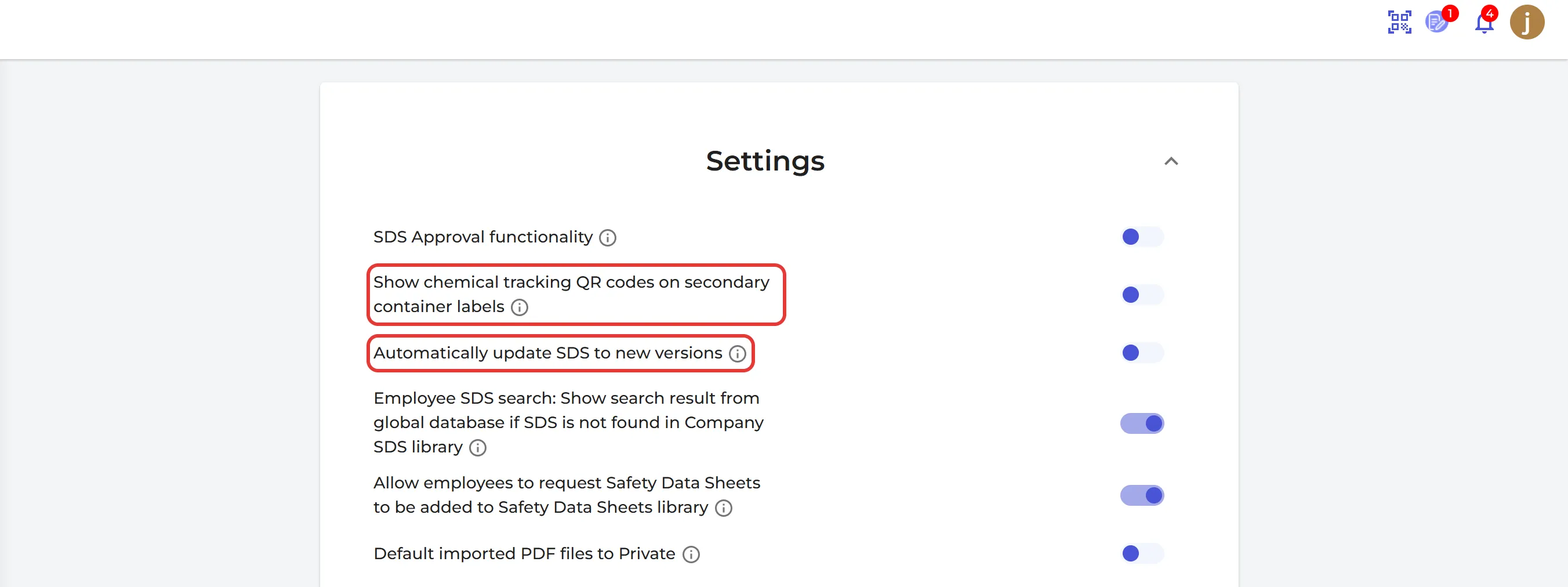
The quickest way for employees is to scan a QR code on the container. Secondary container labels show a tracking QR code when you switch on Show chemical tracking QR codes on secondary container labels on the Settings page. It is off by default.
Make the report
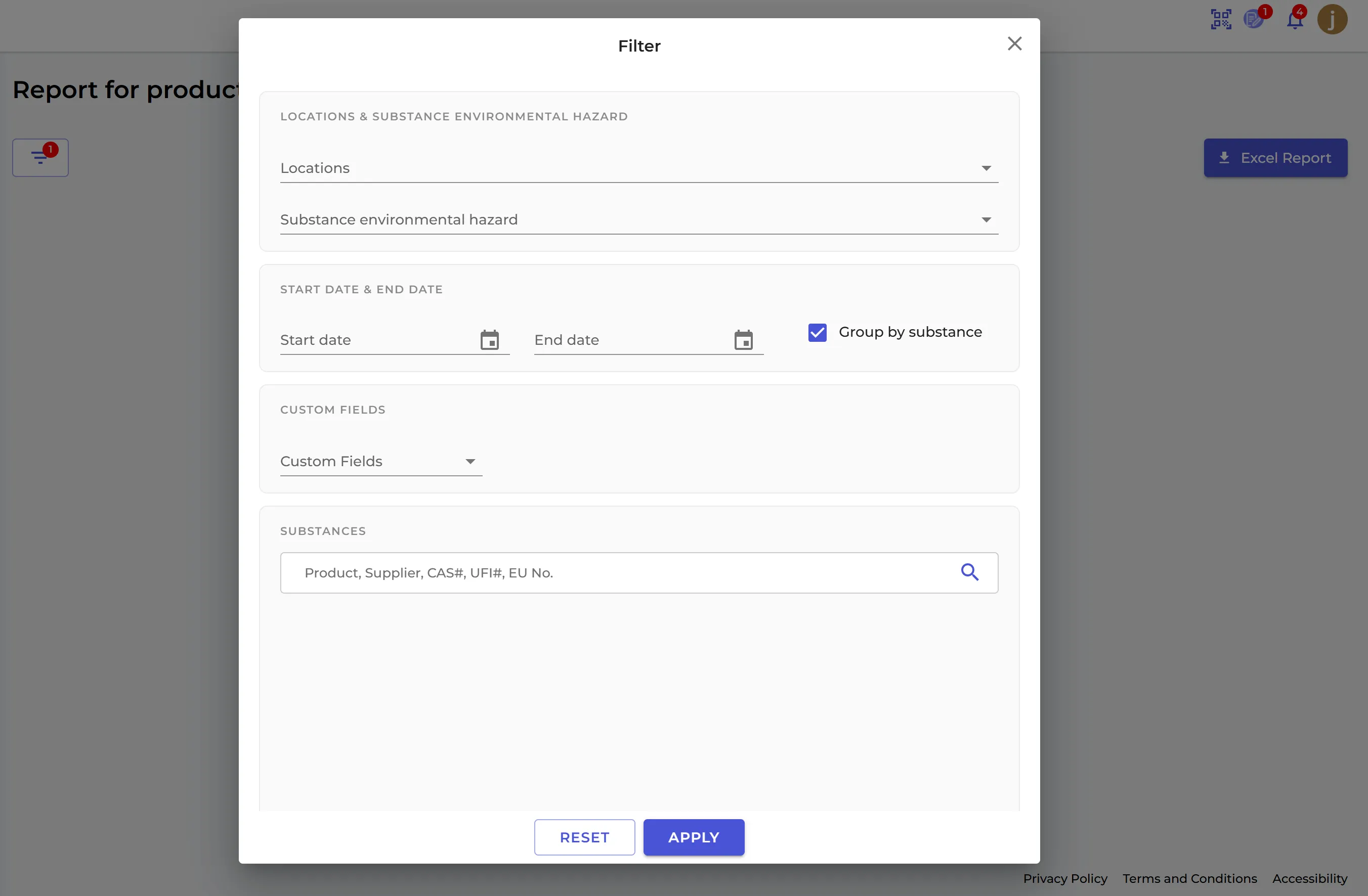
Click Reports → Use & disposal in the left menu. Report for product use and disposal shows for each product the amount stored at the start and end of the period, the amount used and the amount disposed of. Use the filter to choose the locations, the start and end date, the environmental hazard of the products, and more. Click Excel Report to download the report.
The report is part of the Pro and Enterprise plans.