Your users can record the amount of a chemical on a location in two ways.
On a computer
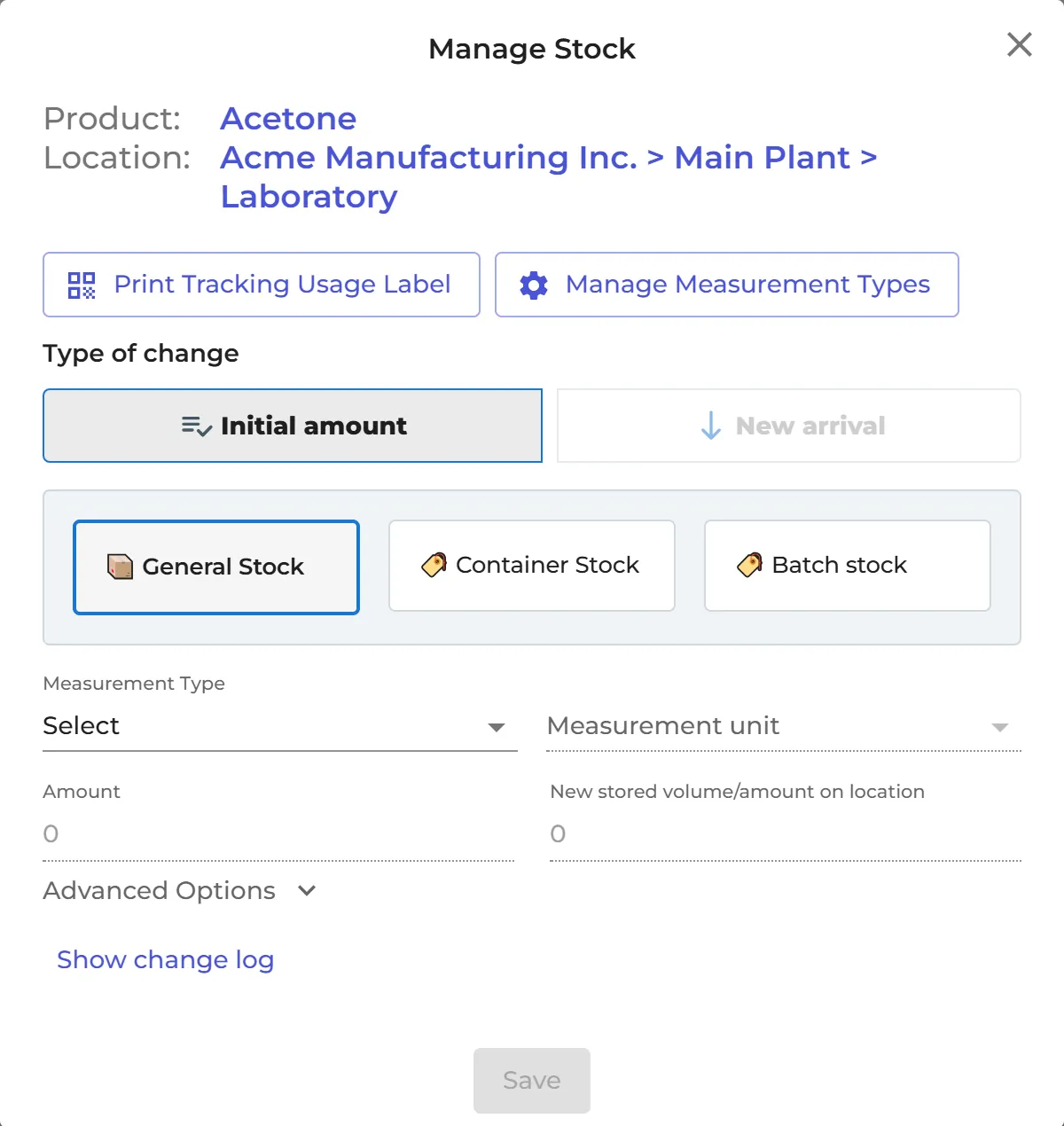
Open the location in Manage SDS Library or All my SDSs and click the Track Usage icon on the SDS. In Manage Stock, choose the Type of change (for example Usage), enter the amount and click Save.
By scanning a QR code at the container
Put a tracking QR code on the container, and users scan it with their phone to record the change:
- switch on Show chemical tracking QR codes on secondary container labels on the Settings page, so your secondary container labels get the QR code; or
- click Print Tracking Usage Label in Manage Stock.
The QR code opens Manage Stock for the product. Users log in first if they are not logged in.
Show change log in Manage Stock lists every change, with the user and the date. Read more: How can I edit the amount of a product on a location?