Yes. You can invite as many users as you need, at no extra cost. We suggest that you create user accounts only for the people who manage your SDS library, for example an admin for each site. Employees who only look up SDSs can use a QR code poster or a link on your intranet, without a user account. Read more: How can our employees access our SDS library by scanning a QR code poster?
Employees who register receipt, use or disposal of chemicals do need their own user account.
To invite someone, click More → User management and then Add user. Read more: How do I invite/add new users to SDS Manager?
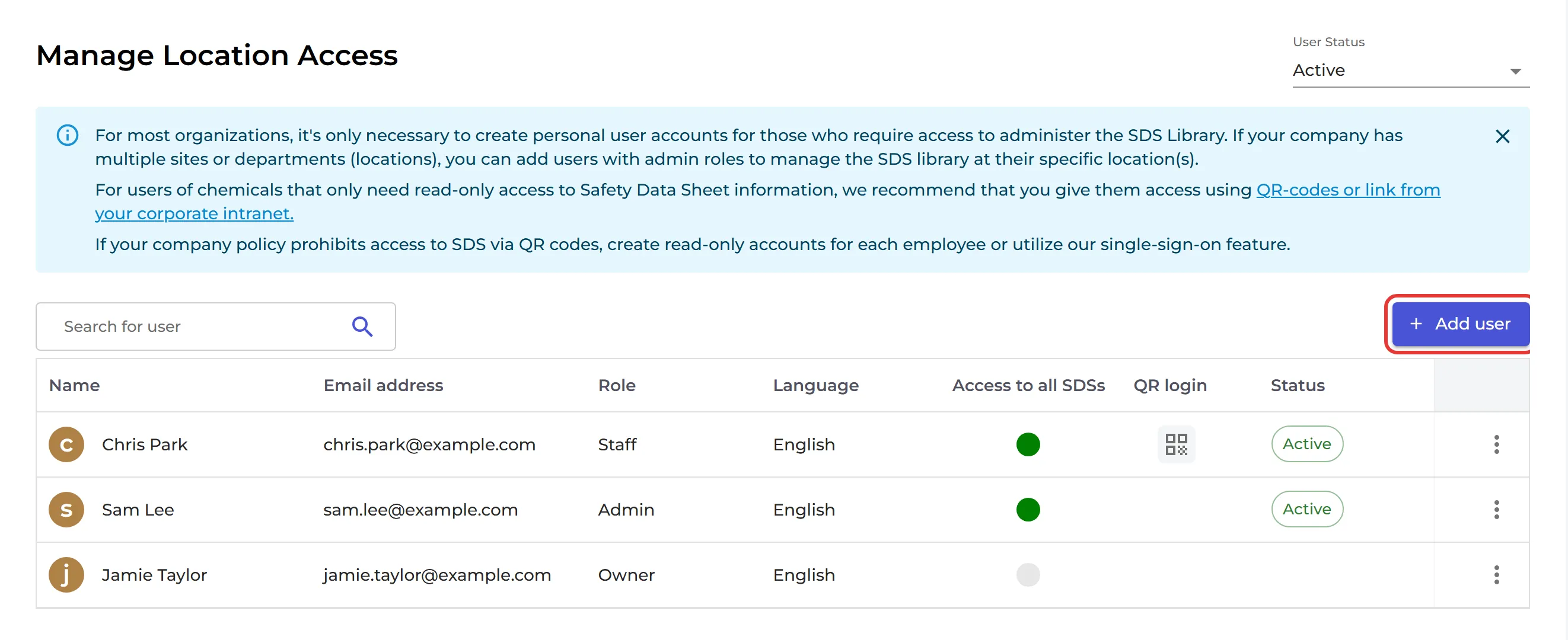
You choose the role of each user per location. A user can be Admin on one location and Staff (view only) on another. To add and change SDSs, a user needs the Admin role. Read more: Can I assign different roles for people in a location?
On the Free plan, only the owner of the account can use SDS Manager.