You can share a link to a Safety Data Sheet (SDS), for example in an e-mail or a chat message. The person who gets it can open the SDS without logging in.
- Open the location in Manage SDS Library (or All my SDSs) and find the SDS.
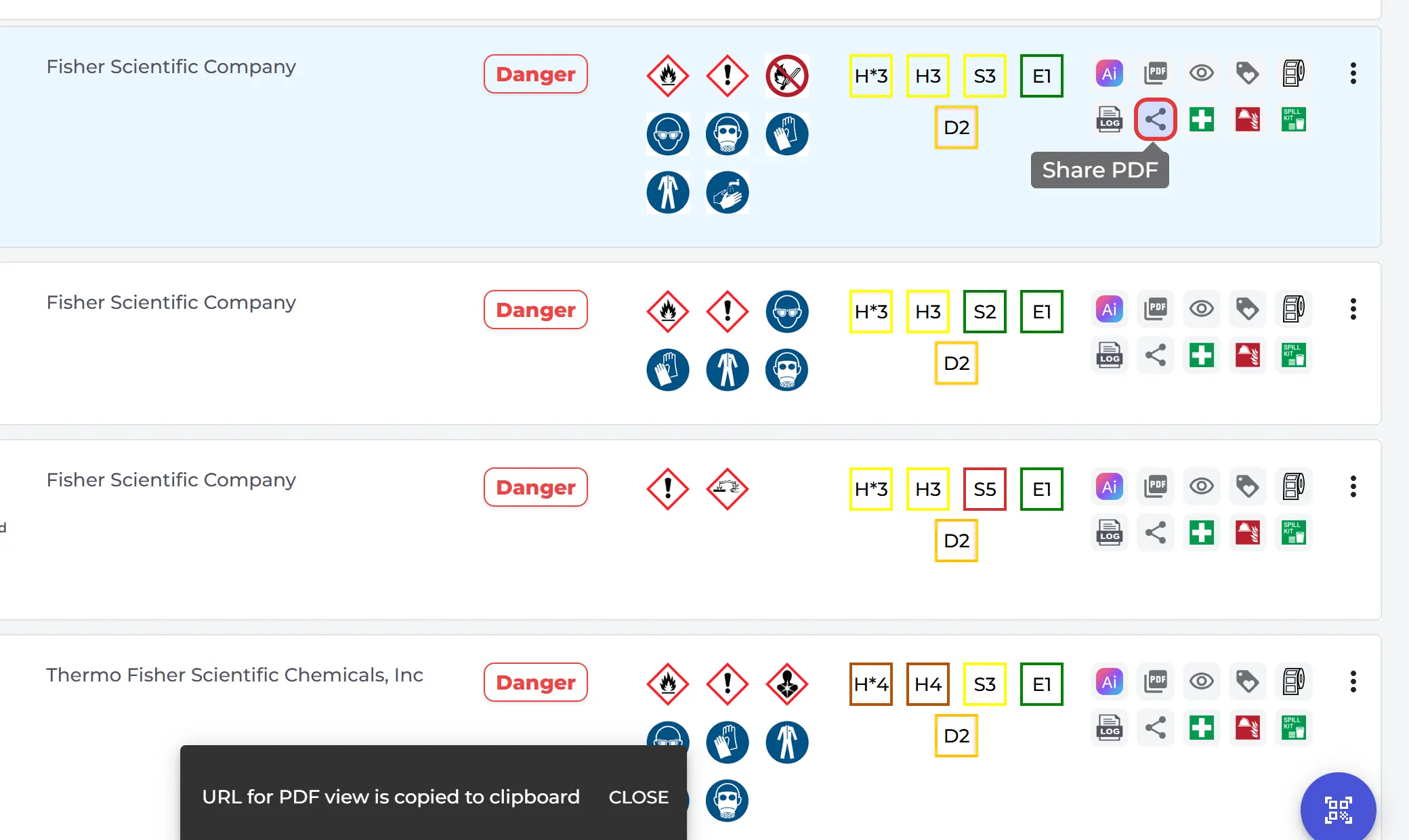
- Click the share icon (Share PDF) on its row. The link is copied, and you see URL for PDF view is copied to clipboard.
- Paste the link where you need it.
The link opens the SDS on sdsmanager.com. If you see This SDS does not have a shareable link, the SDS cannot be shared this way.
To give your employees access to all your SDSs, use a QR code poster instead: How can our employees access our SDS library By scanning QR Code poster?