Your employees may search for a product that is not in your SDS library yet. With this setting switched on, they then see results from our global database of more than 30 million Safety Data Sheets (SDSs), so they still find the SDS.
This helps while you build your library. Start your subscription and put up QR code posters where chemicals are used: your employees have access to SDSs from day one, while you add your own SDSs. When your library is complete, the setting is a safety net for products you have missed, and it helps you pass inspections because employees can find the SDSs they need.
What your employees see
An employee scans a QR code poster, or clicks the link on your intranet, and searches for a product, for example WD-40. If it is not in your library, SDS Manager says No exact match for ... in your SDS library and shows Similar results found in our Global SDS Repository. The employee can open the SDS and its first aid, firefighting and accidental release information, and print a secondary container label.
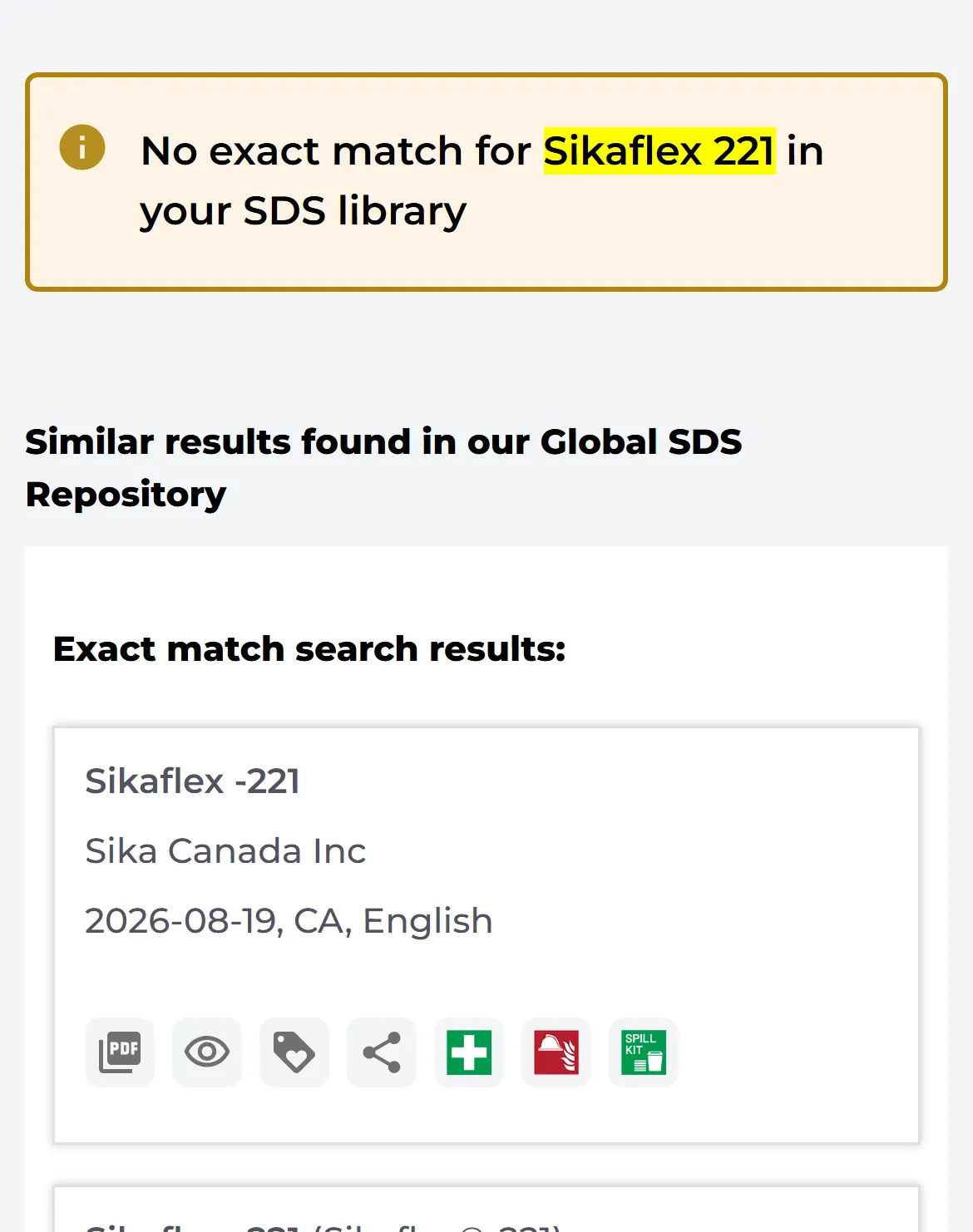
If you also allow SDS requests, the employee can click the plus sign (Request Safety Data Sheet to be added to company library) to ask you to add the SDS. The request shows up on your Tasks page, and you can get an e-mail about it. Read more: SDS Requests: Allow your employees to request the addition of SDSs to your SDS library
Switch the setting on or off
- Click More → Settings.
- Switch Employee SDS search: Show search result from global database if SDS is not found in Company SDS library on or off. The change is saved at once.

The setting is on by default. When it is off, employees only see the SDSs your organization has added. Only the owner of the account can open Settings. QR code posters are part of the Premium, Pro and Enterprise plans. Read more: How can our employees access our SDS library By scanning QR Code poster?