To add an SDS file you received from your supplier:
- Open the location in Manage SDS Library.
- Click Add Safety Data Sheet below the list.
- Under Already have the PDF-file of the Safety Data Sheet you want to add to your library? drag the file into the box, or click Browse File.
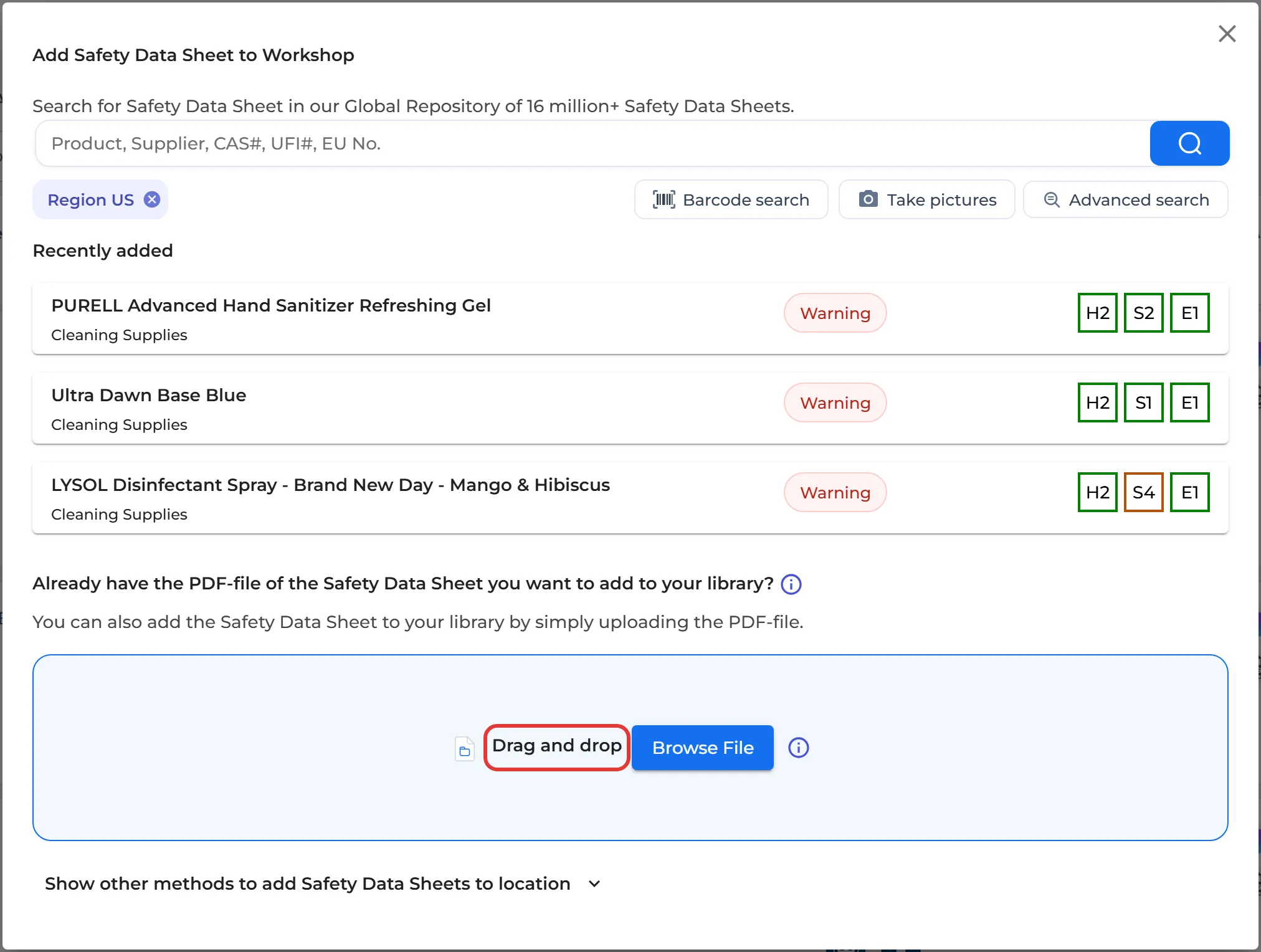
SDS Manager reads all the information in the PDF and adds the SDS to your library. You can upload up to 20 files at a time by selecting several files in the file dialog. If we already have a more recent version of the SDS in our database, SDS Manager offers to Move to newer version.
Is the new file a new revision of an SDS you already have? Read My supplier sent me a new updated Safety Data Sheet. Many files at once: How do I import our current file-based SDS library?