Want to work on an SDS file you already have in ExactSDS, our SDS authoring tool? Upload the file to SDS Manager first. Then you find it in ExactSDS by its SDS ID.
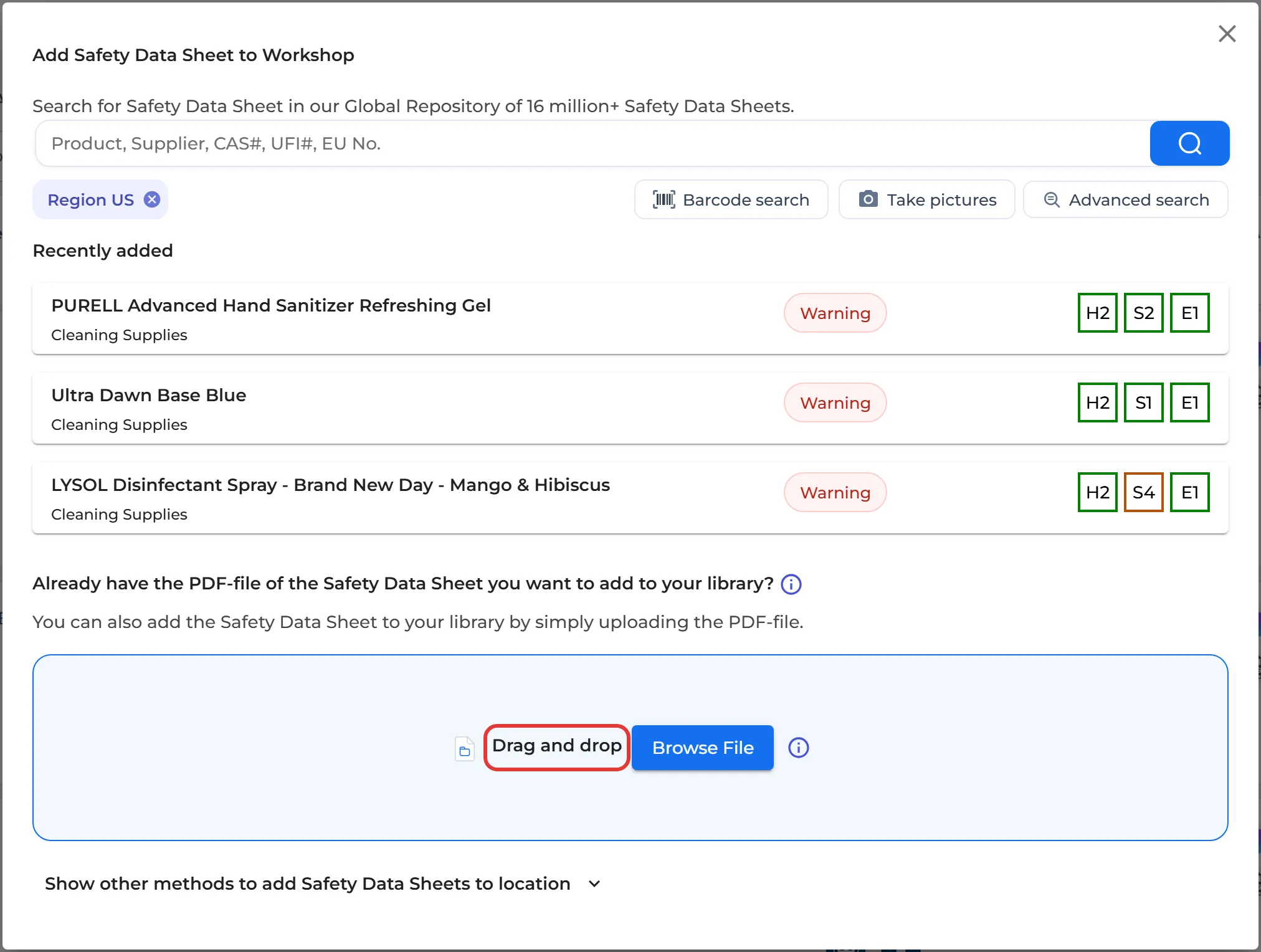
- Log in at inventory.sdsmanager.com and upload the SDS PDF to a location: open the location in Manage SDS Library, click Add Safety Data Sheet and drag the file into the box. Read more: I have received a PDF file from our supplier that I want to add to our library
- Click the SDS in your library to open its details. At the bottom of the details you find a number like 12345678-987654. The first part, before the hyphen, is the SDS ID.
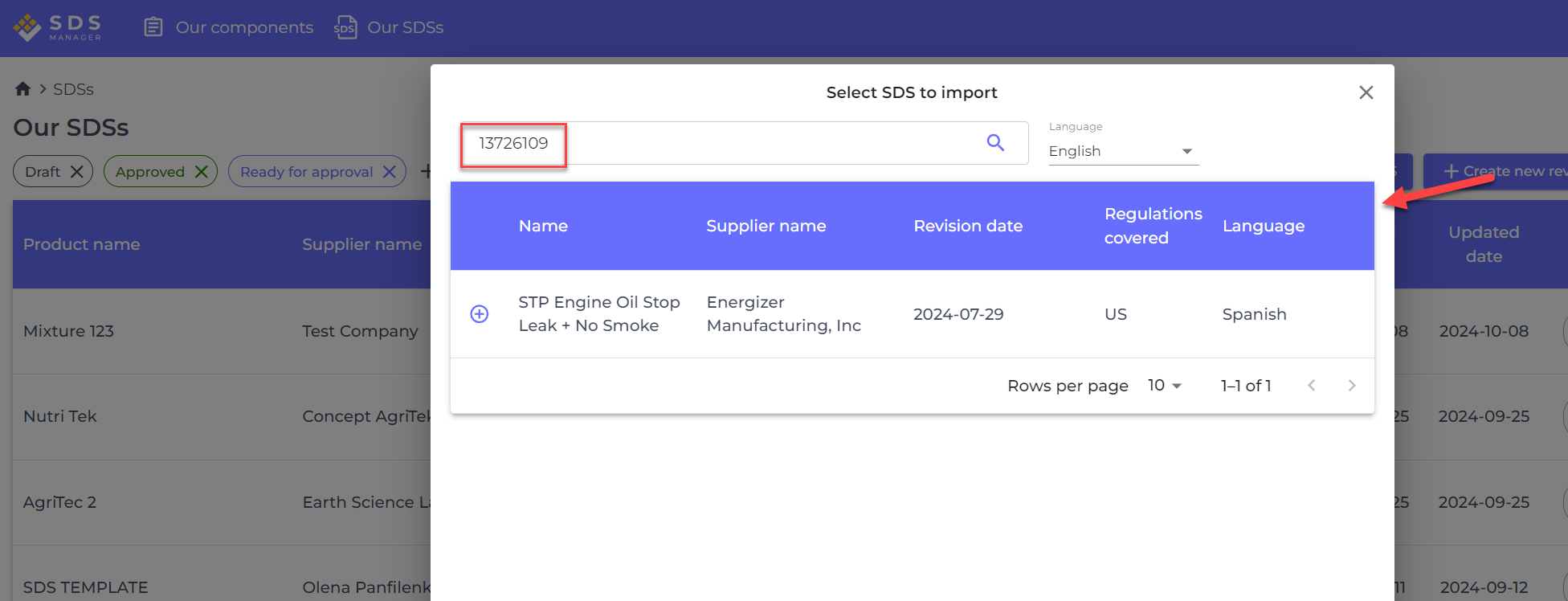
- Open ExactSDS at authoring.sdsmanager.com and search for the SDS by its SDS ID.