When your Safety Data Sheets (SDSs) are in your library, use this checklist before you tell your employees about it. You find the same list inside SDS Manager: Go-live checklist (login required).
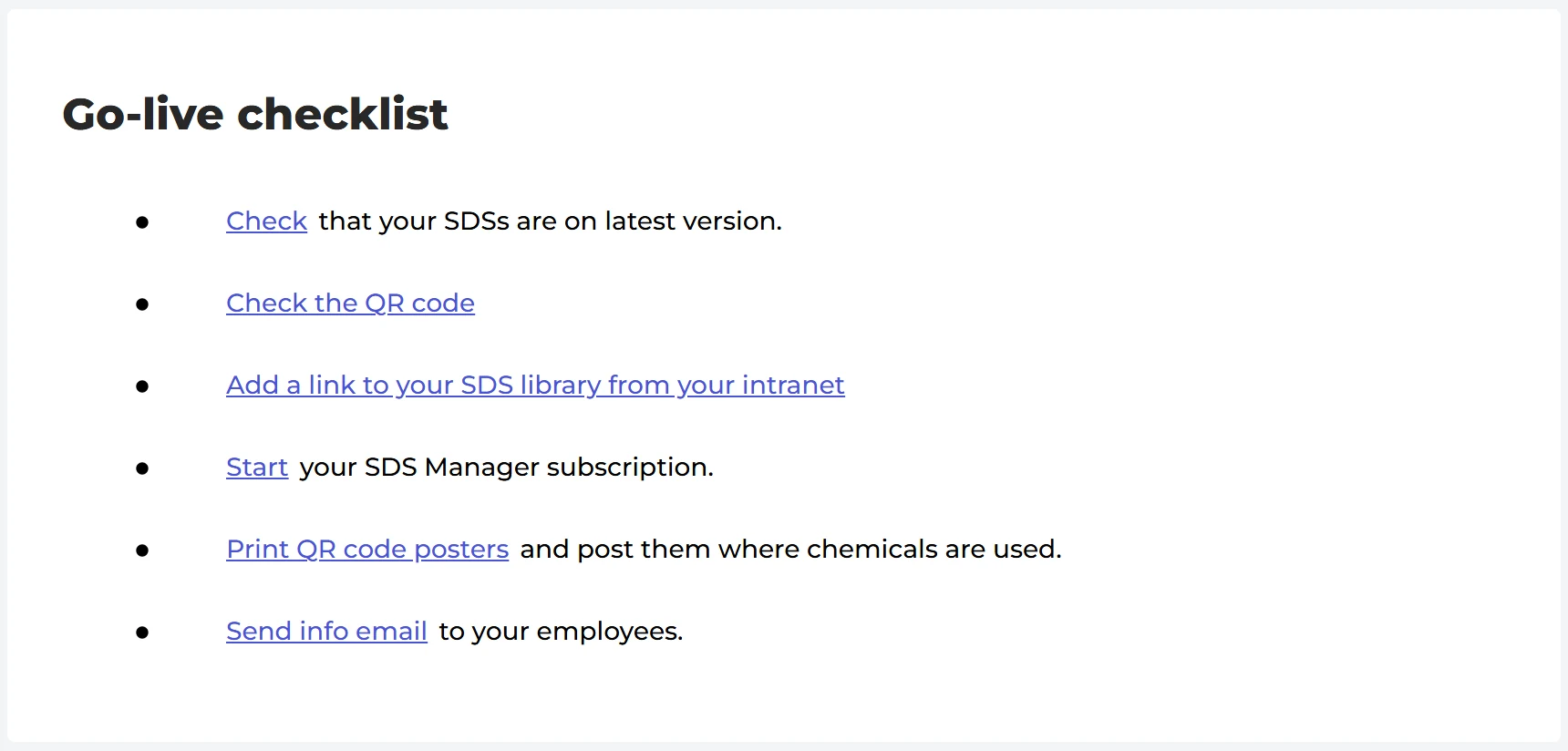
- Update your SDSs to the latest version. Open Updates in the left menu and upgrade the SDSs that have a newer version. Read more: Manage SDS Updates.
- Test the QR code. Open QR Access, click your QR poster and use Preview SDS library for this code, or scan the code with your phone. Read more: access the SDS library by scanning a QR code poster.
- Add a link to your SDS library on your intranet. Read more: create a link on your intranet.
- Start your subscription if you are still on the free trial. Read more: start and pay for a subscription.
- Print the QR code posters and put them up where chemicals are used.
- Send an info email to your employees. Choose the QR code, and SDS Manager suggests an email that you can send to your organization.
Have you not added your SDSs yet? Start here: How do I add Safety Data Sheets to our SDS library?