Yes. SDS Manager checks the ingredients of every Safety Data Sheet (SDS) in your library against restricted chemicals lists, such as REACH, California Proposition 65 and ZDHC. It uses the CAS and EC numbers in section 3 of each SDS.
- Click Compliance (SDS compliance) in the left menu.
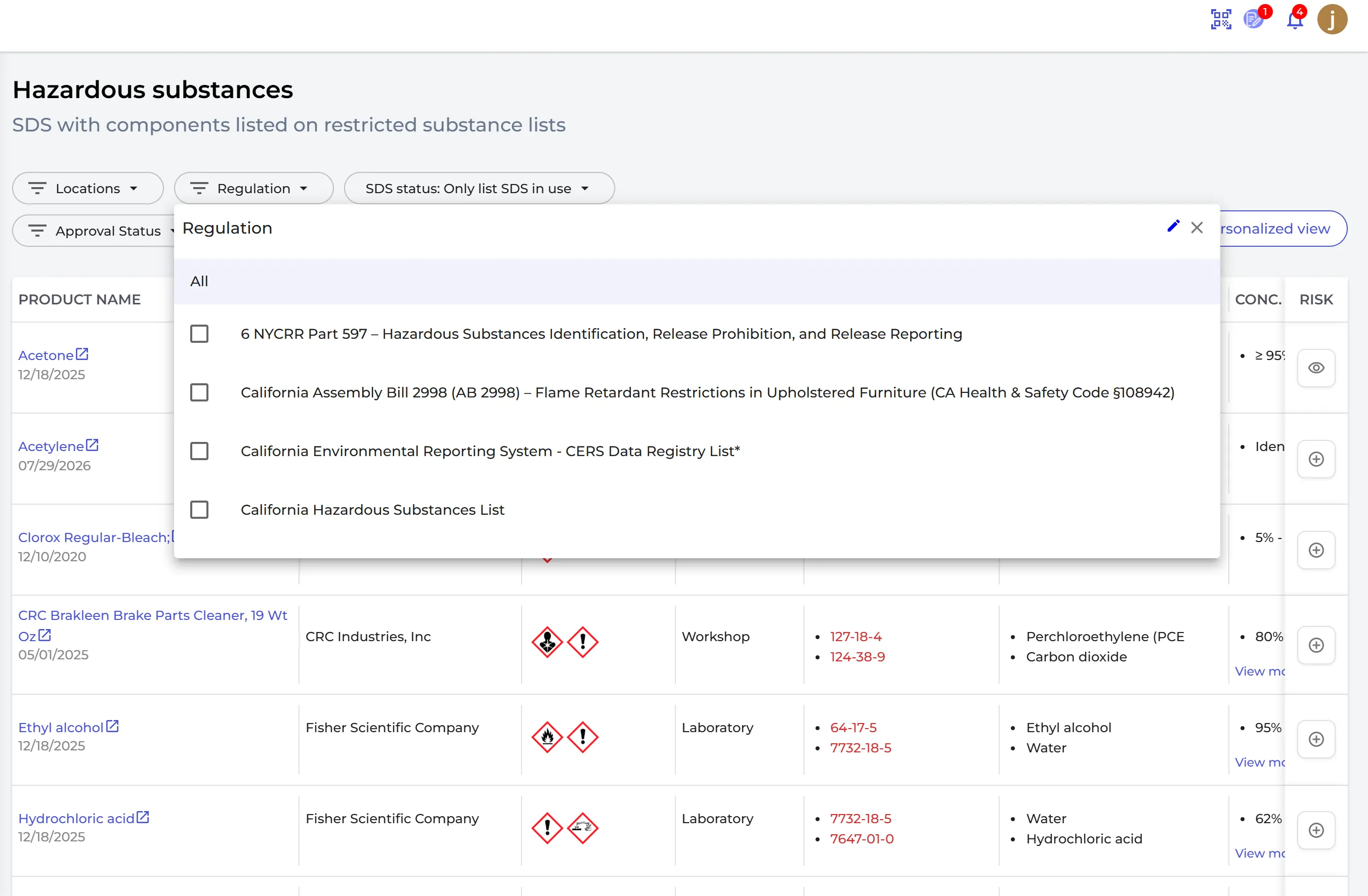
- The Hazardous substances page lists the SDSs that contain a substance on one of your lists.
- To see one list only, open the Regulation filter and choose it.
Use the Date Added to Restricted List filter to see the substances that were added to a list recently. Click Export to XLSX to get the list as an Excel file.
Read more:
- Which lists are checked, and how to choose them: List SDS in my library that contain hazardous substances - which regulatory restricted lists are checked?
- What to do with the products you find: How can I check if any of the products we use contains restricted chemicals?
The SDS compliance page is part of the Pro and Enterprise plans.