An SDS binder is one PDF file with many Safety Data Sheets (SDSs) in it, for example all SDSs for one location. If you have an SDS binder for each of your locations, upload each binder to its location. SDS Manager finds every SDS in the file and adds them to the location as separate SDSs. This way you can fill your library with thousands of SDSs in a few minutes.
Upload the binder
- Open the location in Manage SDS Library.
- Click Add Safety Data Sheet below the list and drag the PDF file into the box, or click Browse File. You can also click More options (⋯) at the top right and choose Import SDS files.
- Check the location and click Upload.
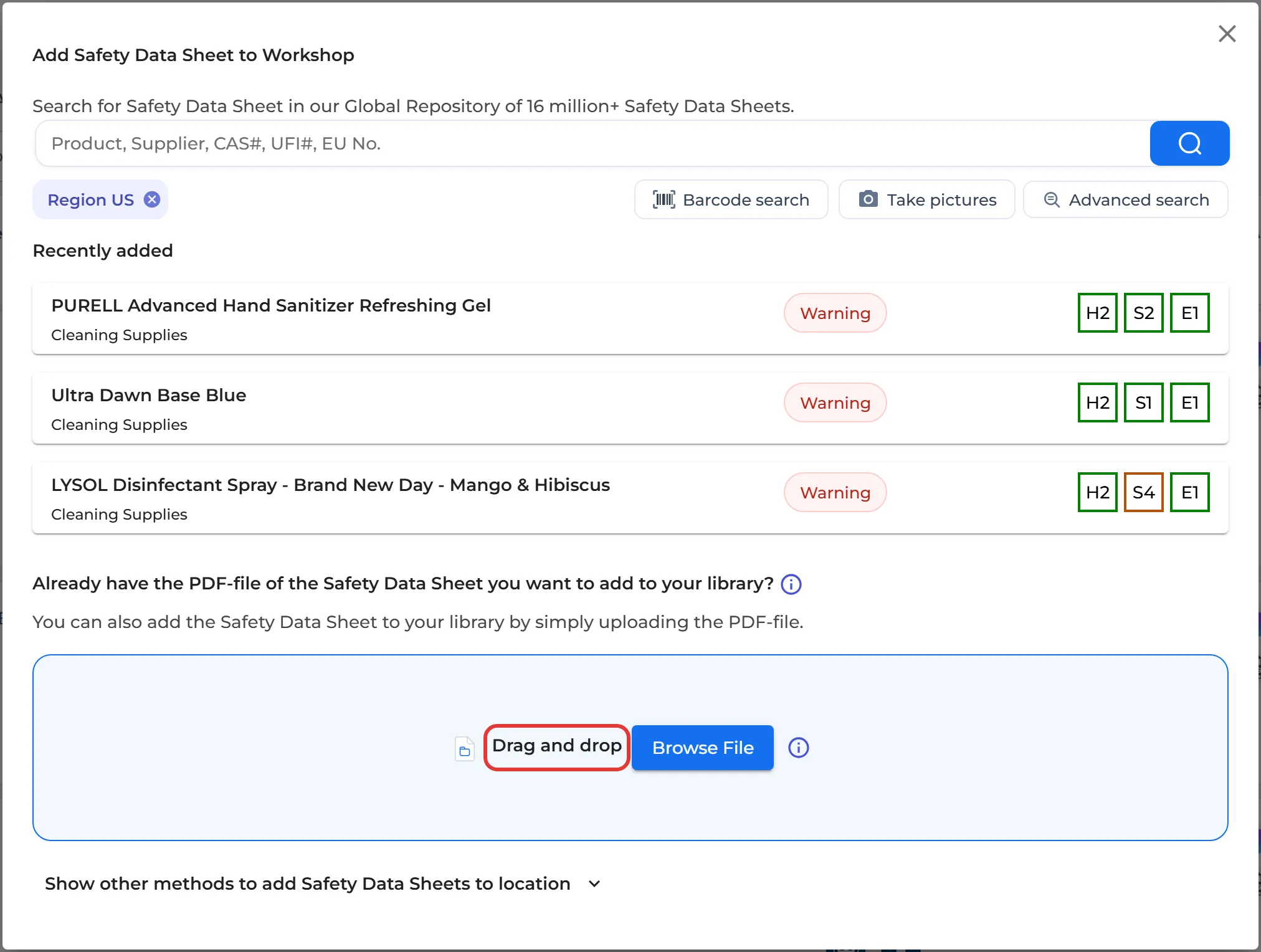
SDS Manager tells you if a newer version of some of the SDSs is in our database. You can follow the import under Import status in the left menu.
Is the PDF one product made of several parts, for example a kit? Open Advanced options in the upload dialog and choose Upload as KIT SET (SDS Binder) to keep the file together.
Read more: How do I import our current file-based SDS library? · Paper copies only: How do I migrate our current paper-based SDS library to SDS Manager?