Are your Safety Data Sheets (SDSs) in another SDS management system? There are two ways to move them to SDS Manager.
1. Let our team move your library
Our team can move your SDS library, including your location structure, from your current system to SDS Manager for you. During your free trial you find this on the Dashboard, on the Migrate from other system tab:
- Click Send access link to SDS Manager and paste a link to your SDS library in your current system. Our migration team uses it to read your data; you do not need to export anything.
- Our team moves your SDSs and locations to your SDS Manager account.
- You get an email when the data has been imported.
The tab is shown to trial customers who told us during sign-up that their SDSs are in another system. You can also ask us at any time: click Contact Us under Guides & Help on the Dashboard. Read more: Can SDS Manager staff do the migration of our SDS library for us?
2. Import SDS binders from your current system
Most SDS management systems can make an SDS binder: one PDF file with all the SDSs on a location. Make a binder for each location in your current system and import it to the matching location in SDS Manager. SDS Manager finds each SDS in the file and adds them to the location.
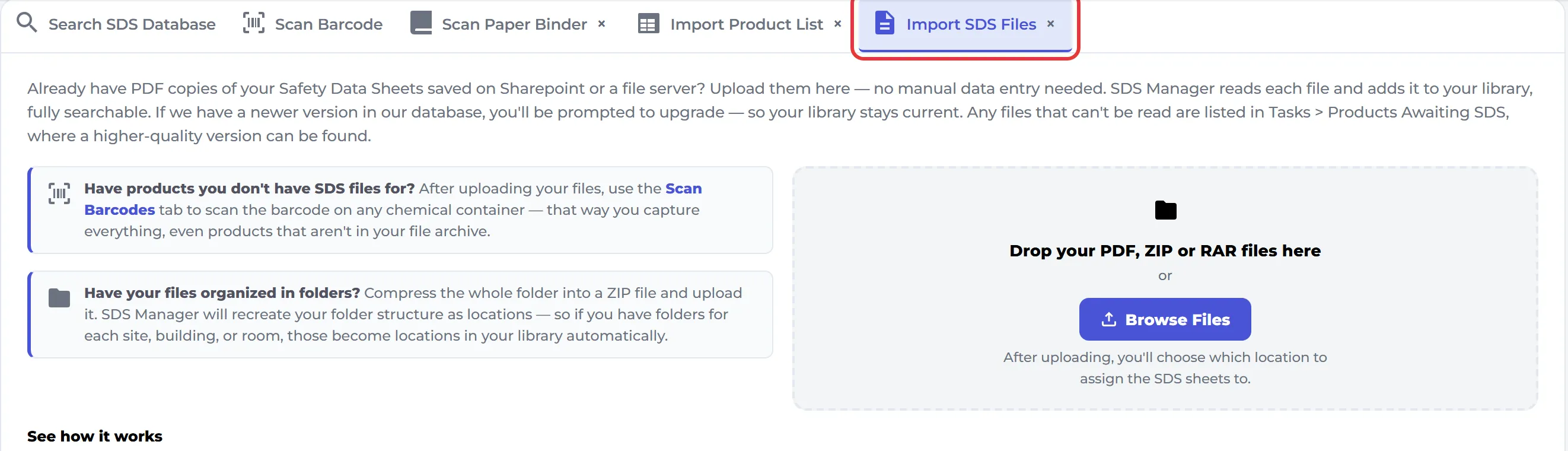
Read more: How do I migrate our current SDS binder to SDS Manager? · How do I import our current file-based SDS library?