The person who signs up for SDS Manager becomes the owner of your organization's account. You can make another user the owner, for example when you change jobs. Only the owner can do this.
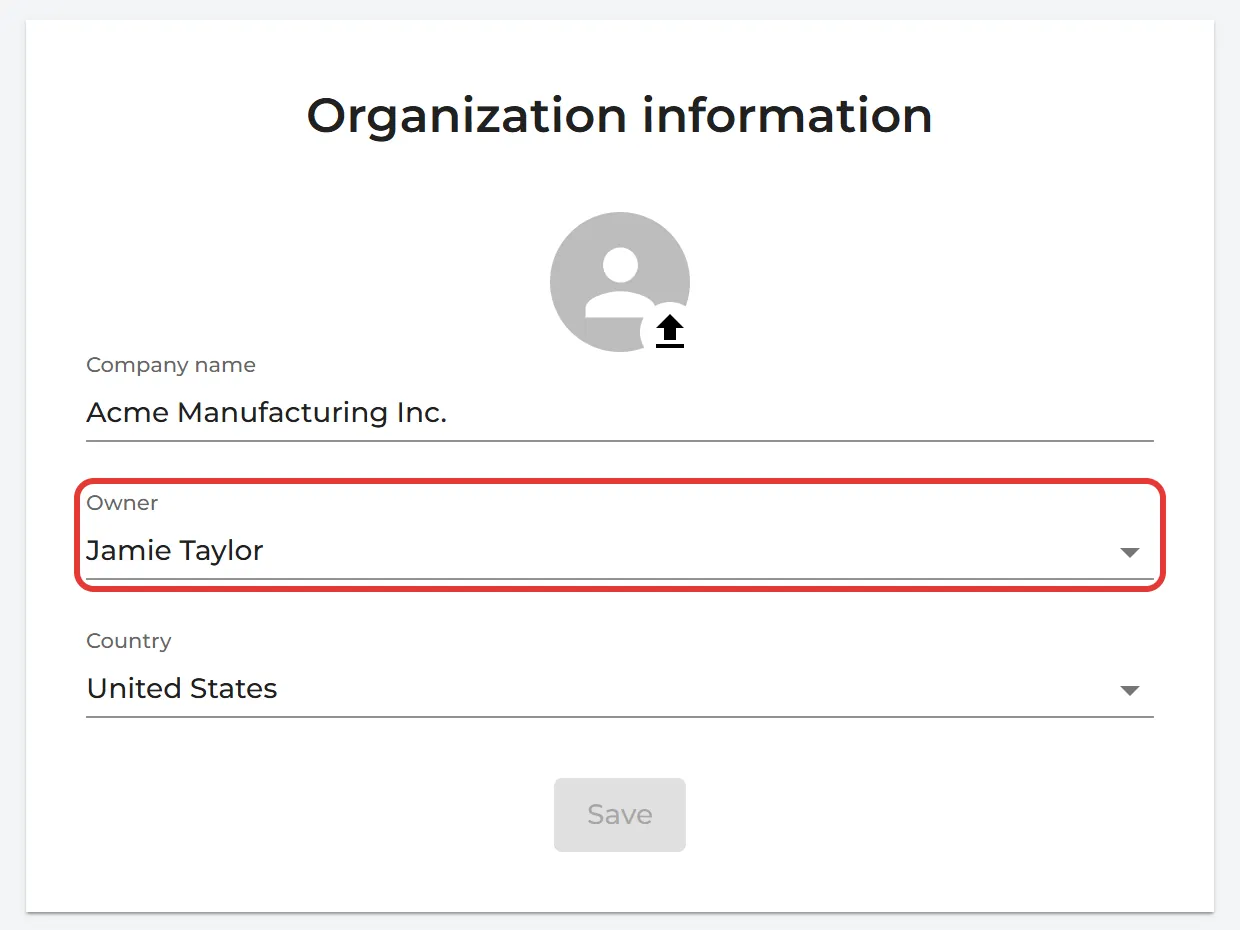
- Click More → Organization profile.
- Under Owner, choose the new owner and click Save. The new owner must already be a user in your account.
- Choose your own role after the transfer: Keep as Admin (all locations) or Remove all access, and click OK. You lose the owner access at once.
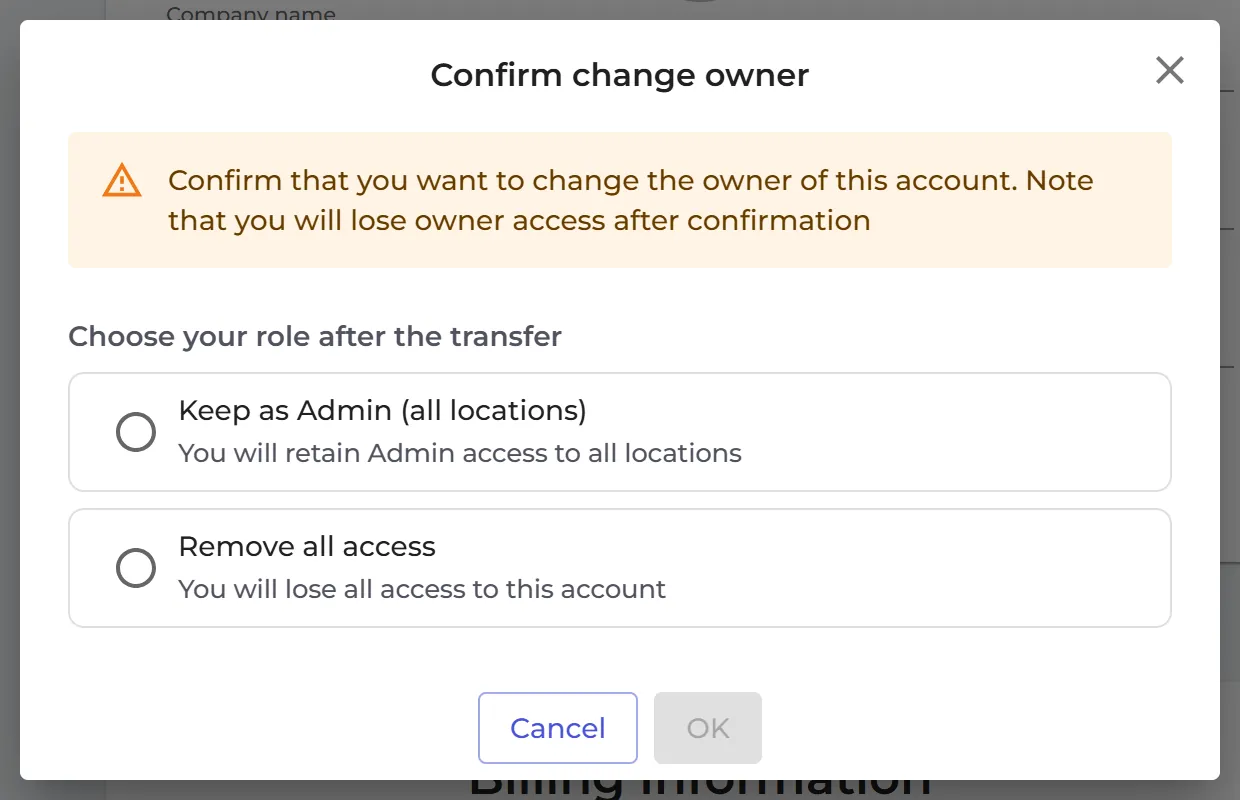
If you keep the Admin role, you keep access to all SDSs on all locations. The new owner can change your role later.