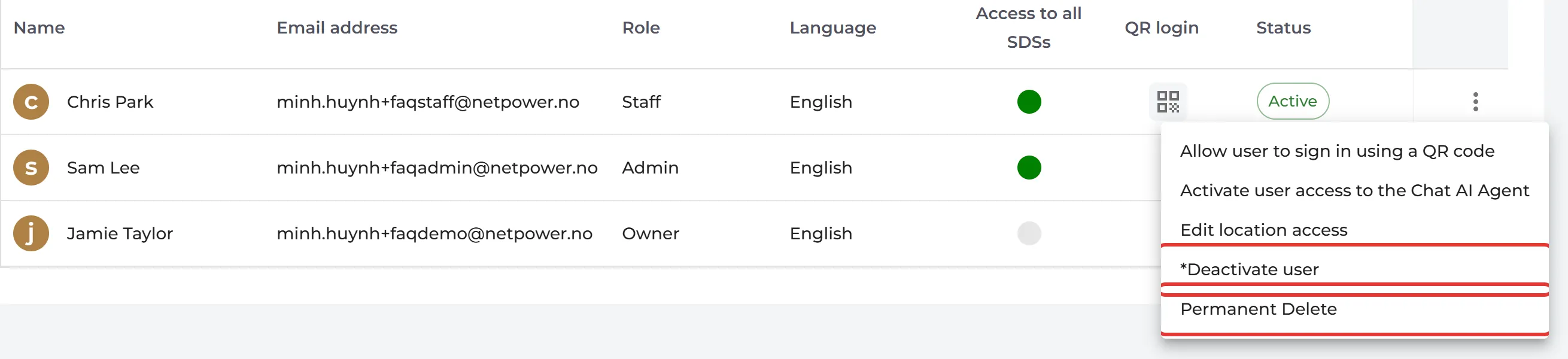
Yes, you can do both. Click More → User management, then click ⋮ on the user:
- Deactivate user: the user can no longer sign in. The account stays, and you can activate it again later. The owner and admins can deactivate users.
- Permanent Delete: deletes the user. This cannot be undone. Only the owner of the account can delete users.
To find a deactivated user, choose Deactivated in User Status at the top of the page. Click ⋮ on the user and choose Activate user to give them access again.
The owner cannot be deactivated or deleted. Make someone else the owner first: How can I transfer ownership of our organization?
QR codes are deactivated and deleted the same way, on QR Access (Employee Access) in the left menu.