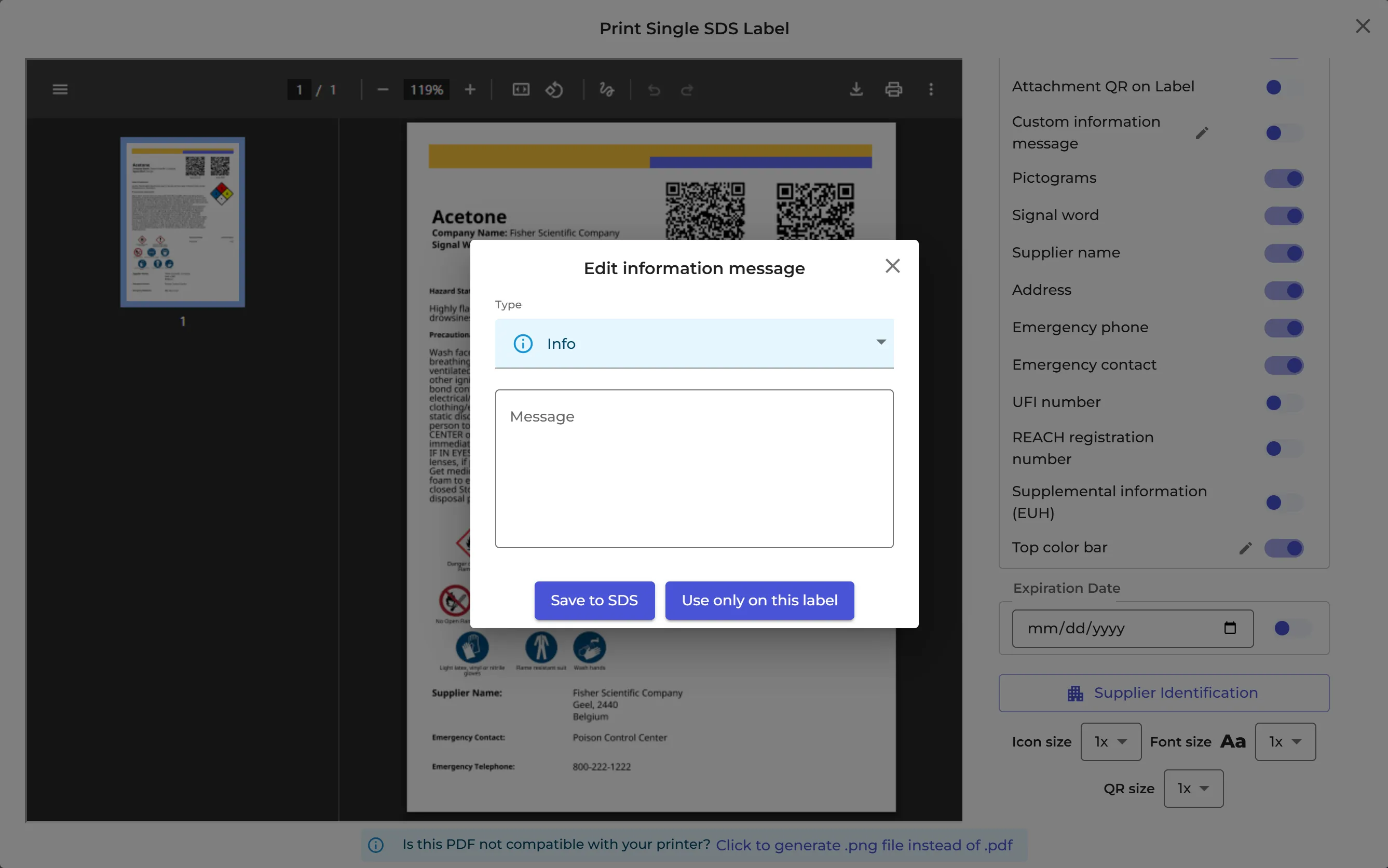
You can add your own message to an SDS, for example "Use only in the fume hood". Choose Info, Warning or Danger: the message gets the matching colour. It is shown below the SDS in the SDS list, also to employees who search for it, and it can be printed on the secondary container label.
Add a message
- Open the SDS details: click the SDS in Manage SDS Library, or the eye icon (View details) on its row.
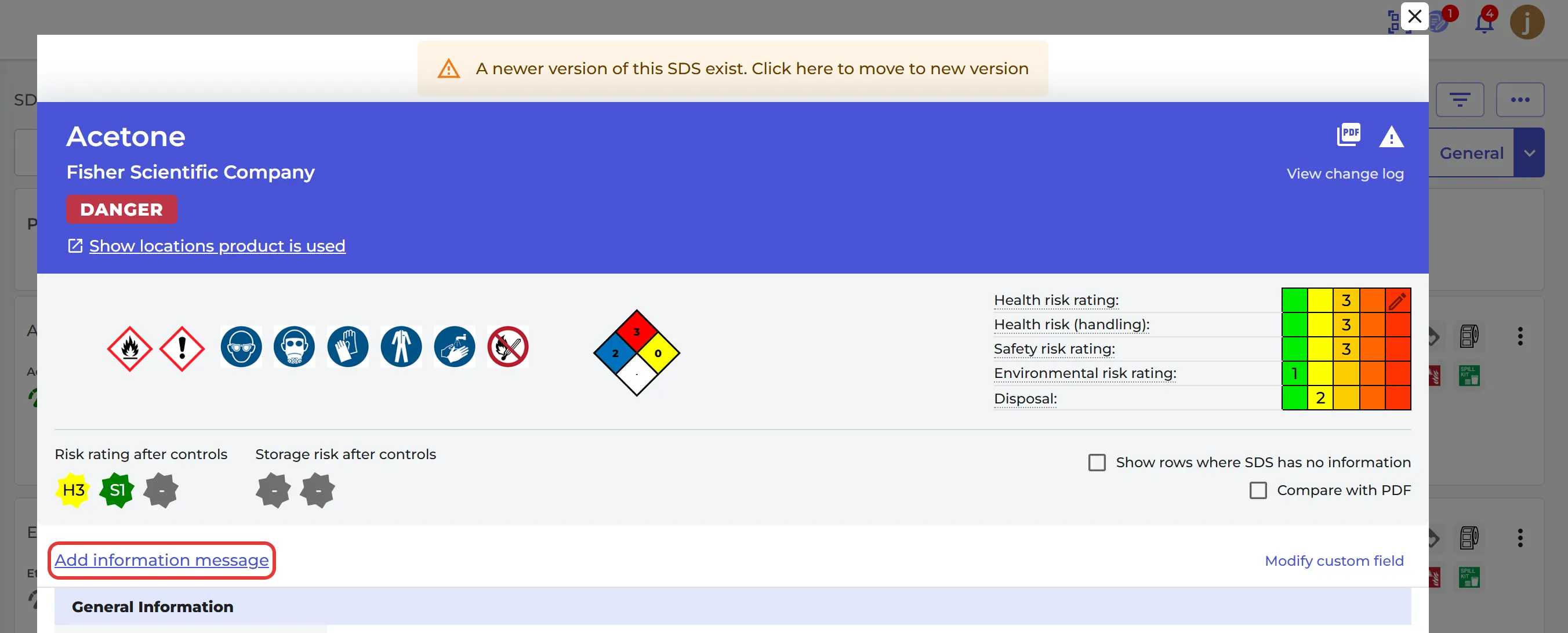
- Click Add information message.
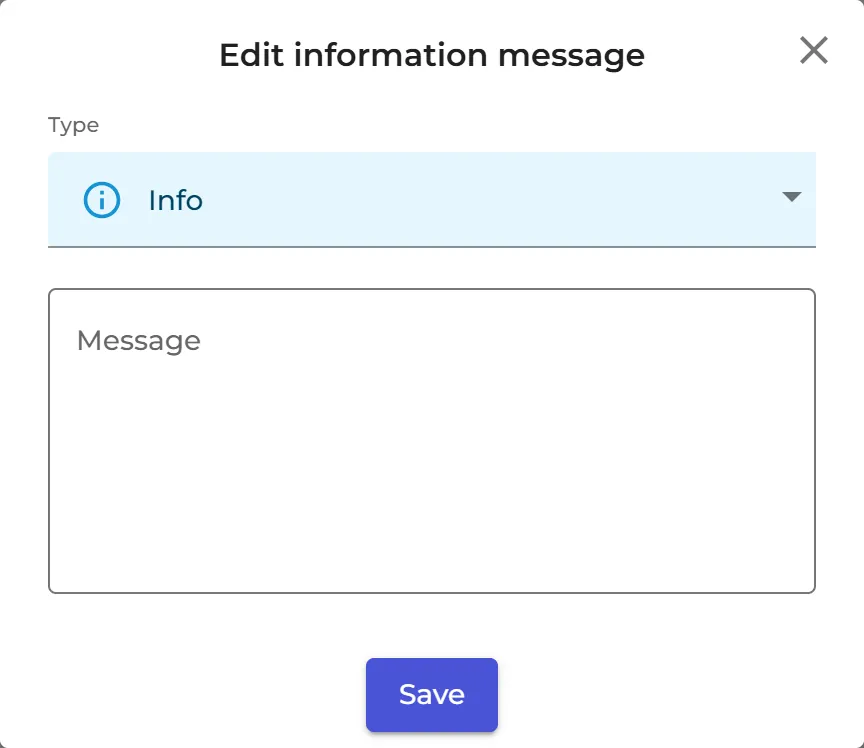
- Choose the Type (Info, Warning or Danger), write the Message and click Save.
To change or remove the message, click it on the SDS details page. Remove deletes it.
On the secondary container label
In the label window, switch on Custom information message to print the message on the label. Click the pencil next to it to write a message here: Save to SDS saves it on the SDS, and Use only on this label uses it on this label only. Read more: How to create Secondary container labels for hazardous chemicals