Partly. SDS Manager is available in more than 30 languages, and our database has SDSs in many languages. If the rules require an SDS in more than one language, add the SDS in each language to your library. The translations below only help your employees understand an SDS.
What is shown in your language
Each user chooses a language (click your profile picture at the top right and choose Language), and each QR code poster has its own language. When you open an SDS in another language, the headings and field names are shown in your language, and so are the hazard statements and precautionary statements. Text that SDS Manager has read from the SDS stays in the language of the SDS.
Translate SDSs for QR code poster users (Pro and Enterprise)
For a multilingual workplace, create a QR code poster for each language, for example one in English and one in Spanish. Then switch on translation for the poster:
- Click QR Access (Employee Access) in the left menu and click the poster icon in the View QR poster column.
- Open Automatic SDS Translation (Pro & Enterprise Plans) and tick Enable automatic translation for this QR poster.
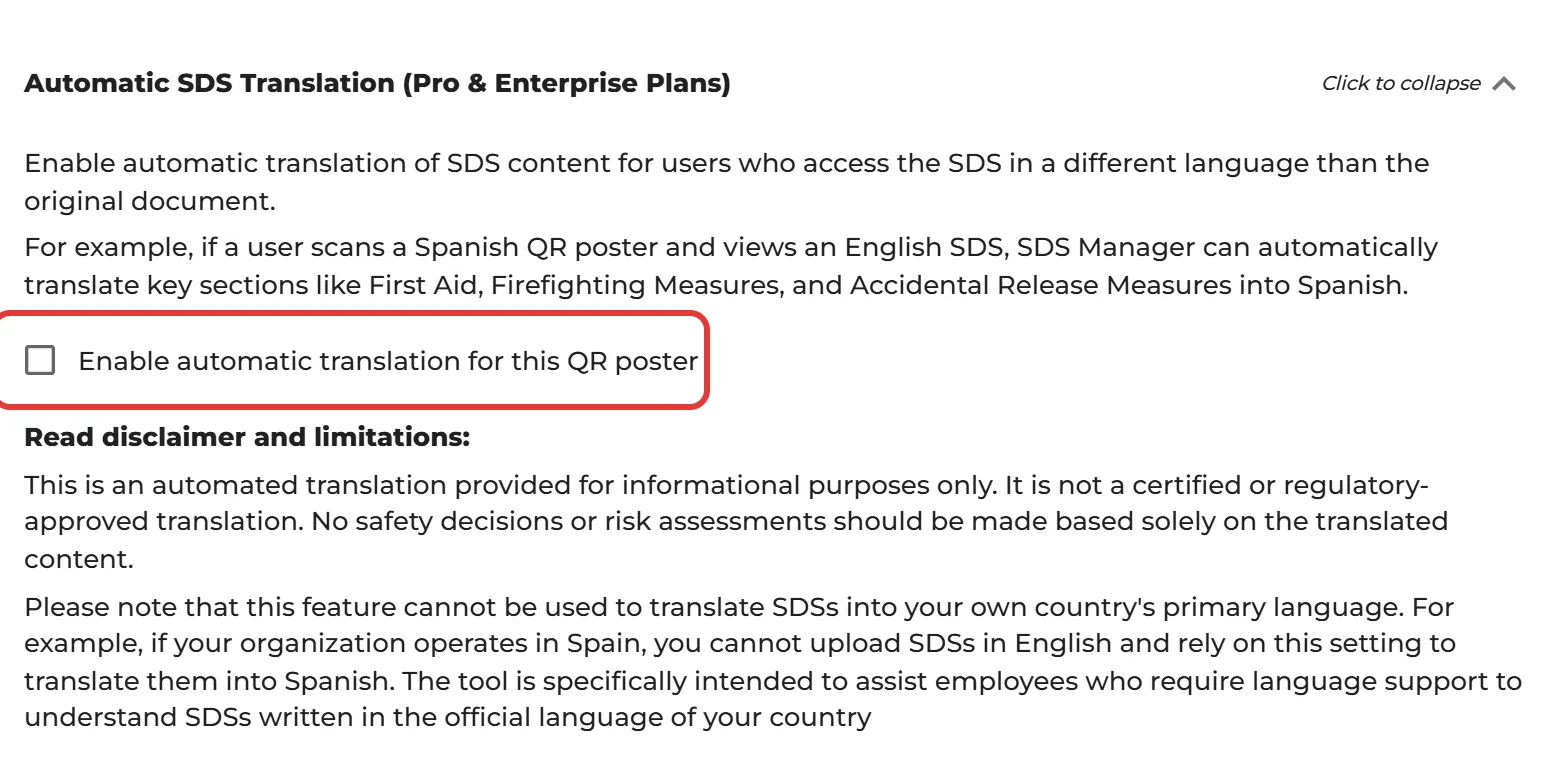
Employees who scan the poster and open an SDS in another language then get the first aid, firefighting and accidental release measures translated into the language of the poster. The other sections of the SDS have a Translate button, and Show original text shows the original again. On these plans, users who log in also see the Translate button.

Translation is part of the paid Pro and Enterprise plans. You cannot switch it on during the free trial.
Please note
- The translation is automatic and for information only. It is not a certified or regulatory-approved translation. Do not base safety decisions or risk assessments only on the translated text.
- You cannot use it to translate SDSs into the main language of your own country. For example, if your organization operates in Spain, you cannot add English SDSs and rely on this to translate them into Spanish. It is meant for employees who need help to understand SDSs in the official language of your country.
Automatic SDS Translation for your company
On the Settings page (More → Settings), Automatic SDS Translation shows whether SDS Manager translates the key safety information in your SDSs for your company. You cannot change this switch yourself: contact SDS Manager at support@sdsmanager.com to turn it on or off. We charge based on the number of translated in-use SDSs per year.
Show only SDSs in the language of the poster
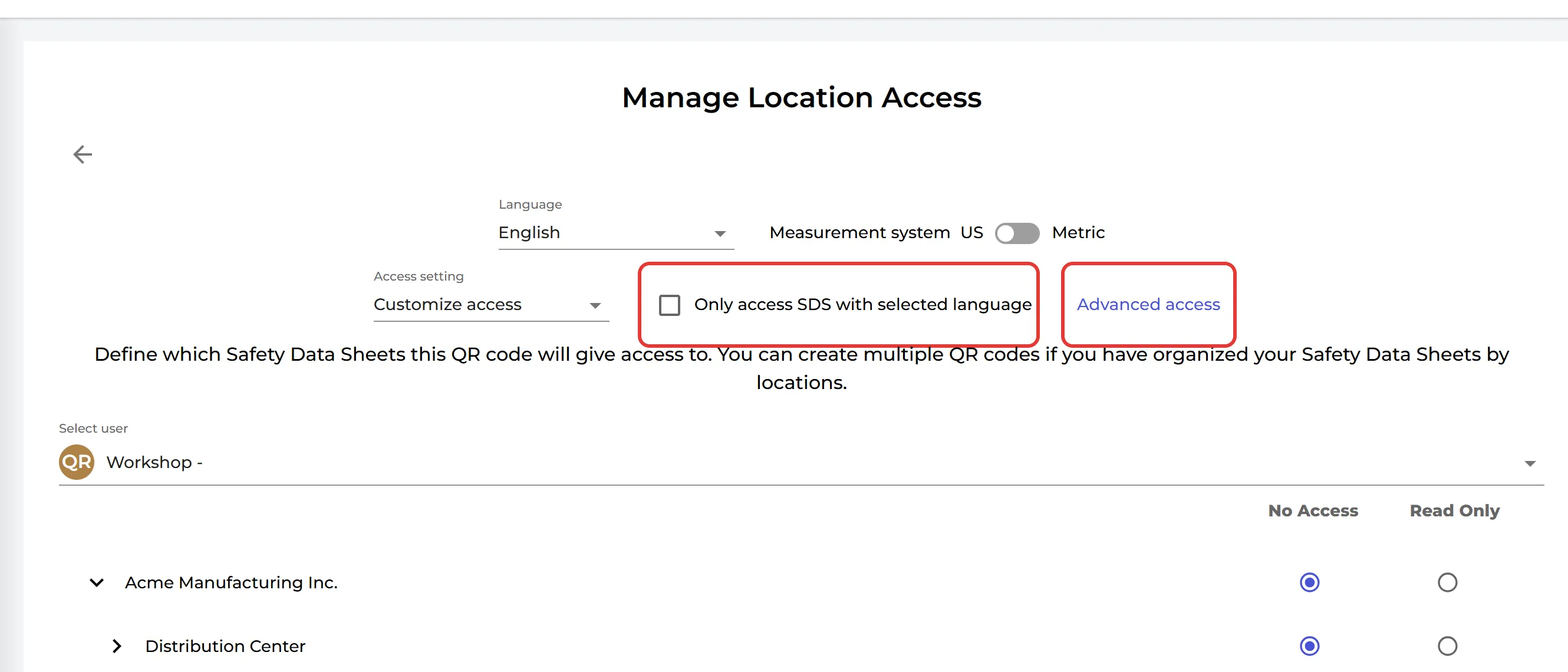
If you have SDSs for the same product in several languages, a QR code poster can show only the SDSs in its own language. Click ⋮ on the poster, choose Edit location access, tick Only access SDS with selected language and click Save.
Read more: How can our employees access our SDS library By scanning QR Code poster?