Each Safety Data Sheet (SDS) in your library has a details page with the information SDS Manager has read from it.
Open the details
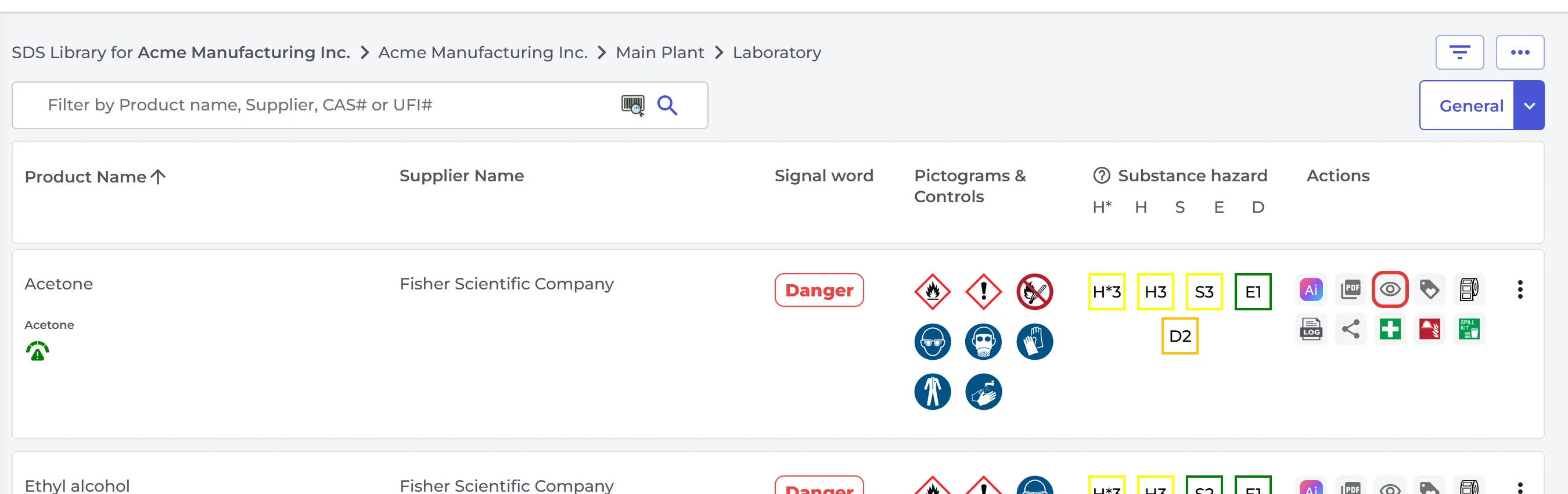
Click the SDS in Manage SDS Library, All my SDSs or SDS Filter, or click the eye icon (View details) on its row.
What is on the details page
- At the top: the product, the supplier, the signal word, pictograms and PPE symbols, and the risk ratings. Buttons open the PDF and the change log, and Show locations product is used lists where you use the product.
- Your own information message and attachments, if you have added them.
- General Information: product name, synonyms, product code, CAS number and the revision, print and issue dates.
- Company Information, GHS Information, Hazard statements, Precautionary statements and EUH-statements.
- The sections of the SDS, one by one.
Tick Compare with PDF to see the PDF next to the details.
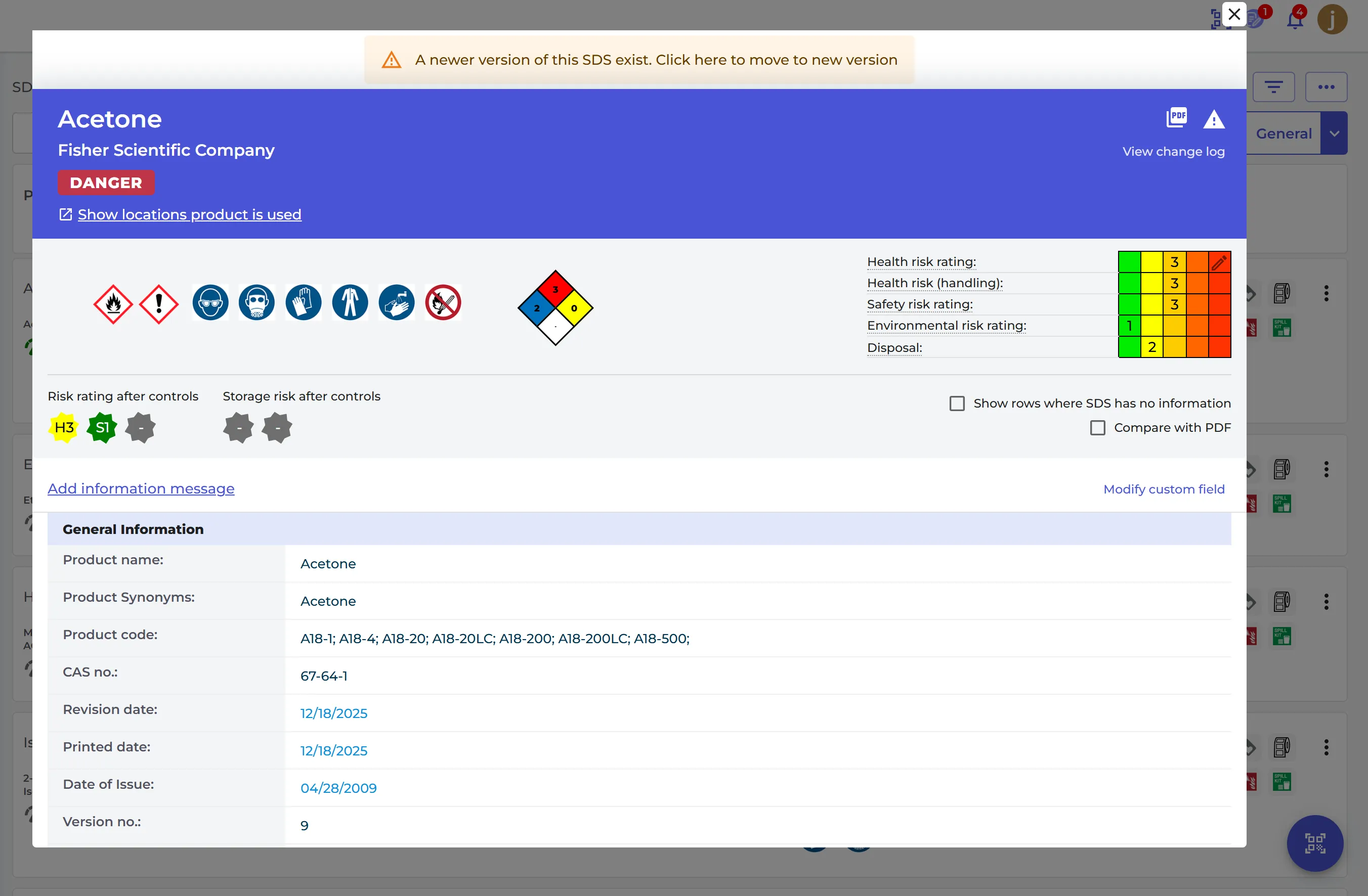
If a newer version of the SDS exists, a message at the top says so. Click it to move to the new version.