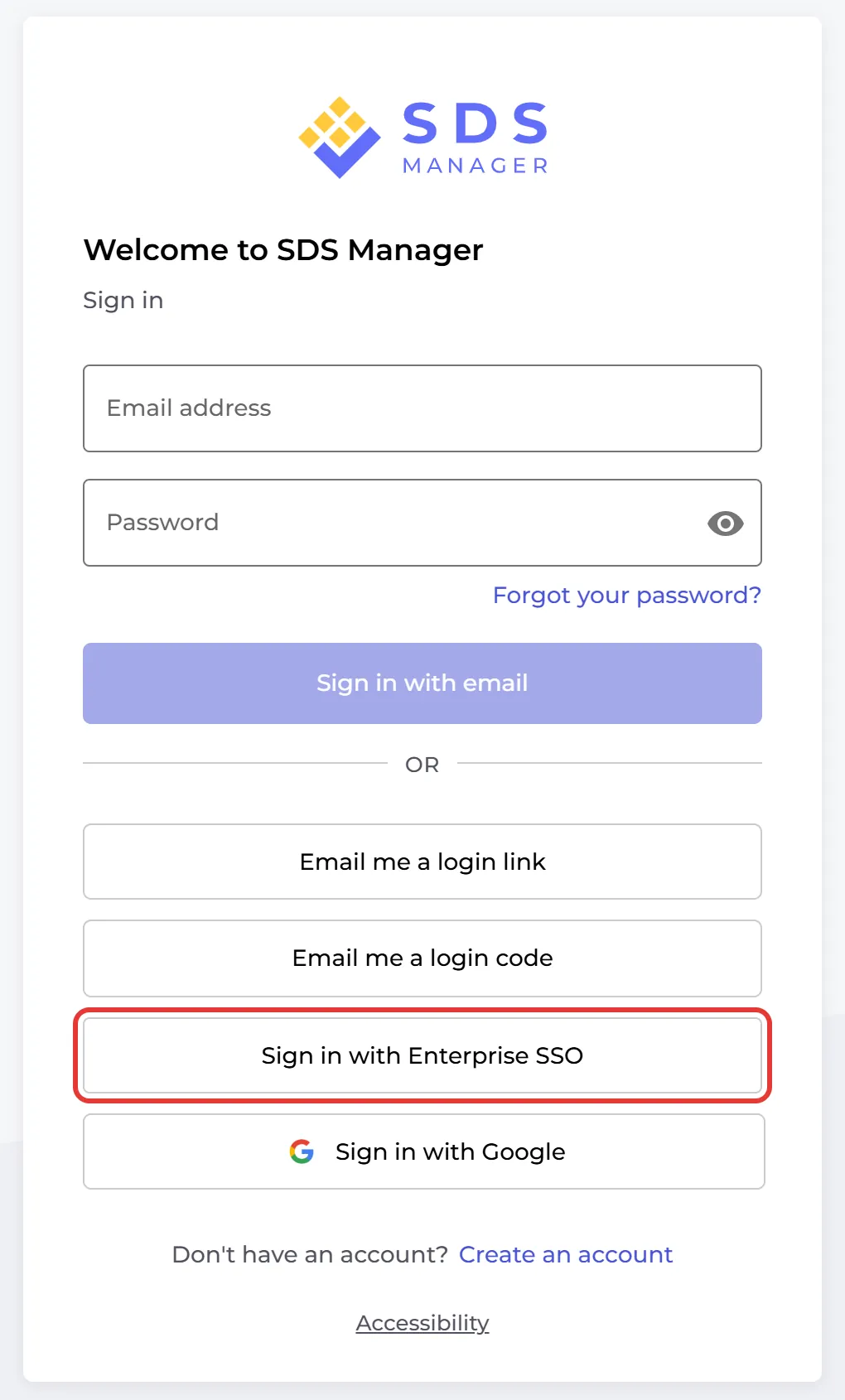
Yes. SDS Manager supports single sign-on (SSO) with SAML, for example with Microsoft Entra ID (Azure AD) or Okta. Your employees then sign in with their company account: on the login page they click Sign in with Enterprise SSO.
The owner of the account sets up SSO in Settings → Single Sign-On (SSO), with the federation metadata document and the application (client) ID from your identity provider. There you also choose:
- Enable for users: switch SSO on for your users.
- Automatically create new users with role: an employee who signs in with SSO for the first time gets a user account with the role you choose, for example Staff.
- Assign role from identity provider: take the user's role from your identity provider.
Step-by-step guide for Microsoft: How to set up Single Sign-On (SSO) with Microsoft Azure?
SSO is an extra subscription. Contact us to get it switched on for your account.