Use this if you only have printed copies of your Safety Data Sheets (SDSs) and no electronic files. You have three options.
1. Photograph the first page of each SDS (fastest)
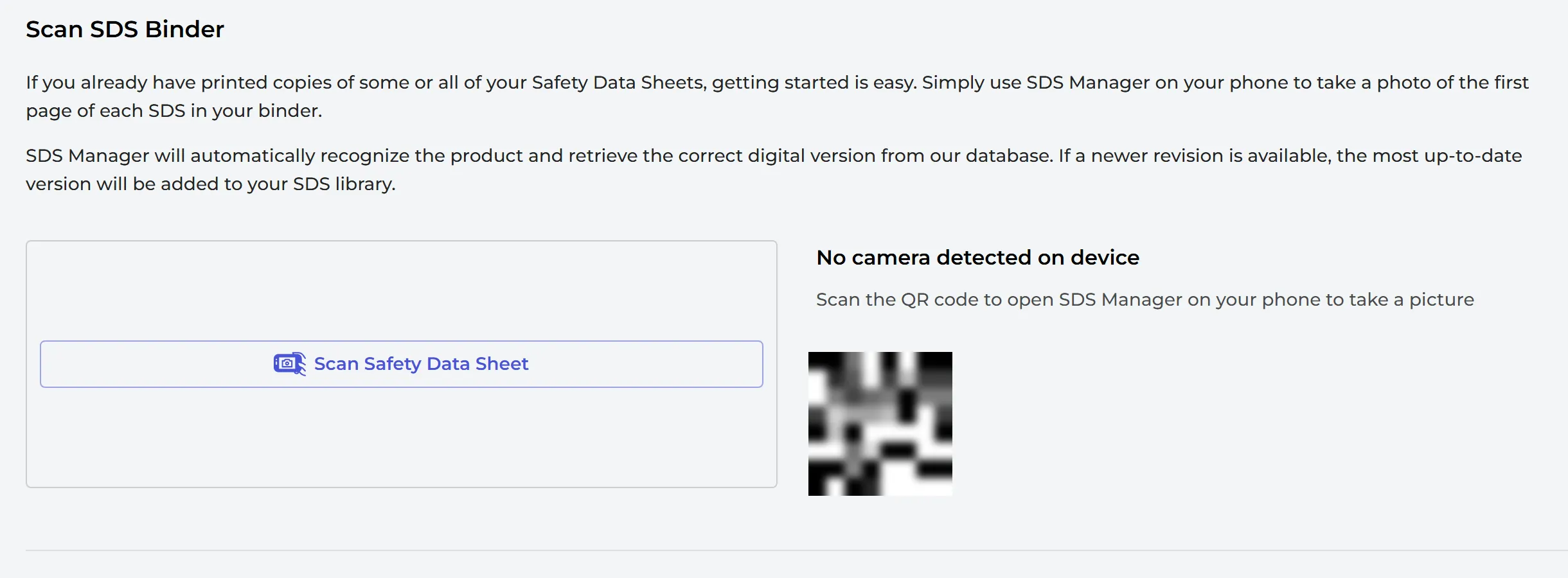
On the Dashboard, open the Scan Paper Binder tab and click Open Binder Scanner. Open the page on your phone (scan the QR code on the screen), then take a photo of the first page of each SDS in your binder with Scan Safety Data Sheet. SDS Manager recognizes the product and adds the digital version from our database to your library. If a newer revision exists, you get the newest one.
Scanning a paper binder is part of the Premium, Pro and Enterprise plans.
2. Scan the pages to a PDF file and import it
Scan all SDSs for one location into one PDF file and import the file to that location. SDS Manager finds each SDS in the file, reads it and adds it to the location. Read more: How do I migrate our current SDS binder to SDS Manager? and I have a hard-copy or scan of an SDS file I like to add to our library
3. Search our database and add the SDSs one by one
Search our database of 30 million+ SDSs for each product you use and add it to your library. Read more: How to add Safety Data Sheets to your SDS library
Would you like us to do it for you? Read How can SDS Manager assist/help us with building our SDS library?