With two-factor authentication (2FA), SDS Manager e-mails you a code each time you log in. You enter the code to finish logging in. This protects your account even if someone else knows your password.
- Click your profile picture at the top right and choose Manage account.
- Under Security, switch on Two Factor Authentication.
- The first time, the window Verify your email opens and we send a code to your e-mail address. Enter the code and click Submit. No e-mail? Click Resend code.
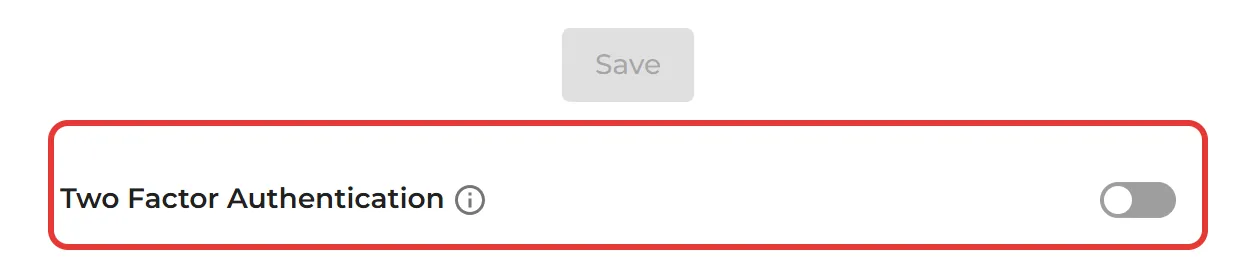
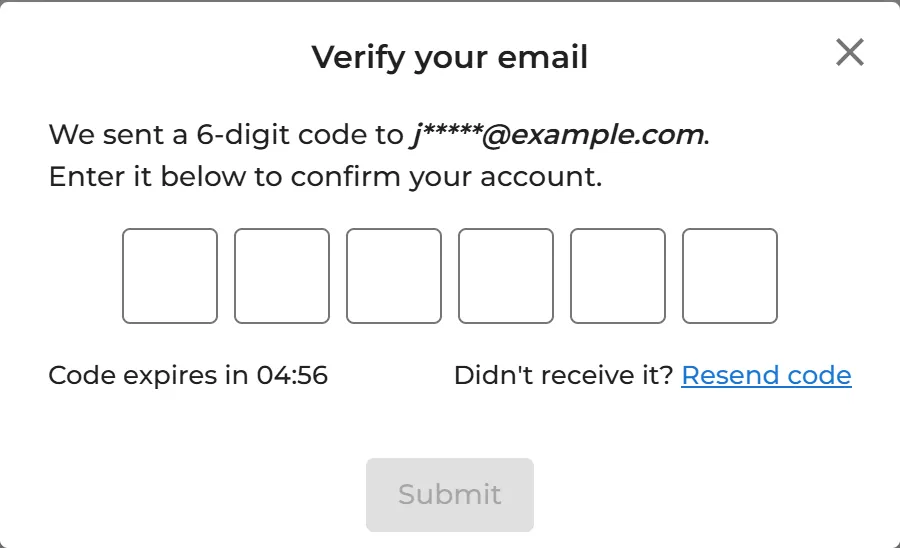
To switch 2FA off, switch off Two Factor Authentication and confirm with a code in the same way.
Owners, admins and Admin Light users can switch on 2FA for their own account. 2FA is part of the Pro and Enterprise plans. Read more: How can I change my account’s information and password?