You can search the full text of all the Safety Data Sheets (SDSs) in your library, for example to find every SDS that recommends "dry chemical powder" for firefighting.
- Click Filter (SDS Filter) in the left menu.
- Click ⋮ (Advanced search) in the search field and tick Free-text search throughout the entire SDS.
- Type the words and press Enter. SDS Manager lists the SDSs that contain all the words.
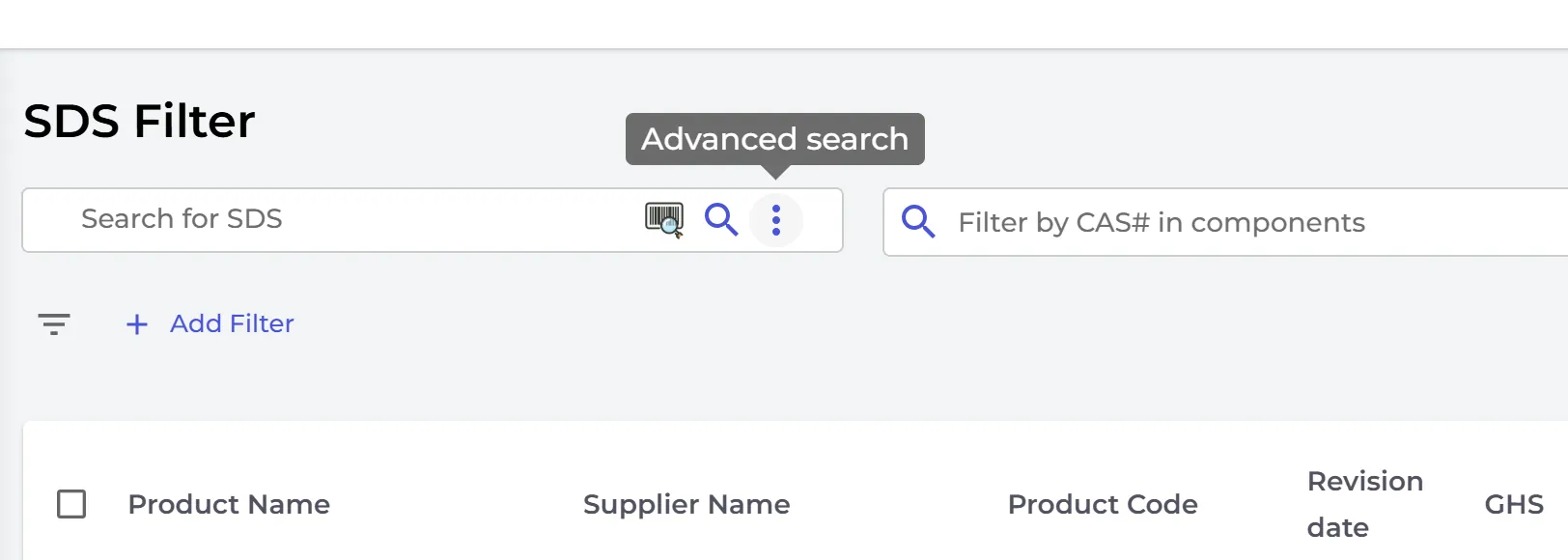
To find an exact phrase, put it in quotes, for example "dry chemical powder". Headings and fixed texts in the SDS are not searched.
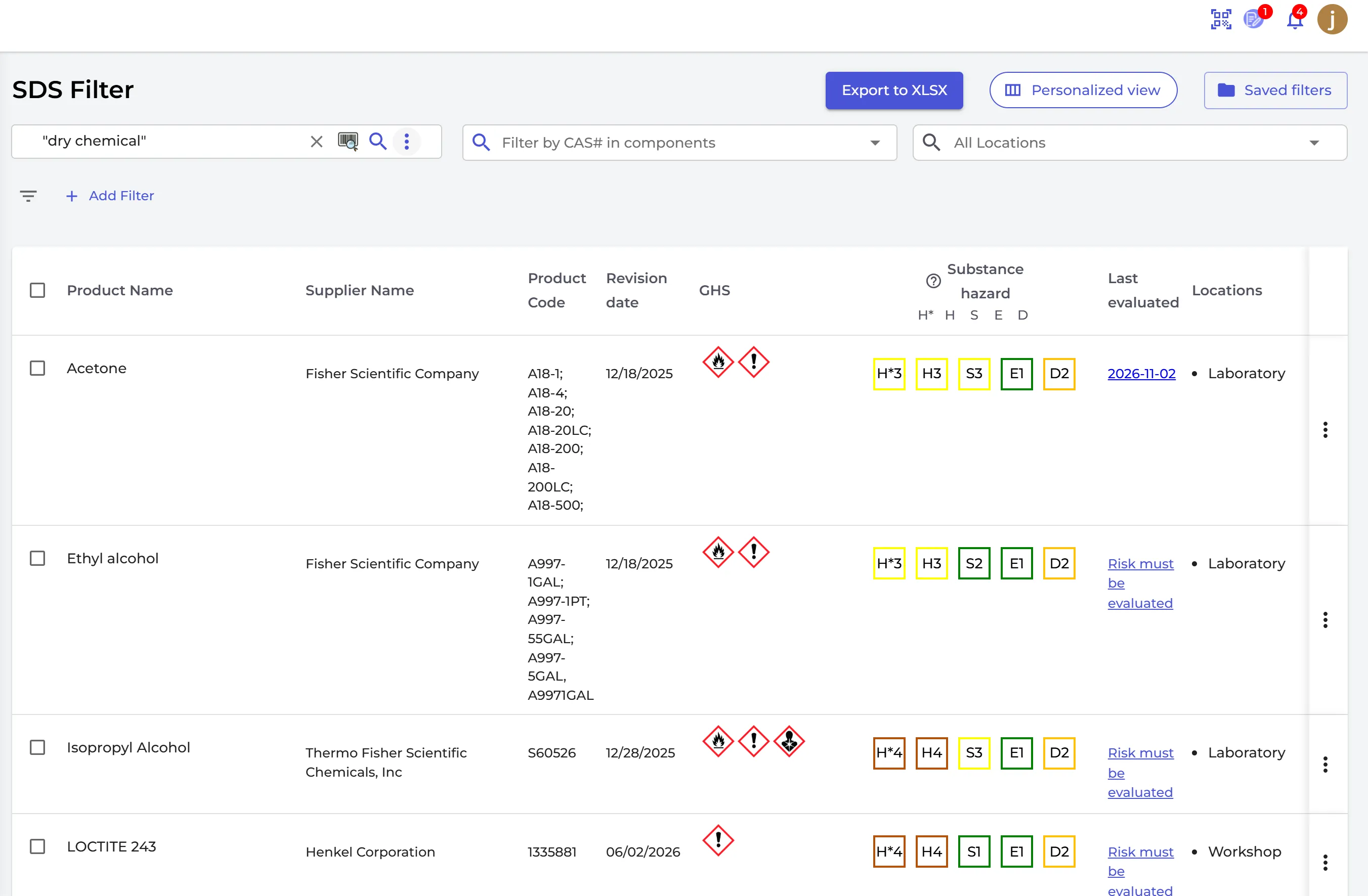
Without the option, SDS Filter searches product names, suppliers and codes. If nothing matches, it searches the full text.