The number in brackets after a location name is the number of Safety Data Sheets (SDSs) on that location. You see it:
- in the left menu, in the list of locations under Manage SDS Library;
- on the Sites & Locations page (Locations in the left menu).
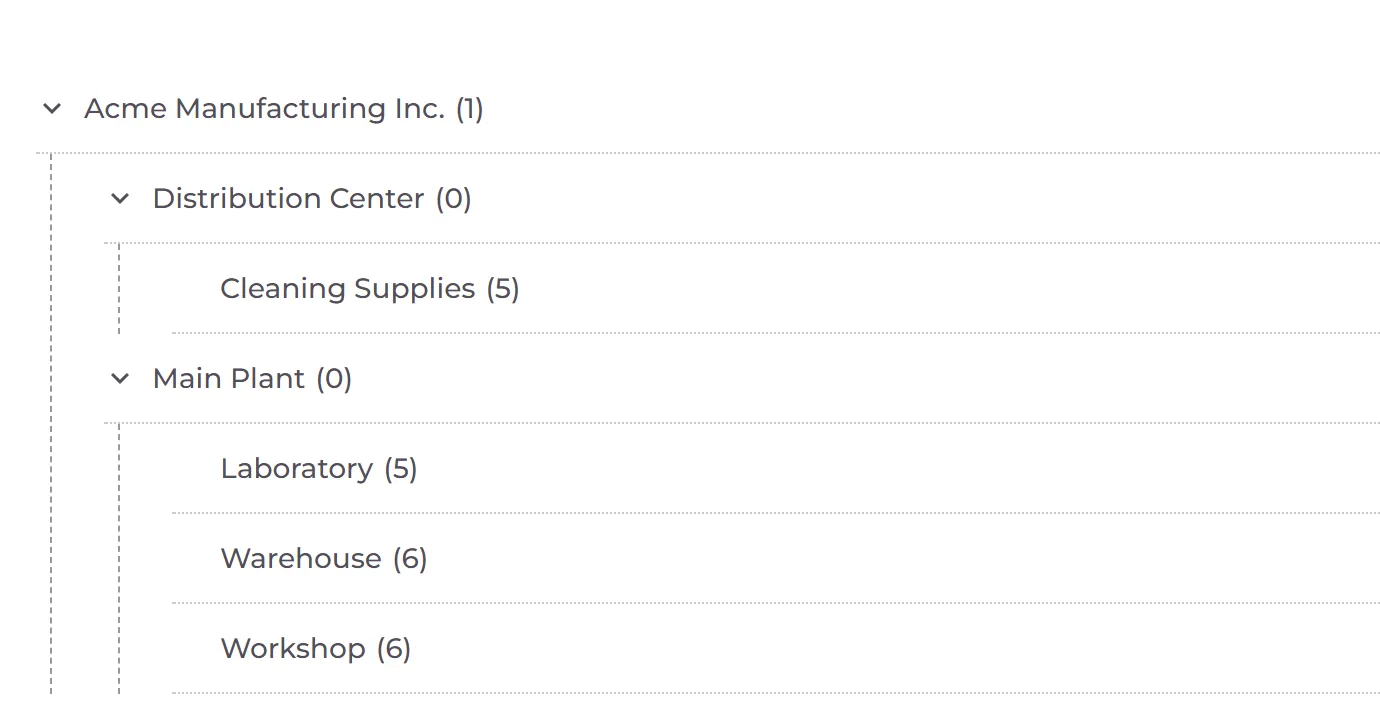
The number counts the SDSs on that location only, not those on its sub-locations. The number on the Manage SDS Library menu item is the total for your library.