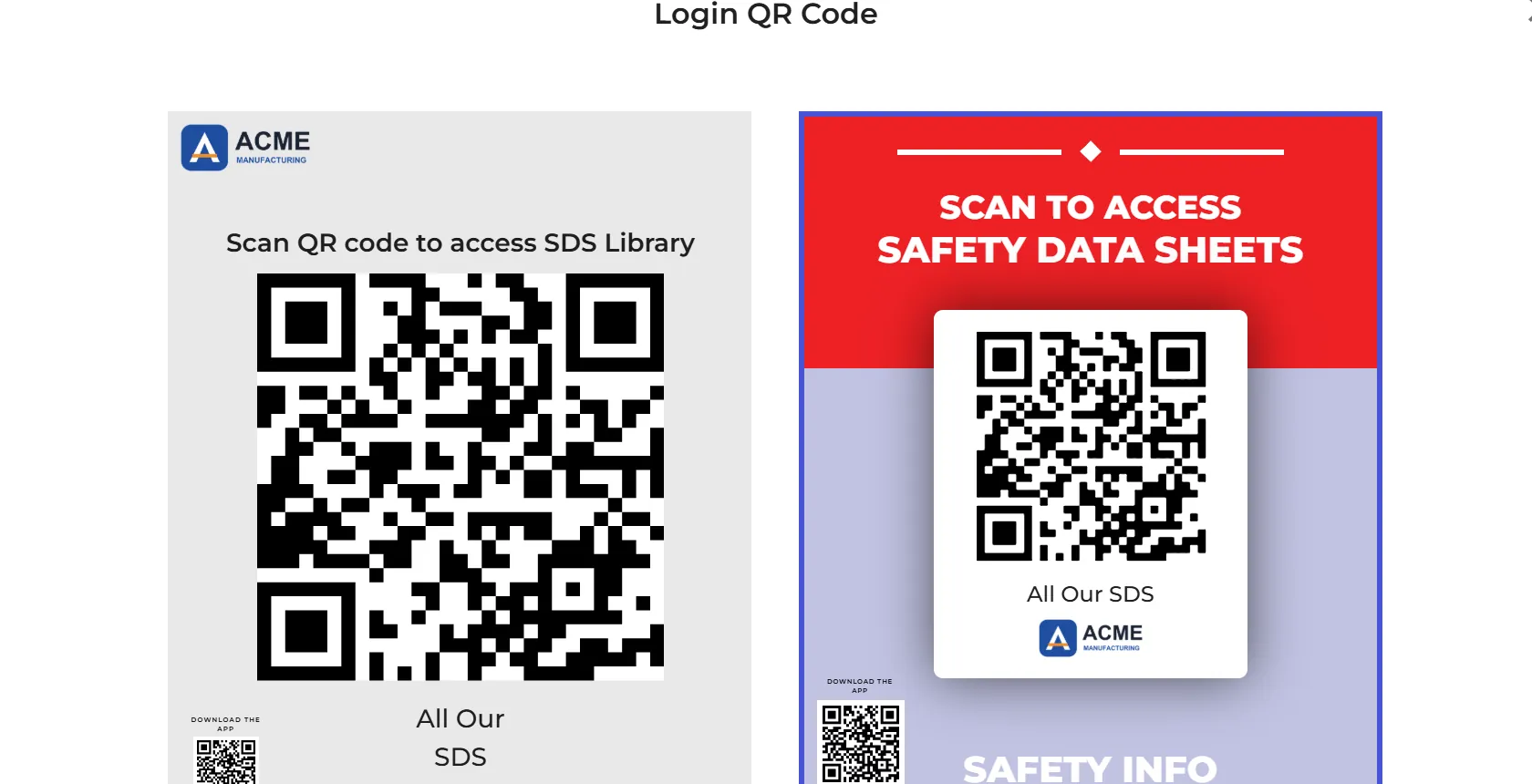
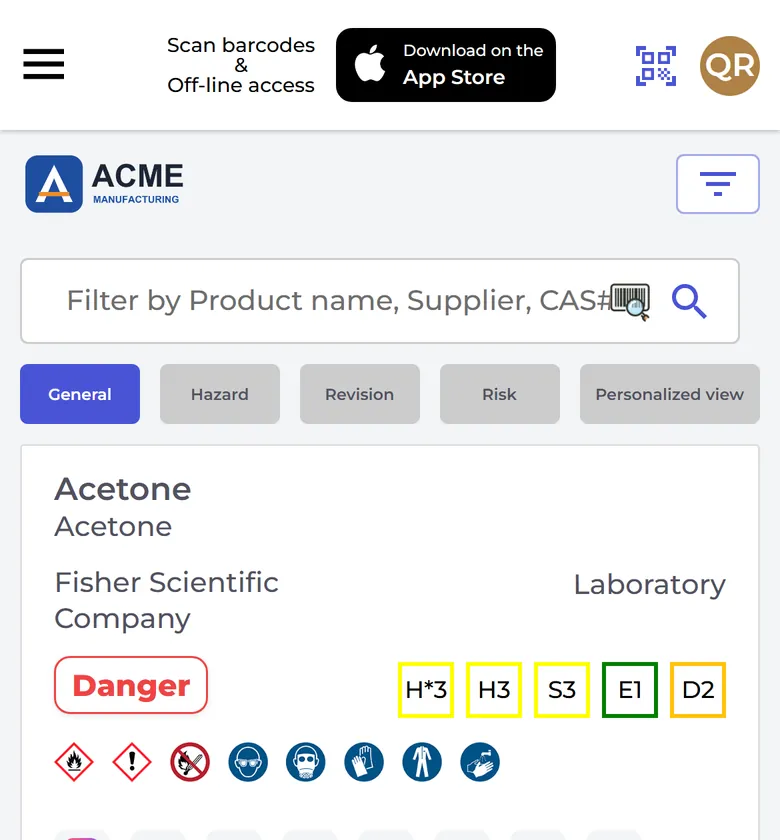
Your company logo can show on your QR code posters and at the top of the SDS library that employees open with the QR code.
Only the owner of the account can upload the logo (PNG, JPEG or GIF). There are two places to do it:
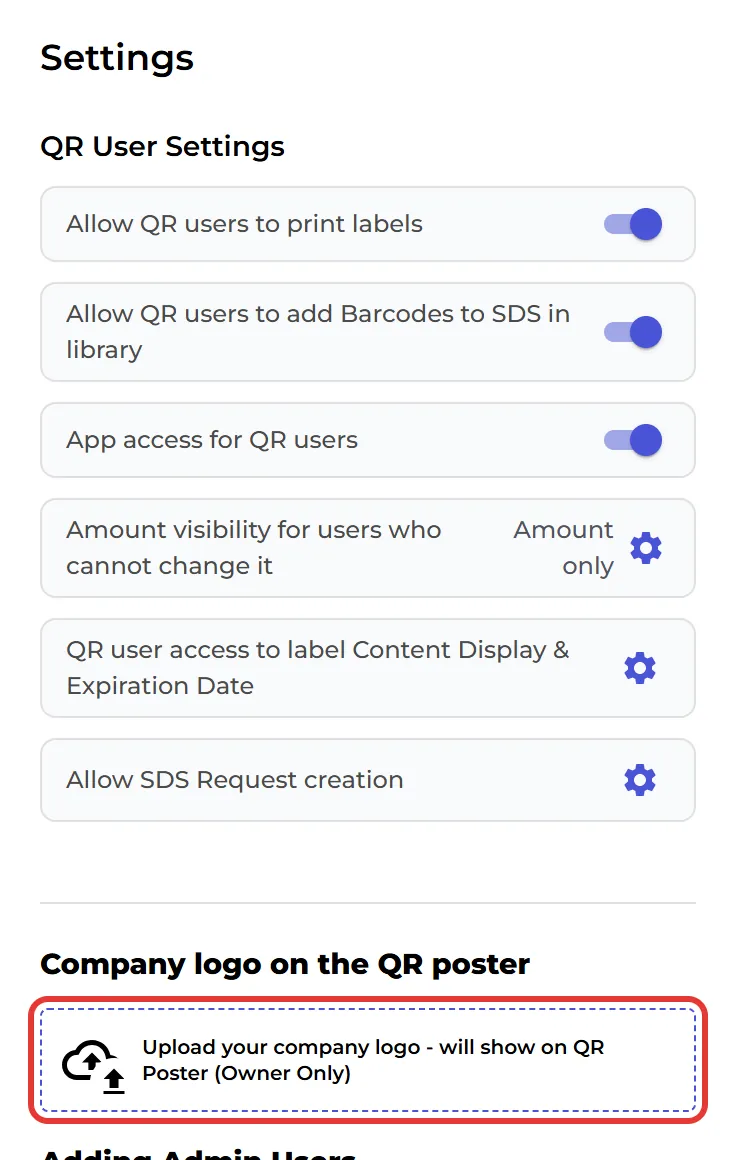
- QR Access (Employee Access) in the left menu: click Upload your company logo - will show on QR Poster (Owner Only) under Company logo on the QR poster. This box is only there while you have no logo.
- More → Organization profile: click the round picture at the top. This is also where you change or remove the logo later.
The logo then shows:
- on both layouts of your QR code posters (without a logo, the poster shows the SDS Manager logo),
- at the top of the SDS library your employees see,
- on container labels, if Company logo is switched on in the label window,
- on the front page of your SDS binders and on chemical instructions.