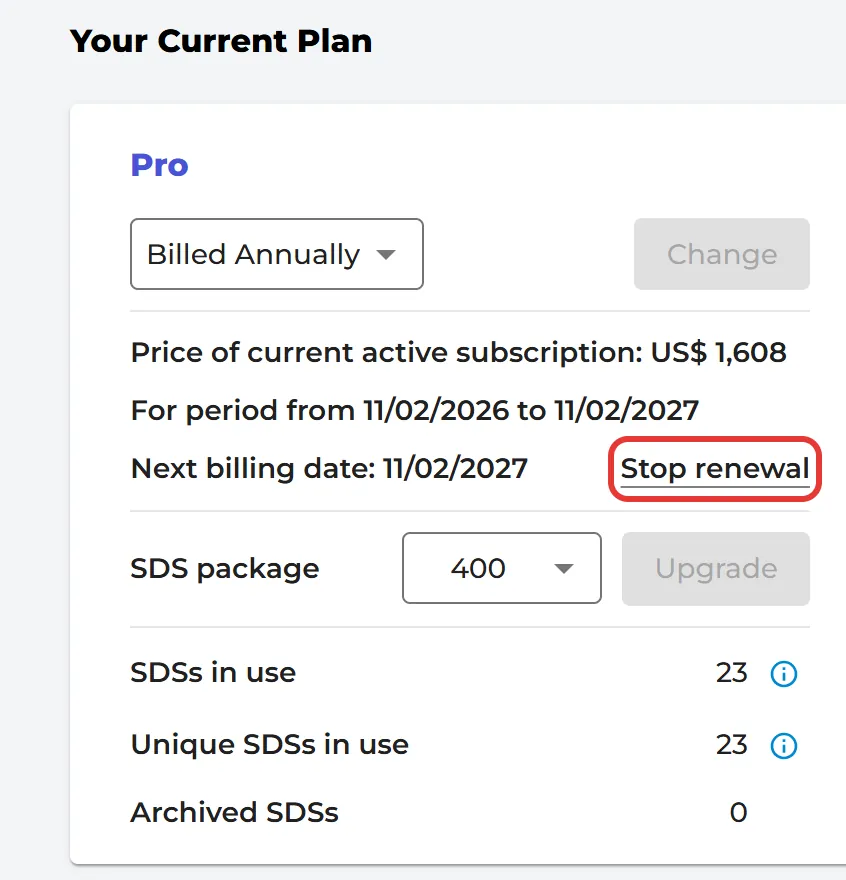
Your subscription renews automatically at the end of each period. If you have stopped the renewal, you can switch it on again:
- Click More → Subscription.
- Under Your Current Plan, click Reactivate renewal, next to Next billing date.
Your subscription then renews again when the current period ends.
When the renewal is on, the same link says Stop renewal. If you stop the renewal, your subscription runs until the end of the period you have paid for and then stops. Only the owner of the account can do this.