You can send us a message from SDS Manager:
- Go to the Dashboard.
- In the Guides & Help panel, under Can't find what you need?, click Contact Us.
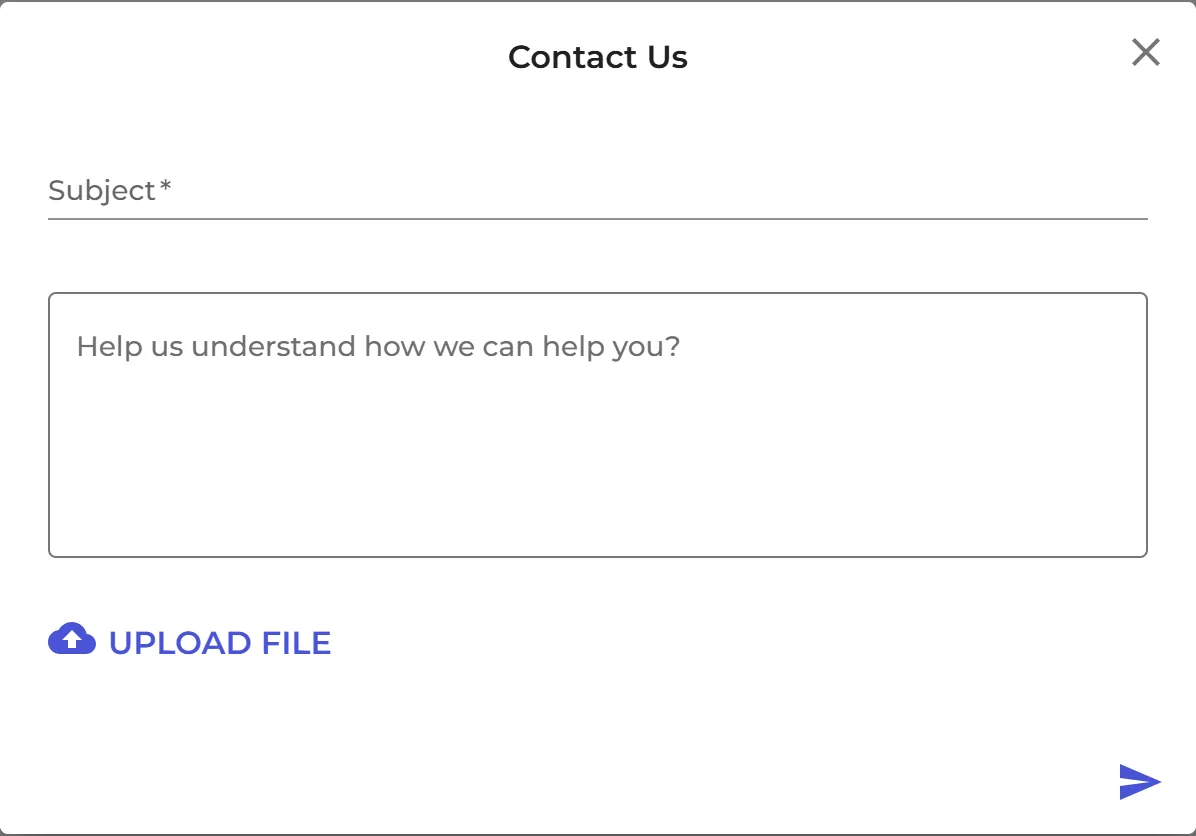
- In the Contact Us window, enter a Subject and describe the problem. To attach a file, for example a screenshot or an SDS, click UPLOAD FILE.
- Click the send button. SDS Manager shows Message is sent.
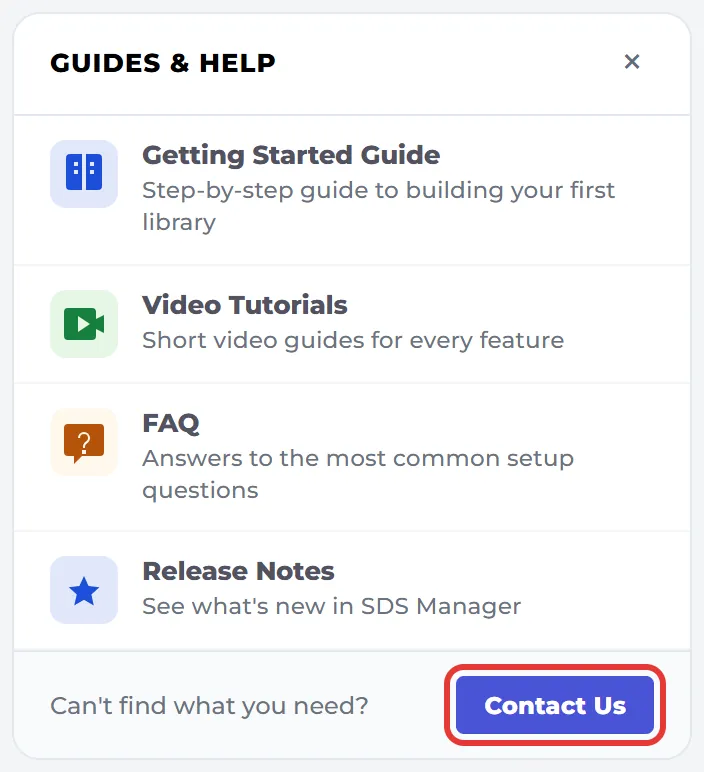
Don't see the panel? You may have hidden it. Click Show all in the Hidden panels: bar at the top of the Dashboard to bring it back. During the free trial, you can also click Need help? at the top of the Dashboard.
You can also e-mail us at support@sdsmanager.com.