You can change your account information like your profile picture, name, and password.
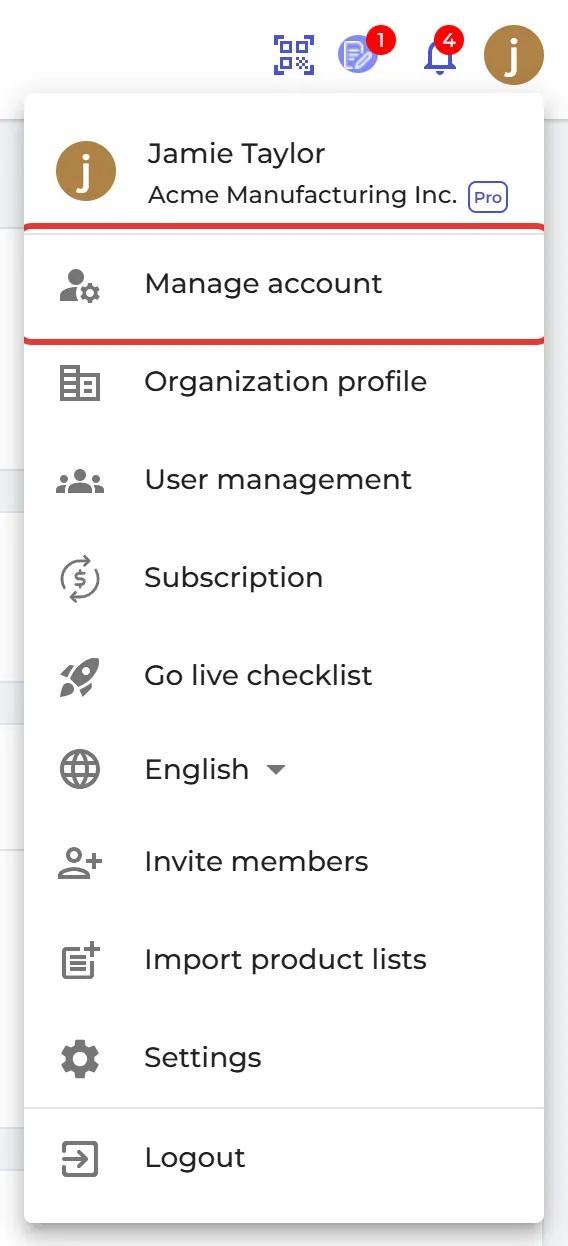
From the right side of your header bar, click on the circle of your profile picture, then choose ‘Manage account’.
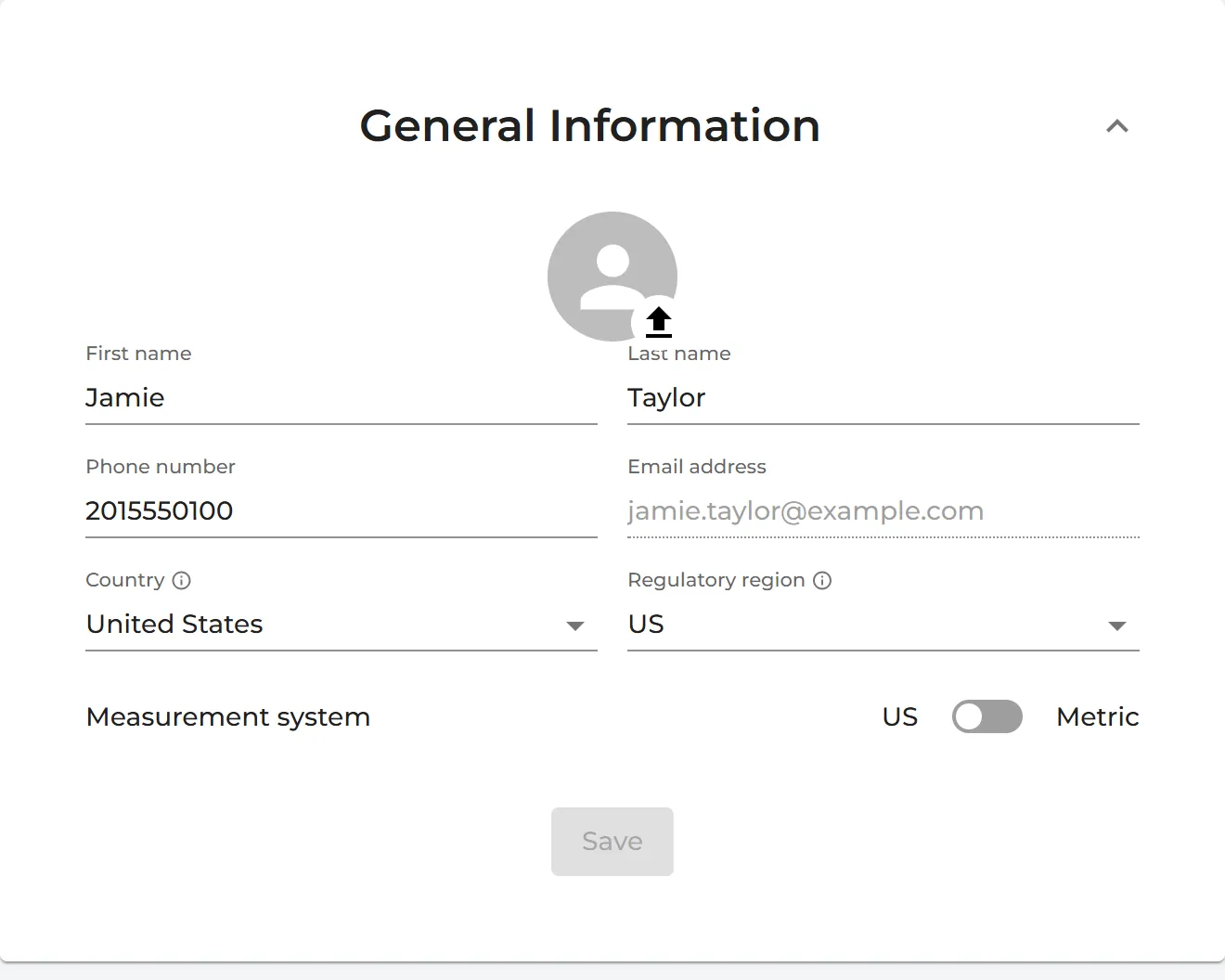
In "General Information" menu, change your profile picture and name, then click "Save".
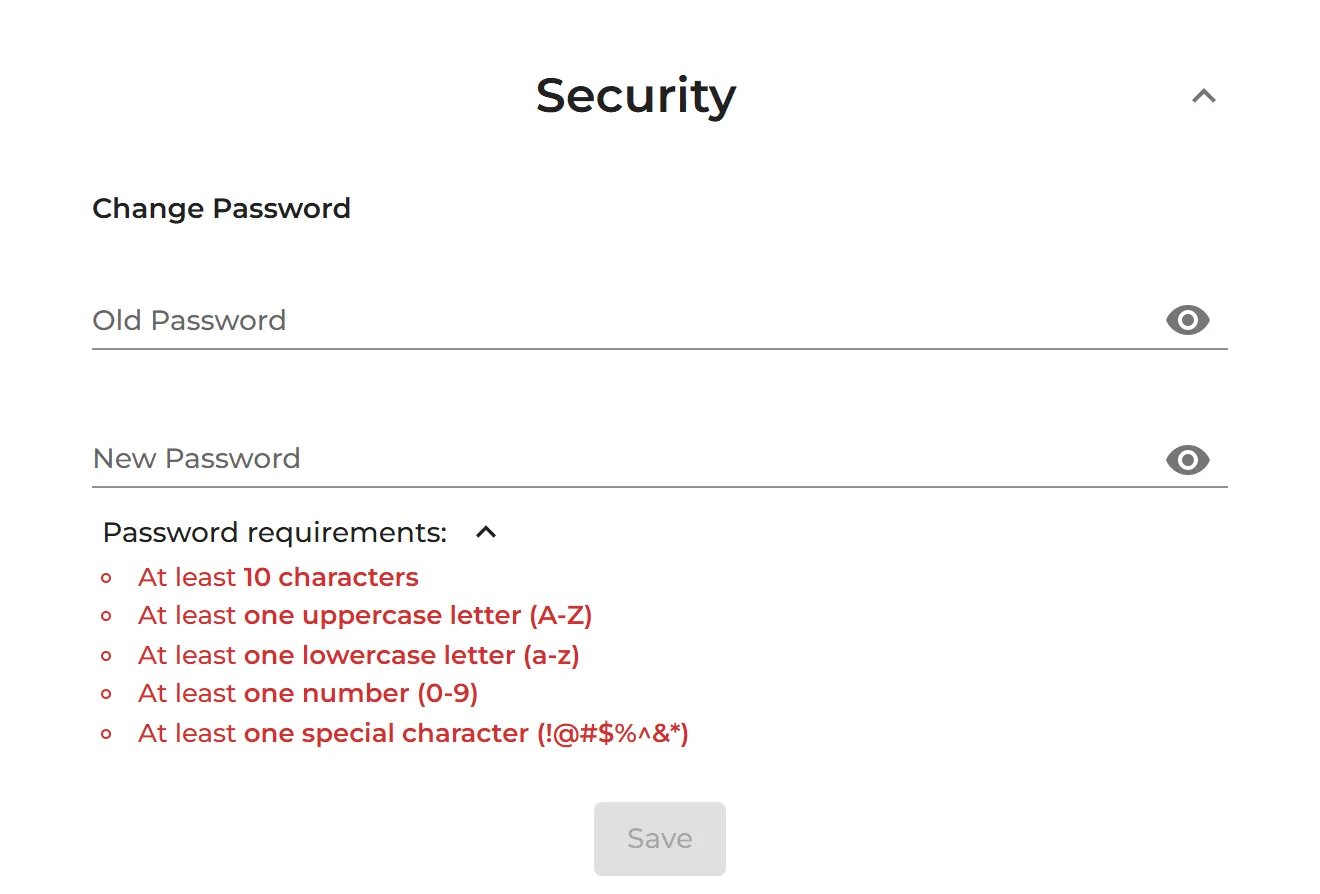
In "Security" menu, change your password then click "Save".