The owner of the account can change the organization profile:
- Click More → Organization profile. You can also click your profile picture at the top right and choose Organization profile.
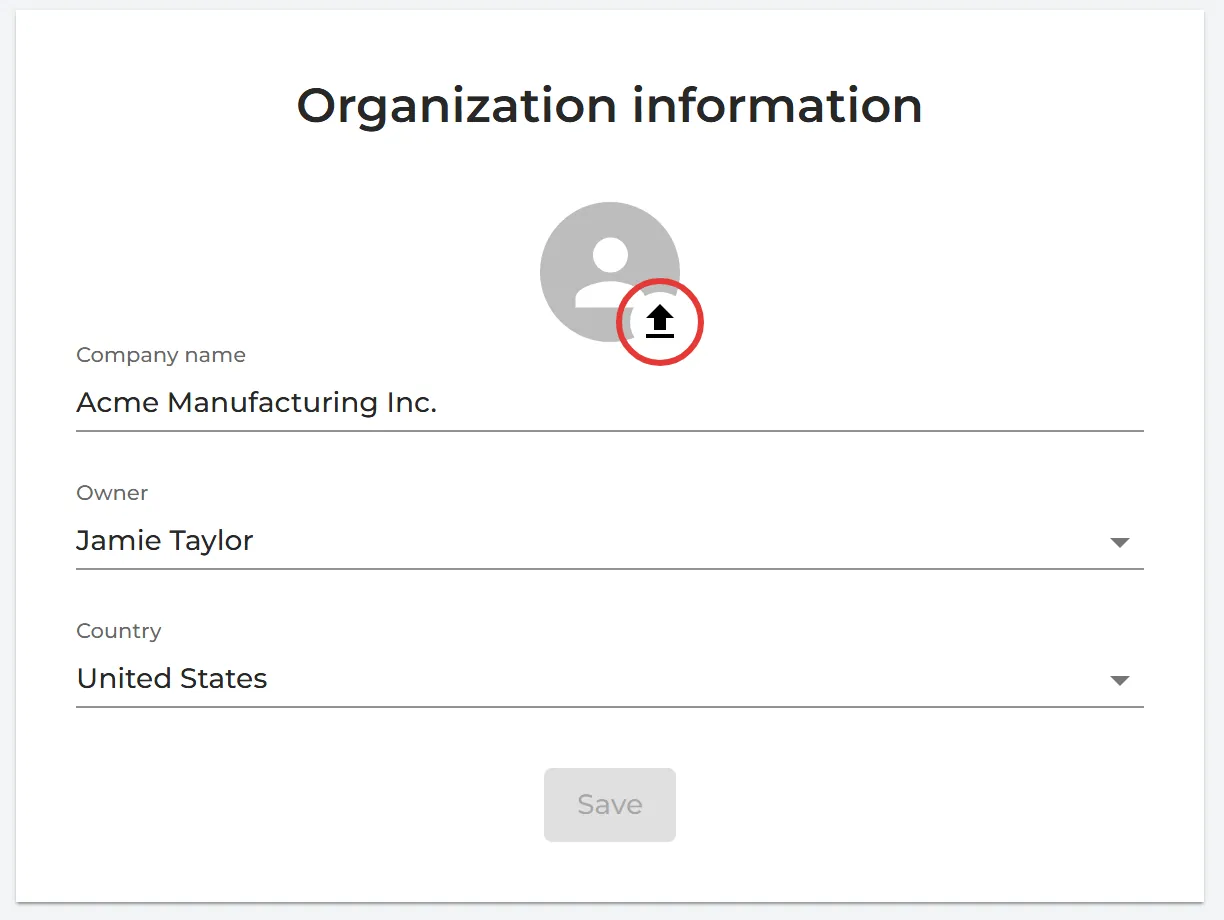
- Under Organization information, change what you need:
- Click the round picture to upload your company logo. It is printed on the cover page of your SDS binders.
- Company name and Country.
- Owner: hand the account over to another user. Read more: How can I transfer ownership of our organization?
- Click Save.
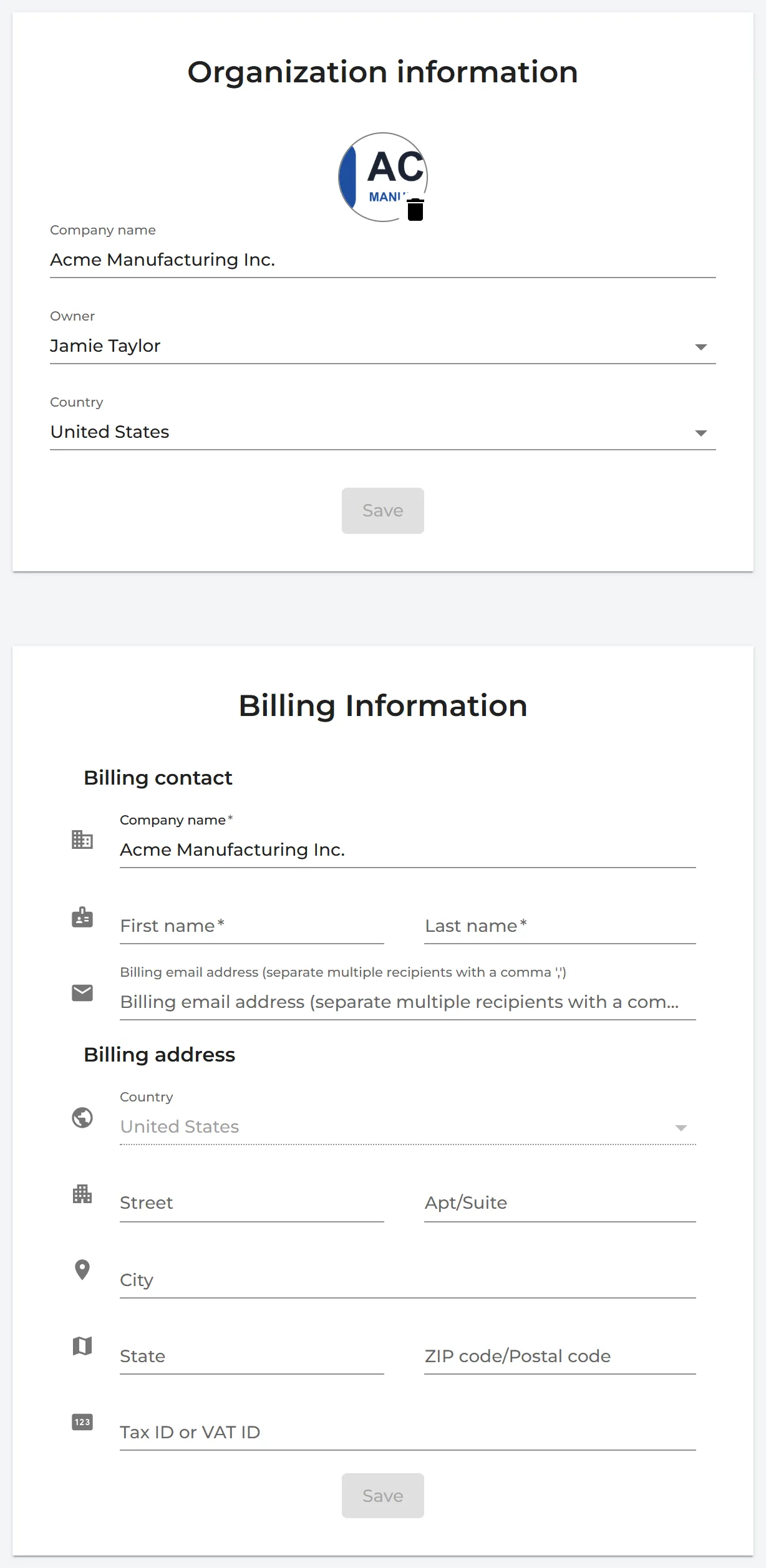
Under Billing Information on the same page you can change your billing details, such as the address and the VAT number. Save them with the Save button of that section.
Only the owner sees Organization profile; admins cannot open it. Read more about your logo on QR code posters: Company logo on QR poster and SDS library